
Best free Shopify apps: 8 that stay free, and where each one stops
Data as of November 2026. Plans and free limits come from each app's Shopify App Store listing or its help pages, read November 3, 2026.
Summarize with AI
The best free Shopify apps stay free on a live store, not just for a trial. Six of these eight have no paid plan and no usage fee: Shopify Forms, Search & Discovery, Inbox, Flow, Translate & Adapt and Microsoft Clarity. Shopify Messaging charges past 10,000 emails a month, and Judge.me charges $15 a month for reminders.
Most lists of free Shopify apps mix free plans with free trials, and you find out which is which on your Shopify bill. Prices are as of November 2026.
At a glance
What are the best free Shopify apps?
Each of these top free Shopify apps does one job, so start from your problem.
- Your subscriber list is growing and you have no budget for email. Shopify Messaging, free to 10,000 emails a month.
- Visitors leave and you never hear from them again. Shopify Forms, free.
- Every product page shows zero reviews. Judge.me, on its Forever Free plan.
- Shoppers scroll a whole collection to find their size. Shopify Search & Discovery, free to 25 filters.
- A question comes in before a sale and nobody answers it. Shopify Inbox, free.
- The same tagging and stock checks come back every week. Shopify Flow, free.
- Shoppers abroad land on a store in the wrong language. Shopify Translate & Adapt, free.
- Your reports show where shoppers leave, never what they did first. Microsoft Clarity, free.
Then check where each free plan stops.
| App | Best for | Free plan covers | Where it stops | Past that | Rating (reviews) |
|---|---|---|---|---|---|
| Shopify Messaging | A store emailing a list of a few thousand a few times a month | 10,000 emails each calendar month | Email 10,001 that month, and any text message | $1 per 1,000 emails; texts $0.012 each to US numbers, plus $2.15 a month per toll-free number | 4.8 (4,782) |
| Shopify Forms | One sign-up pop-up and a wholesale form | Pop-up and inline sign-up forms, with a discount and customer tags | 25 forms; no multi-step forms or conditional logic | No paid plan | 4.5 (764) |
| Judge.me | A store with few or no reviews yet | Unlimited reviews and review requests, photos and video, stars Google can show in search | Automatic reminders, Q&A, Google Shopping, coupons | Awesome, $15 a month | 5.0 (49,512) |
| Shopify Search & Discovery | A catalog that fits in 25 filters | Filters, product boosts, recommendations, search reports | 25 filters per store; no filters on collections over 5,000 products | No paid plan | 2.6 (514) |
| Shopify Inbox | Answering pre-sale questions on your own store | Chat on your store, with the optional Inbox agent included | Shopify's help pages cover chat on your store only; the agent needs new customer accounts | No paid plan | 4.6 (5,811) |
| Shopify Flow | Repeat admin chores | Workflows from hundreds of templates, unlimited actions | Sending data to a web address you enter needs Grow or up; partner-app tasks need Plus | No paid plan | 4.7 (15,241) |
| Shopify Translate & Adapt | Selling in one or two more languages | Manual translations without limit, plus automatic ones | 2 automatic languages, or 8 where the app shows Translate now | No paid plan | 4.4 (1,393) |
| Microsoft Clarity | Seeing where shoppers stall | Recordings, heatmaps and funnels, with no traffic limit | 100,000 recorded sessions a day; most recordings kept 30 days | No paid plan | 4.6 (2,468) |
Free, or free to install
What does "Free" mean on the Shopify App Store?
The listing said free, and a charge still turned up on your Shopify bill. No Shopify page we found defines these labels, so here is what each one sat beside.
- Free. No paid plan at all, on six of these eight apps and on Shopify Bundles and Shopify Subscriptions.
- Free plan available. Paid plans with a free one under them, as on Judge.me.
- Free to install. A capped free plan with paid plans above it, as on Klaviyo.
- Free to install. Additional charges may apply. Charges by use, as on Shopify Messaging and Marketplace Connect.
A free trial counts down to a paid plan, while a free plan has no end date. Some apps bill outside Shopify, so their charges never reach your Shopify bill. After each install, open Settings, then Billing, and click "View current charges".
The best Shopify apps for a growing store covers what uninstalling does and doesn't stop, and do too many apps slow your Shopify store? covers speed.
1 · Shopify Messaging
Shopify Messaging: how many emails are free?
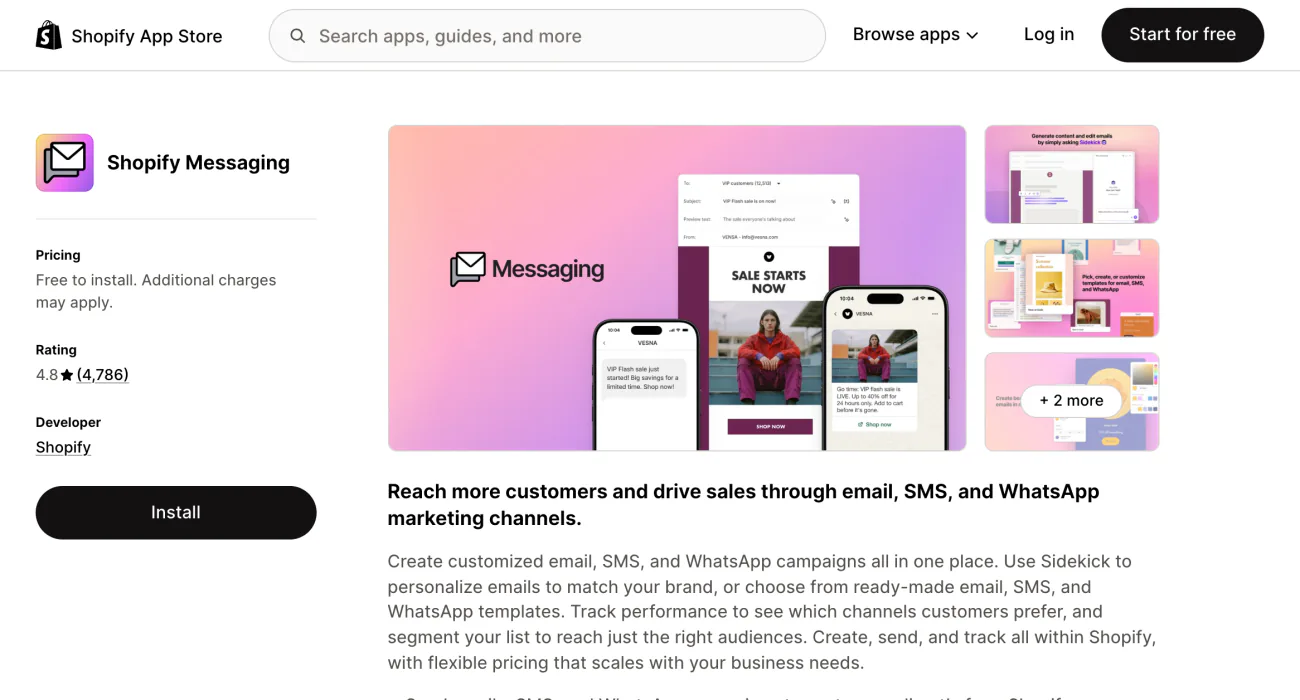
You have a list of subscribers and no budget for an email tool. Shopify Messaging, formerly Shopify Email, sends your first 10,000 emails each calendar month at no charge.
Every campaign that month draws on the same 10,000, and unused emails don't carry over. Extra emails land on your Shopify bill as "Marketing emails", and you can set an alert for a monthly spending threshold.
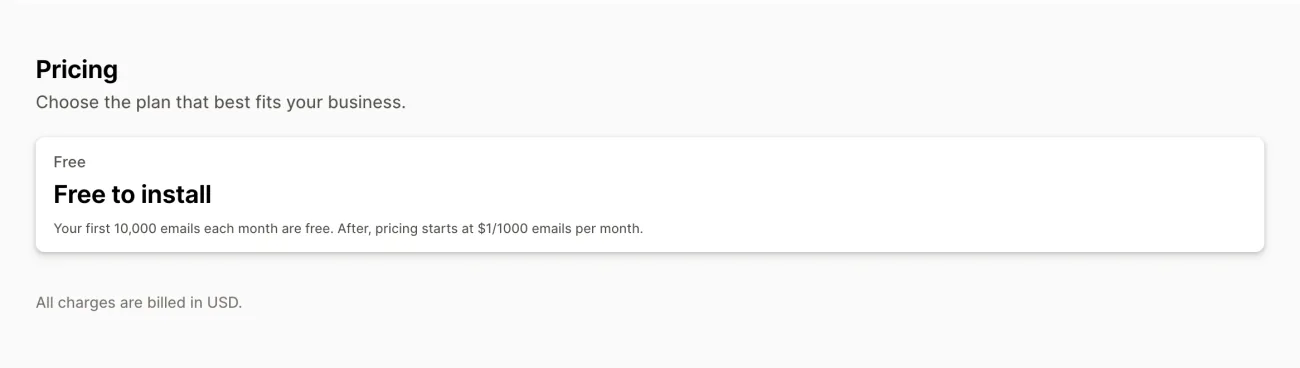
Text messages cost from the first one: $0.012 each to US numbers, plus $2.15 a month per toll-free number. On a Shopify free trial you can build campaigns and send tests to yourself, but not to your subscribers. Messaging also needs "Shopify Network Intelligence" switched on, a privacy setting under Settings, then Customer privacy.
If you want a separate email tool, Klaviyo's free plan covers 250 active profiles and 500 emails a month, and Klaviyo can bill you outside your Shopify invoice.
Best for: a store emailing a list of a few thousand a few times a month.
2 · Shopify Forms
Shopify Forms: what can a free sign-up form do?
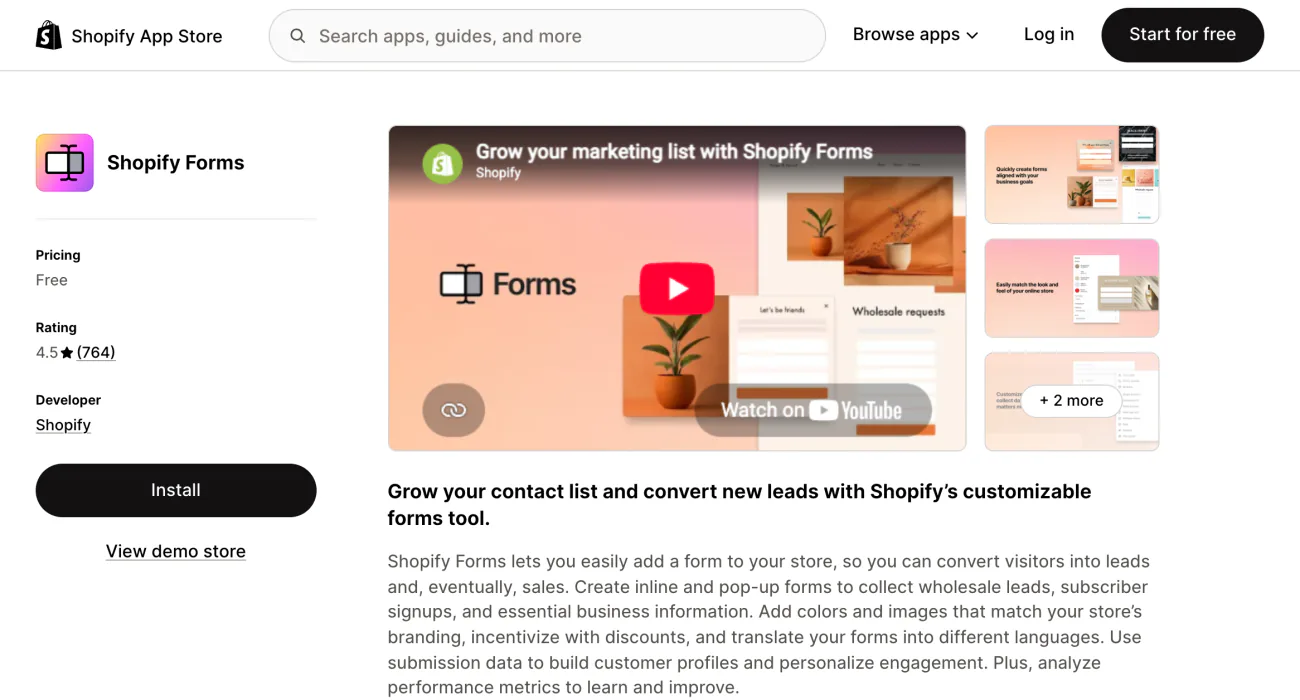
A visitor browses, leaves, and you have no way to reach them again. Shopify Forms adds pop-up and inline sign-up forms that can offer a discount and tag each new customer.
It is free to install and use, translates forms inside the app, and can start a Shopify Messaging automation.
Each store gets up to 25 forms. Multi-step forms and conditional logic aren't supported. Pop-ups show only once you switch Forms on under "App embeds" in the theme editor, and inline forms also need a compatible theme. With Sign in with Shop on, eligible forms show a "Claim with Shop" button by default, and you can remove it form by form. Each form has to ask for an email or a phone number, so to announce a sale without a sign-up, compare Shopify popup apps by job.
Best for: one sign-up pop-up and a wholesale form.
3 · Judge.me
Judge.me: what does the free plan leave out?
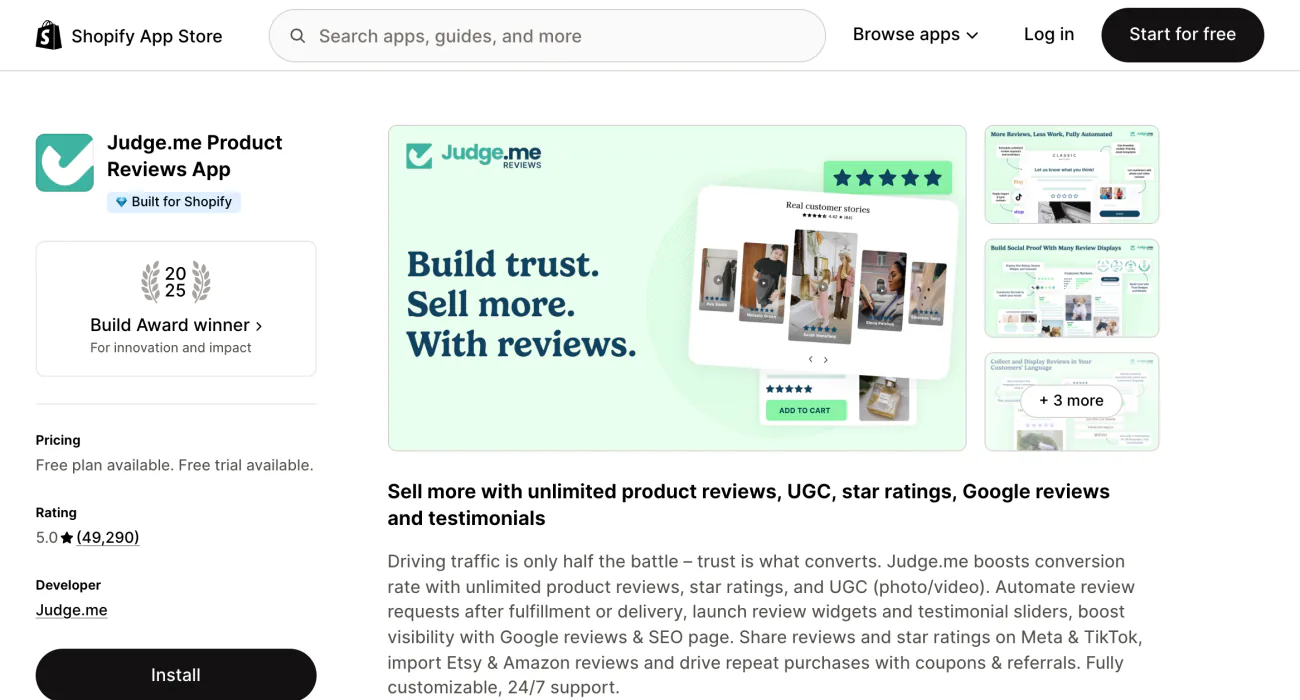
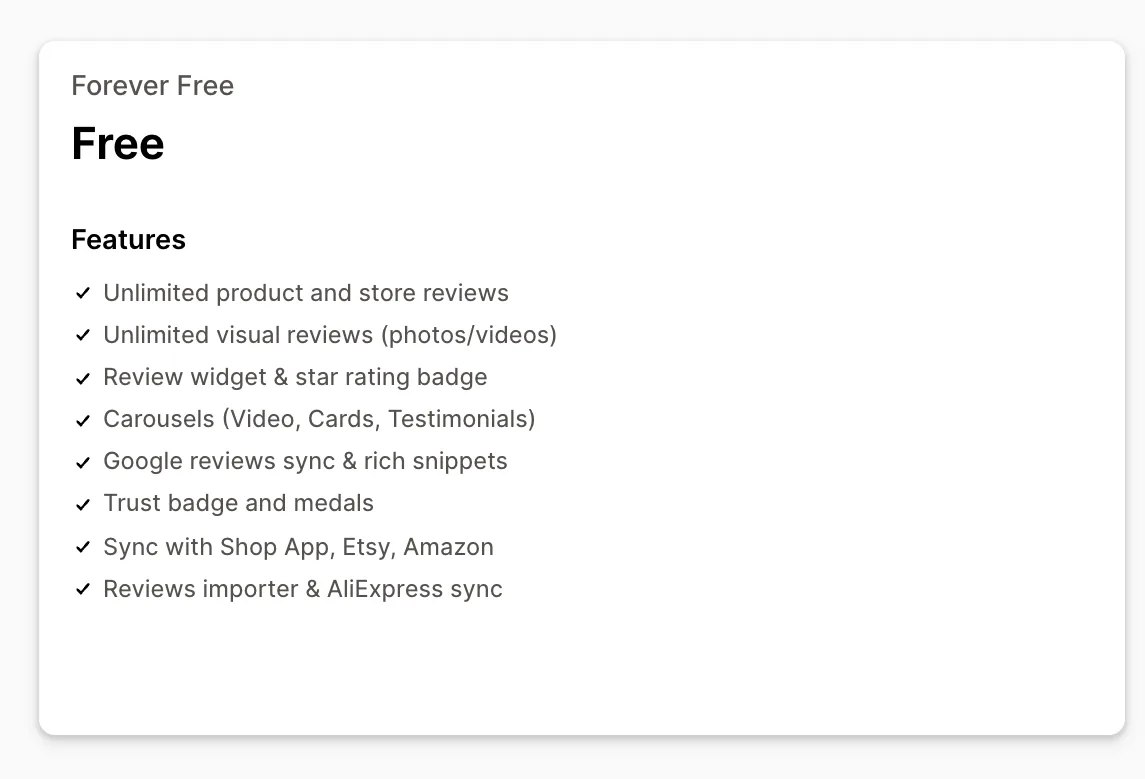
Your products sit at zero reviews, and your first buyers rarely think to leave one. Judge.me's Forever Free plan sends unlimited review requests and takes unlimited reviews with photos and video.
Stars show on product pages and in carousels, and Google can show them in its search results. An importer brings in the reviews you already have.
A buyer who ignores the first request gets no nudge on the free plan. Automatic reminders, questions and answers, Google Shopping and coupons sit on Awesome, which costs $15 a month once its 15-day free trial ends. Judge.me's pricing page calls $15 a month the most you can ever pay it.
Compare free review plans in which free review plan to start on.
Best for: a store with few or no reviews yet.
4 · Shopify Search & Discovery
Shopify Search & Discovery: are 25 filters enough?
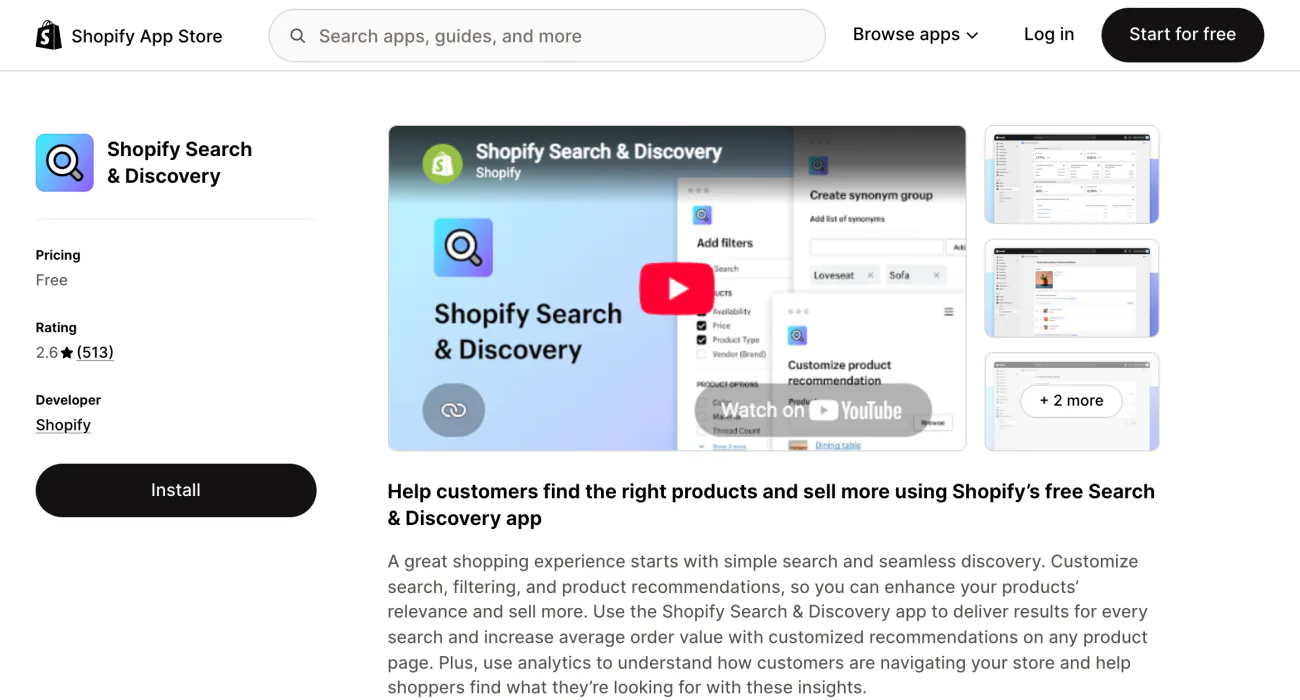
Shoppers can't narrow your catalog to their size or color. Search & Discovery, Shopify's free app, adds filters, raises chosen products in search and picks products to recommend.
Each product can carry up to 10 complementary and 10 related products.
You add a 26th filter and the app stops at 25, for the whole store, not per collection. No filter appears on a collection of more than 5,000 products, and your theme has to support filters. Inside the app, a notice reads "Synonyms have been retired", though the listing still offers synonym groups. Search & Discovery needs the same Network Intelligence setting as Messaging.
Set it up with how to use the Search & Discovery app, and see what comes past 25 filters in seven Shopify search apps.
Best for: a catalog that fits in 25 filters.
5 · Shopify Inbox
Shopify Inbox: does the chat agent cost extra?
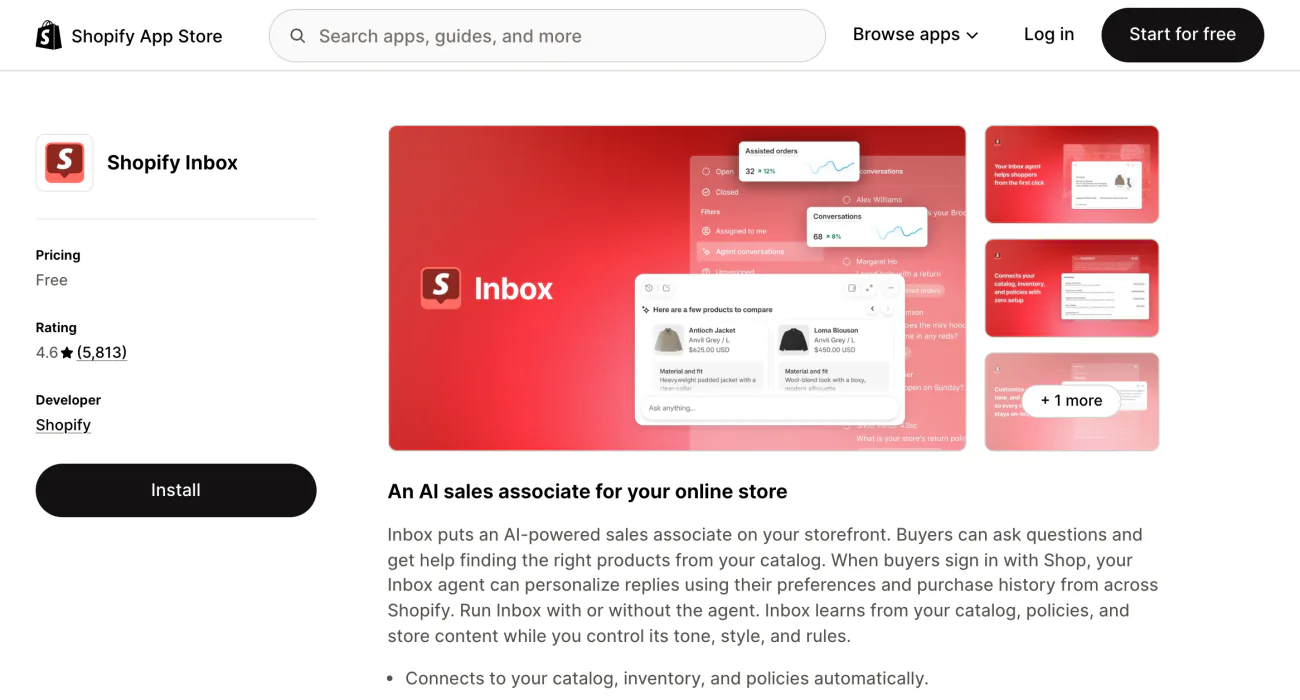
A shopper has one question before buying, and nobody is there to answer. Shopify Inbox adds a chat window to your store at no charge, and its Inbox agent comes in the same free app.
Inbox runs on the Basic, Grow, Advanced and Plus plans. Its listing now reads "An AI sales associate for your online store" and shows no paid plan. You choose whether to run the agent at all.
If your store still uses the older, legacy customer accounts, the agent stays off and your staff answer every chat. Inbox's quick replies fill in a saved answer from a one-word shortcut, and these customer service email templates give you ten to start from. Shopify's help pages describe chat on your own store, not one inbox for email or social messages. For chat apps that gather email, Instagram and store chat in one inbox, see the best Shopify live chat apps.
Setup and paid chat prices are in what conversational commerce is. What the agent can do is in the best Shopify AI tools.
Best for: answering pre-sale questions on your own store.
6 · Shopify Flow
Shopify Flow: which chores can run on their own?
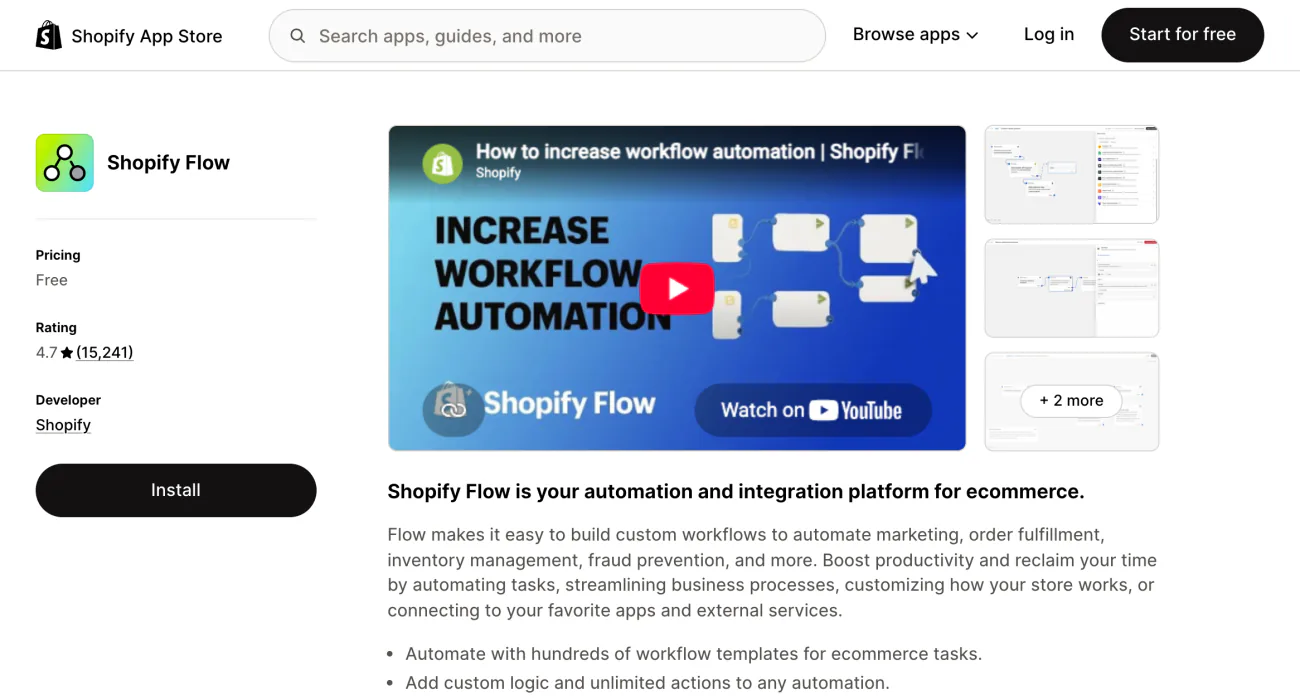
You tag the same customers and check the same stock by hand every week. Shopify Flow runs those chores for you, starting from hundreds of ready-made templates.
One workflow can tag a customer after a big order. Another can alert you when stock runs low. The listing promises unlimited actions, and workflows can reach Slack and Google Sheets.
Flow is free on Basic, Grow, Advanced and Plus, and your Shopify plan sets its usage limits. The action that sends your store's data to any web address you enter needs Grow or up, and tasks from custom partner apps need Plus.
Best for: repeat admin chores.
7 · Shopify Translate & Adapt
Shopify Translate & Adapt: how many languages are free?
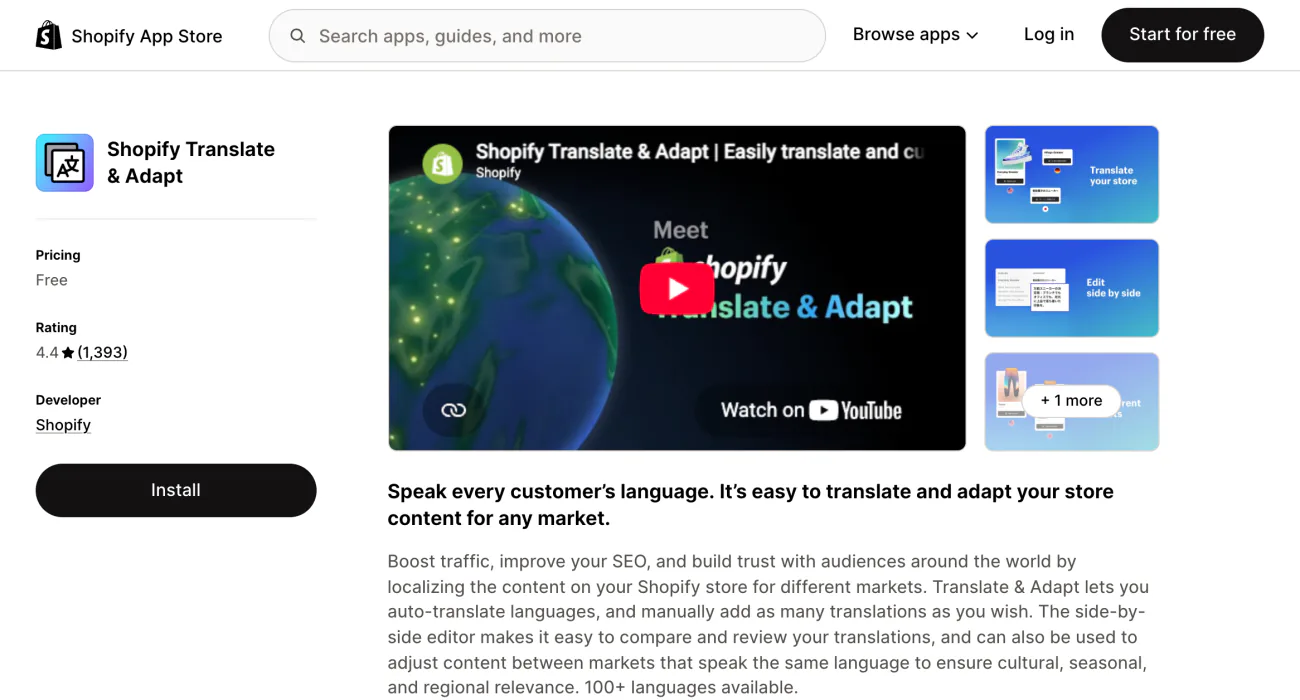
Shoppers abroad land on a store they can't read. Shopify Translate & Adapt translates it by hand or automatically, and its listing counts 100+ languages.
Manual translations have no cap. If the app shows "Translate now", as it does for stores in the US, UK, Canada and 11 more countries, you get 8 automatic languages and a weekly Auto-sync. Other stores get 2, with no Auto-sync.
Removing a language doesn't give the slot back, and an automatic language can't be swapped for another. Translate & Adapt can't translate collection filters, tags or product images, and forms built in Shopify Forms are translated inside Forms instead.
Best for: selling in one or two more languages.
8 · Microsoft Clarity
Microsoft Clarity: will free recordings ever cost you?
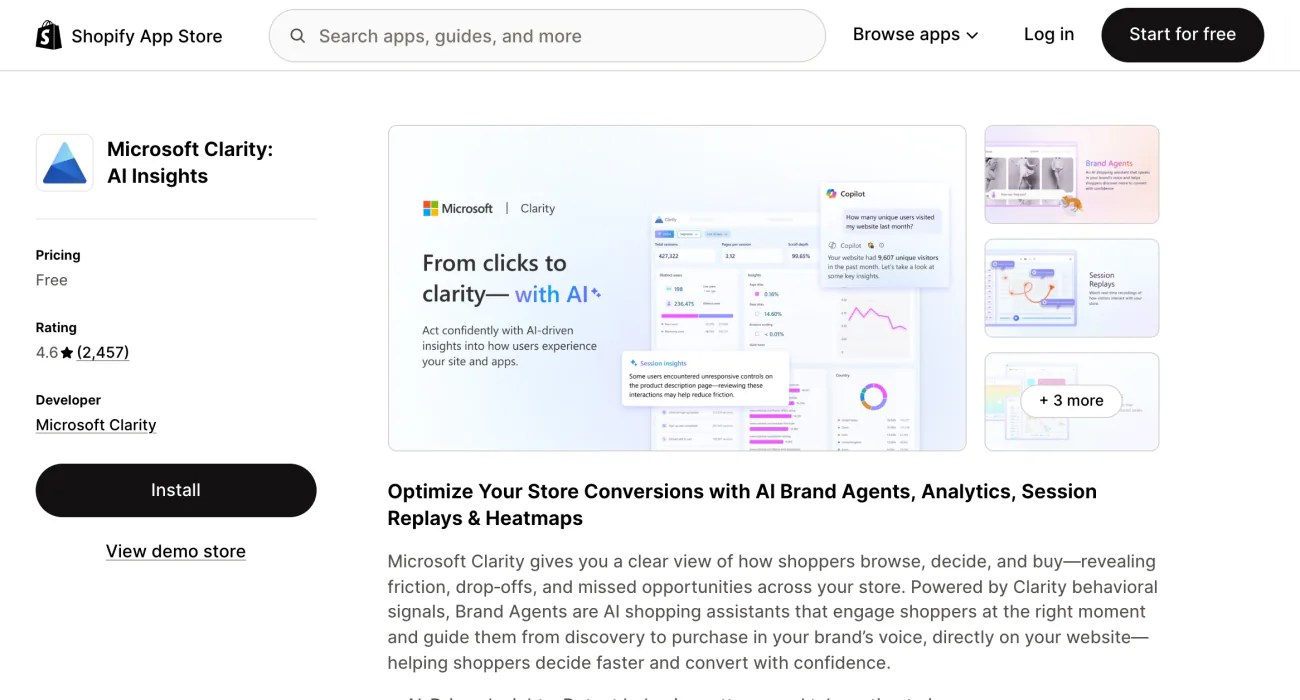
You know which page shoppers leave from, and not what they did before they left. Clarity replays visits and maps where shoppers click and scroll, and Microsoft calls it a free service forever.
There is nothing to upgrade to. Microsoft's FAQ says you'll never be pushed onto a paid version, and Clarity doesn't sample your traffic. Its ceilings are the daily session cap and the 30-day life of most recordings, both in the table above.
If you sell into the EEA, the UK or Switzerland, those shoppers must accept cookies, or their recordings break into fragments.
More recording tools are in six heatmap and recording apps, and reports to read beside your recordings are in the best Shopify analytics apps.
Best for: seeing where shoppers stall.
The bill
When does each free app start to cost?
Only two of these eight can charge you: Shopify Messaging bills by use, and Judge.me's paid plan is a flat $15 a month. The other six have no paid plan of their own, so their line is a cap, not a bill.
Say you send 3,000 subscribers the four emails of a product launch sequence in one month. That is 12,000 emails, so 2,000 go on your Shopify bill at $1 per 1,000: $2. Automated emails, such as the thank-you after an order, count toward the 10,000 as well, and abandoned checkout emails never do.
More free apps
What other free Shopify apps are worth knowing?
Five more apps cost nothing to install, and three of them can still lead to a charge.
- Shopify Bundles. Fixed bundles and multipacks, with no mix-and-match box. Compare it in the best Shopify bundle apps.
- Shopify Subscriptions. Free on its listing, and set against paid subscription apps in the best Shopify subscription apps.
- Google & YouTube. The app is free, and your ads are charged through your Google Ads account at the daily budget you set.
- Marketplace Connect. Lists your products on online marketplaces. The first 50 marketplace orders each month are free, then a 1% fee on each, capped at $99 a month. It can't make new Etsy connections at the moment. If you sell on Etsy, compare what Etsy and Shopify each take from a sale.
- Collabs. Pays the creators who promote your products, and a 2.9% processing fee may apply to commissions paid automatically.
Where to start
Which free app should you install first?
The must-have free Shopify apps are the ones that fix a job you have today. If visitors leave without a trace, add Shopify Forms and Shopify Messaging together. Put Judge.me in before you pay for ads, so reviews have time to come in before paid visitors land. Search & Discovery earns its place once your catalog outgrows a menu.
Install one app at a time and check your current charges after each. Selling clothes? Read the best Shopify apps for a clothing store. For apps aimed at more sales, see where you are losing the sale.
FAQ
Questions, answered
-

14-day free trial
Explore Sledge on your store before you decide to commit.
-

No credit card required
Start improving your store with no upfront commitment.
-

Setup in minutes
Get Sledge running without a lengthy setup process.
-

Built to grow sales
Turn shopper behavior into actions that help you sell more.
What are the best free Shopify apps?
It depends on the job, and Shopify's own apps cover most of them. Email runs on Shopify Messaging, sign-up forms on Shopify Forms, filters on Search & Discovery, chat on Inbox, routine tasks on Flow and languages on Translate & Adapt. Add Judge.me for reviews and Microsoft Clarity to watch recordings. All eight keep a free plan on a live store, with no end date.
Are free Shopify apps really free?
Some are. On the listings checked here, every app marked only "Free" had no paid plan. "Free plan available" sat beside paid plans, so read what the free one caps. "Free to install" sat beside paid plans or usage charges, and some apps bill outside Shopify. After any install, open Settings, then Billing, and click "View current charges".
Is Shopify Email still free?
Shopify Email is now Shopify Messaging, and your first 10,000 emails each calendar month are free. Automated emails count toward them, but abandoned checkout emails never do. Past 10,000, you pay $1 per 1,000 emails on your Shopify bill. Text messages cost from the first one: $0.012 each to US numbers, plus $2.15 a month per toll-free number.
Do you need a paid Shopify plan to use free apps?
For some, yes. Shopify Messaging, Inbox and Flow run on the Basic, Grow, Advanced and Plus plans. On a Shopify free trial, Messaging lets you build campaigns and send tests to yourself, but not to subscribers. Search & Discovery and Messaging also need the Shopify Network Intelligence setting on, found under Settings, then Customer privacy.
Is Sledge free?
Not on a live store. Sledge, a Shopify search and filter app, starts each new install with a 14-day free trial, then costs $29.99, $89.99, $199 or $399 a month. It is free on development stores, the test stores made from a Shopify Partner account, which is why its App Store listing says Free plan available.
Outgrown a free app? See what the fixes Sledge finds add up to.
Sledge has no free plan on a live store, and each new install gets a 14-day free trial. Growth Intelligence turns on when you pick a paid plan: it reads your orders and searches, lists fixes, and totals the sales they could add each month in one dollar figure labeled “Est. potential”.

