
6 best Shopify merchandising apps for collections (2026)
It is 11pm and you are dragging products to the top of a collection, one card at a time. Tomorrow your bestseller sells out and still greets every shopper from the top row, because a manual order stays exactly where you left it. So you open the same screen and start again.
Six options, as of August 2026, and for a small collection with steady stock, Shopify's free sort is enough. ST: Product & Collection Sort runs rules on a real free tier, KX AI Collections A/B tests the order, and Bestsellers reSort ties the bill to catalog size. All three order collection pages only, so a boosted product stays buried when a shopper searches its name. Sledge and Boost are the two whose rules reach search results too.
Last updated: August 2026 · Written by the Sledge team · Every figure comes from the app's own App Store listing, checked August 2026.
// How we picked
How we chose these six
Every option here reorders a whole collection without theme edits. We ranked by how far the order reaches, then by how the bill behaves as your catalog grows, then by review track record. No conversion percentages appear below, because a lift depends on your catalog, your photos, and your traffic, and nobody can hand you that number honestly. Order reflects what you likely want to try first, not who pays us, because nobody does.
// Comparison table
Shopify merchandising apps at a glance
| App | Best for | Standout | Starting price | Rating (reviews) |
|---|---|---|---|---|
| Shopify's own tools | Small collections you order by hand | Six sort orders, free, already there | Free | Built into the admin |
| Sledge | The same order in collections and search | Eight strategies, and they reach search results too | $29.99 flat | 4.5 (14) |
| ST: Product & Collection Sort | Rule sorting with a real free tier | 250 sorts a month at no cost, GA4 metrics above it | Free, then $19 | 5.0 (236) |
| KX AI Collections | Algorithmic re-ranking you can test | 100+ data parameters, plus A/B testing | $19 for 5 collections | 5.0 (230) |
| Bestsellers reSort | The cheapest predictable bill | Tiers keyed to catalog size, not to sales | Free, then $9.99 | 5.0 (70) |
| Boost AI Search & Filter | Merchandising that covers the search bar | Pin and boost across collections and search | From $29, scales with GMV | 4.7 (1,630) |
// Option 1 · Shopify's own tools
Shopify's own tools: free, and fine until the catalog grows
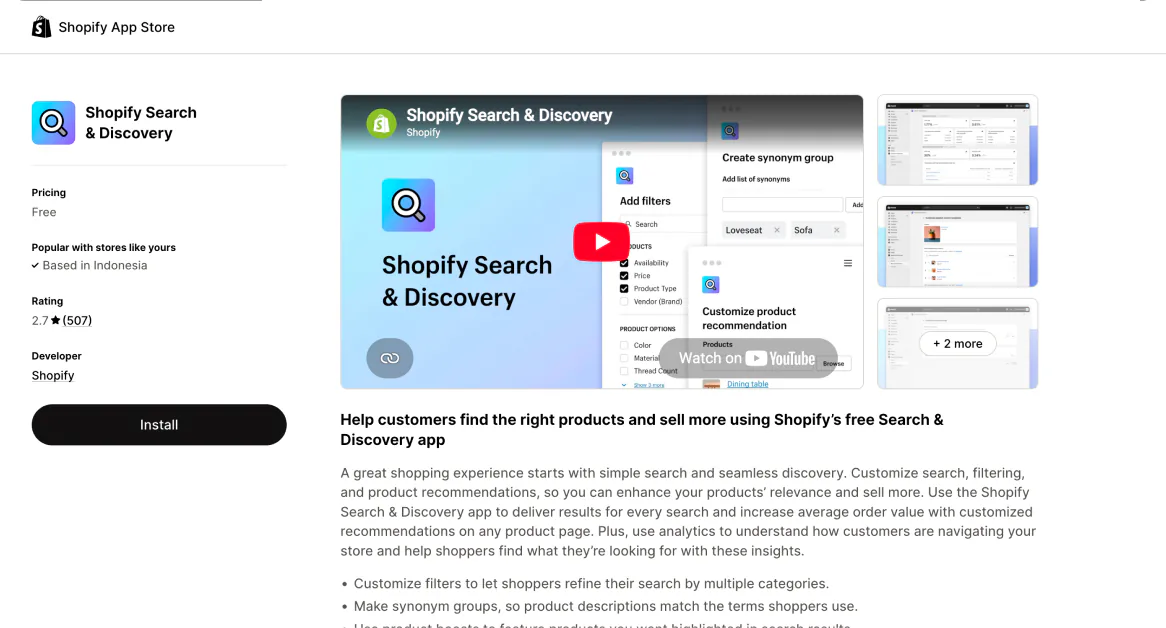
Every collection takes one of six sort orders: most relevant, best selling, title, price, date, or manual. Choose manual and you drag products into place, or select several and use Move to send them to the beginning, the end, or a position number you type. The free Search and Discovery app adds filters, synonym groups, and product boosts for specific search terms.
The standout is that it costs nothing and nothing extra loads on your storefront. For a collection of thirty products with steady stock, this is the whole answer.
The honest limit: each collection takes one sort order, so you cannot hand-place three campaign heroes and have best selling keep ordering everything under them. None of the six knows whether a product is in stock, so best selling will happily lead your collection with something sold out. Shopify's search does put sold-out products last by default. A collection gets no rule at all: no "bury at zero inventory," no "boost what sold this week," nothing that re-runs itself when stock moves.
Best for: you order a few small collections by hand and your stock rarely moves.
// Option 2 · Sledge
Sledge: the same order in the collection and in search
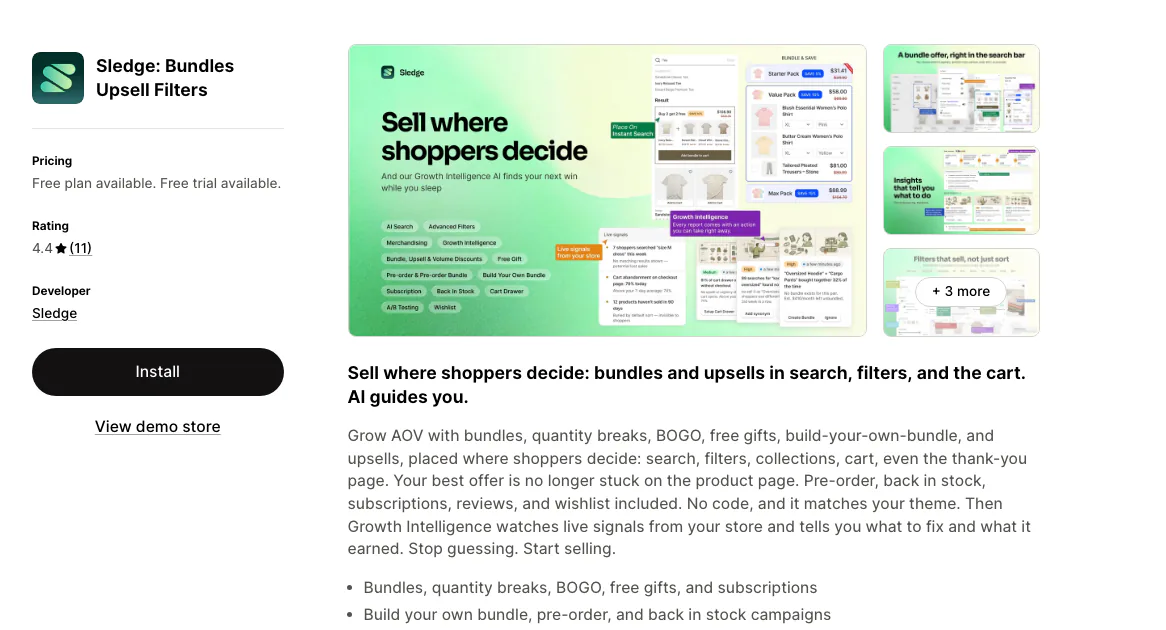
Sledge is a Shopify merchandising app that pins, boosts, and buries products across collection pages and search results, one rule per job. Demote reads synced stock levels and sinks sold-out products to the bottom, then lifts them back when they restock. Boost raises whatever is actually selling, measured over the last 7, 14, or 30 days. Pin holds the campaign hero at position one for the run of the promotion, and you can point boost and demote at products you pick, at an attribute your catalog already carries, or at your own metrics.
That is three of eight, and the rest are on the Sledge merchandising page. Each rule orders the whole collection, and you preview the grid before it goes live.
The standout is reach and price. All eight apply to search results as well as collection pages, so the product you push to the first row also leads the search for its name. Merchandising is one of seven things you can A/B test, and the plan is $29.99 flat whether the collection earns $500 a month or $50,000. On Pro and up, Growth Intelligence reads your own orders and puts a dollar estimate on the next change worth making.
The honest limit: Sledge is newer, at 4.5 stars from 14 reviews as of September 2026, against review bases in the hundreds here. Rules act on the collection pages and search results Sledge renders, and banner or discount placement lands on page one of a collection. Campaigns also default to Enable when you create them, so set the status to Draft while you are experimenting.
Best for: the order matters in both places a shopper browses, and you would rather not run a sorting app and a search app on two bills.
// Option 3 · ST: Product & Collection Sort
ST: Product & Collection Sort, rules on a real free tier
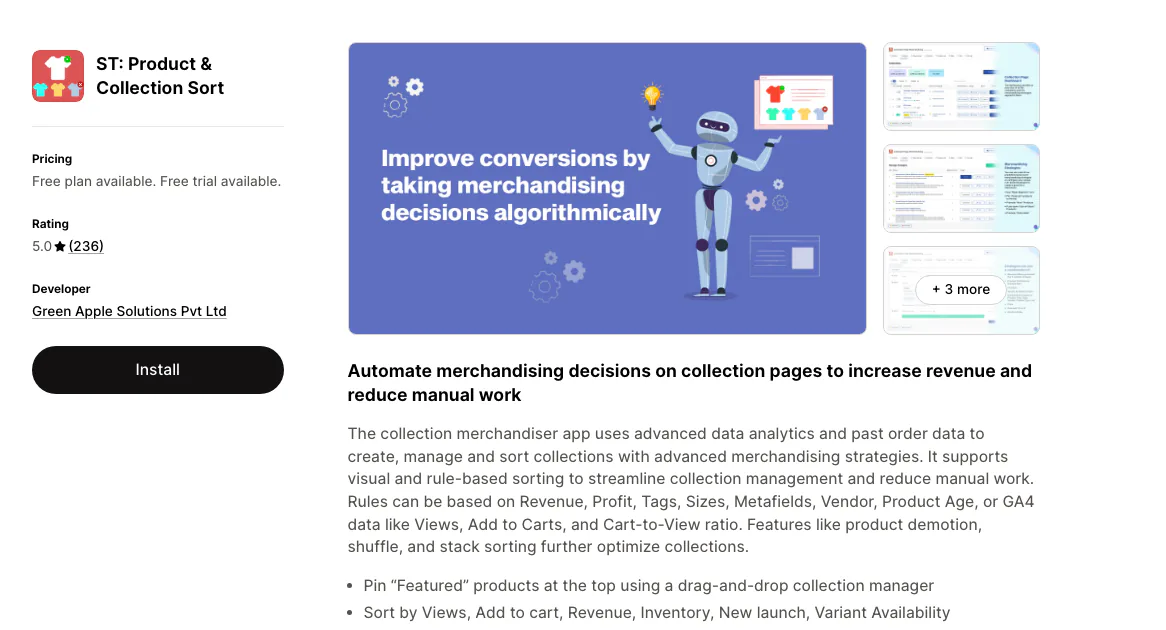
5.0 stars from 236 reviews as of August 2026. Drag-and-drop pinning, automated sorting by revenue, inventory, and new launches, multi-segment sorting that groups by tag, vendor, or metafield, product demotion and shuffling, and a rule that pushes sold-out items to the bottom or out of the collection entirely.
The standout is that the free plan is not a demo. 250 sorts a month at no cost, and above it the $19 plan adds GA4 as a sort input, so product views and add-to-carts can drive the order rather than sales alone.
The honest limit: the plans are counted in sorts, so a large catalog re-sorting climbs from $19 to $49 to $179. Metafield sorting waits for the top tier. And it orders collection pages only, so your search results keep whatever order they had.
Best for: you want rules today without a subscription, and collection pages are the only place you need them.
// Option 4 · KX AI Collections
KX AI Collections: the order chosen by data, then tested
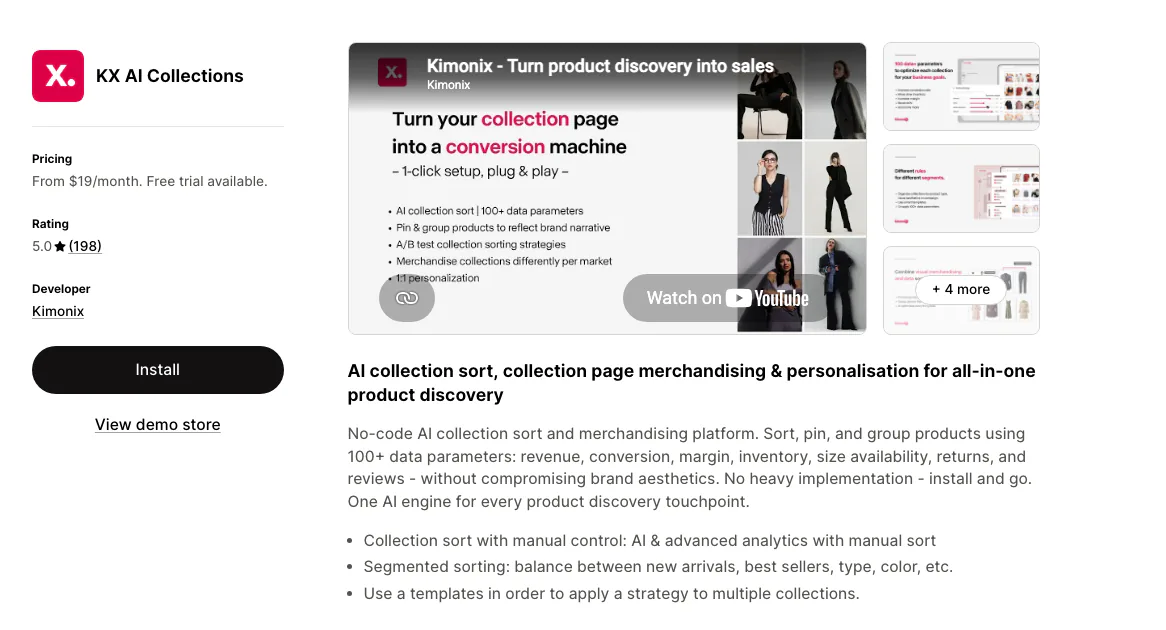
5.0 stars from 230 reviews as of August 2026, built by Kimonix. Automated and manual sorting across more than a hundred data parameters, including revenue, conversion, margin, inventory, size availability, returns, and reviews. Pin, push down, hide, and group products, with segmented strategies and integrations into Klaviyo, Loox, Yotpo, and Tapcart.
The standout is the A/B testing. Sorting a collection two ways and keeping the version that earns more is the piece most sorting apps skip, and it is the only honest way to know a re-order worked.
The honest limit: the plans are counted in collections, and the entry one is small. Starter is $19 for five managed collections and up to 1,000 monthly orders; fifty collections is $79 and two hundred is $299. Read that against how many collections you actually run. It also merchandises collection pages only, not search.
Best for: a handful of collections carry most of your revenue and you want the order proved rather than assumed.
// Option 5 · Bestsellers reSort
Bestsellers reSort: the cheapest predictable bill
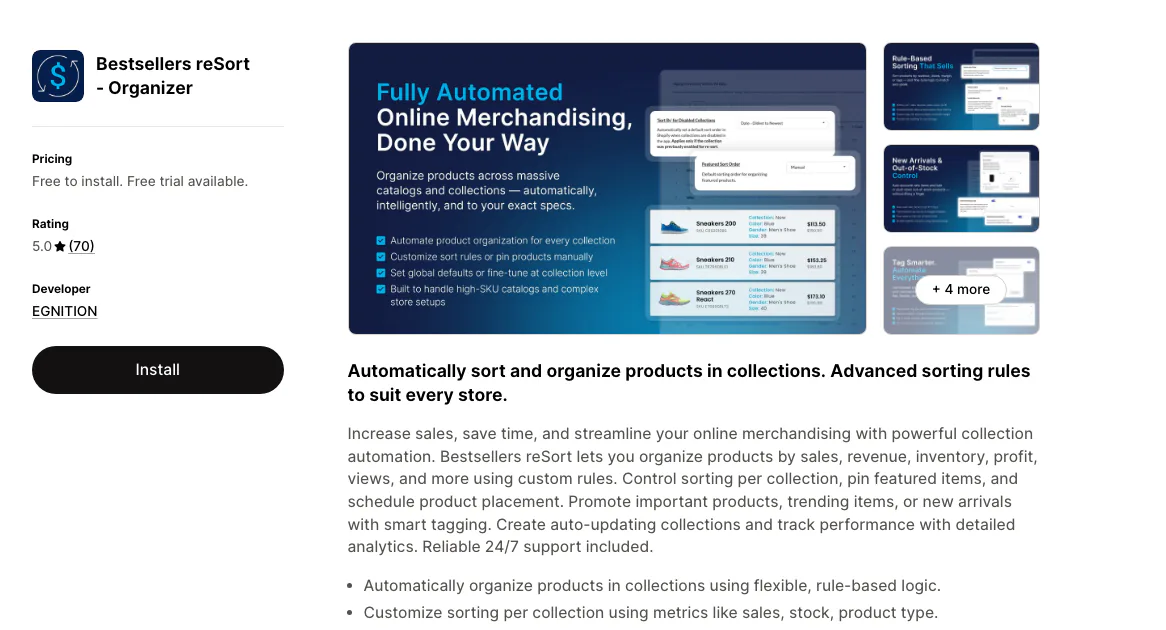
5.0 stars from 70 reviews as of August 2026, built by EGNITION. Sorting by sales, revenue, inventory, profit, and product views, custom rules per collection, scheduled pinning that holds a featured product at the top for the run of a campaign, automated tagging, and CSV and metafield inputs.
The standout is the pricing shape. Tiers are keyed to how many products you hold, not to what the sorting earns: free to 49 products, then $9.99, $19.99, and $39.99. Your catalog size is something you already know, which makes the bill forecastable in a way sort-count and revenue tiers are not.
The honest limit: every plan caps at 99 collections until the $39.99 tier, and the feature set is narrower than the two options above it. Collection pages only.
Best for: you want reliable rule sorting under $20 and you would rather not think about the bill again.
// Option 6 · Boost AI Search & Filter
Boost AI Search & Filter: merchandising that covers the search bar
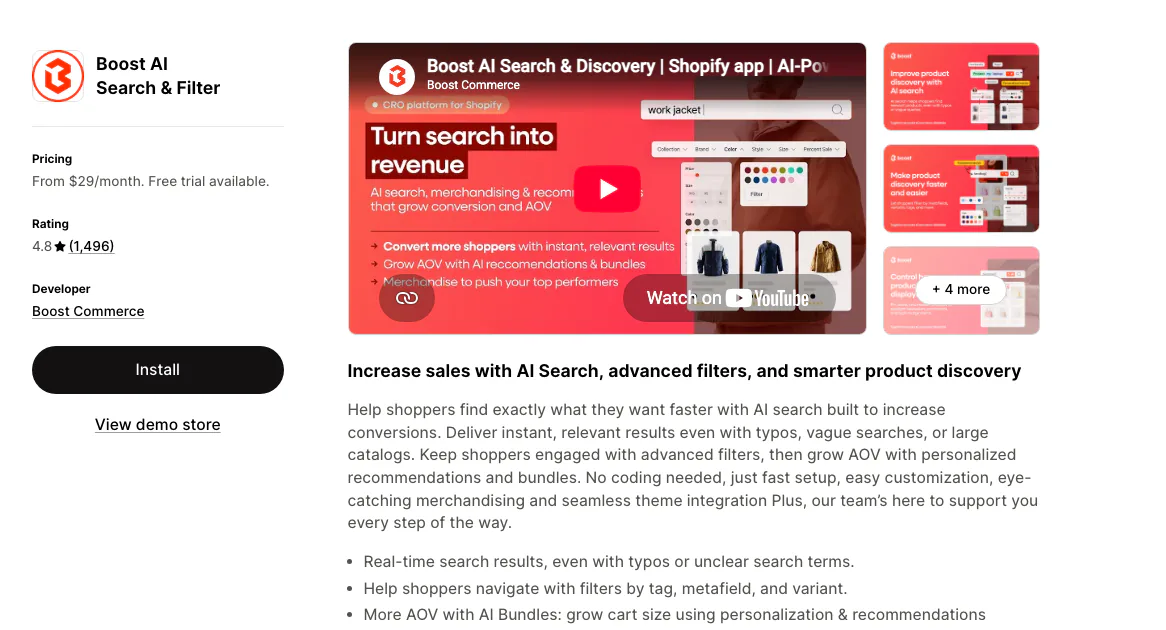
4.7 stars from 1,630 reviews as of September 2026, the largest review base on this page. Pin, boost, and reorder products across collection pages and search results, custom filter trees per collection, in-collection search on the higher plans, and AI search with spelling correction.
The standout is scope. Boost and Sledge are the only two options here whose rules reach search results as well as collection pages.
The honest limit: it is a search and discovery platform first, priced like one. Launch is $29, Convert is $299, Accelerate is $699, and the plans scale with your monthly GMV. If collection order is the only thing you need, this is a lot of app for the job.
Best for: search depth is the real project and merchandising rides along with it.
// Before you shortlist
Sorting apps come in three shapes, and the wrong one is easy to buy
Rule sorters apply a fixed instruction: bury at zero stock, boost what sold this week, pin the campaign hero. ST and Bestsellers reSort live here, and for most catalogs this is the whole job.
Algorithmic re-rankers weigh many signals at once and test the result. KX AI Collections lives here. The extra cost buys the test, not the sorting.
Manual arrangers give you a better drag-and-drop grid and no automation at all. Visual Merchandiser is the example, at 3.1 stars from 10 reviews. A better grid still leaves you doing the dragging.
None of the three shapes settles the question worth asking first.
Does the boost reach your search results? You pin a product to position one, and a shopper who types its name into your search bar gets results in the search engine's order, because the sorting app never touched them. Every dedicated collection sorting app here works this way. Sledge and Boost are the two whose rules apply in both places.
Two smaller checks before you install. Can you preview the new order before it goes live? A collection is your best shelf, and publishing a rule blind is how a good page gets worse quietly. And does the rule span the whole collection or one page of it? A rule that stops at page one leaves every product behind it in the old order.
// Which one fits you
Which merchandising app fits your situation?
- Your collections are small and your stock holds still. Shopify's own tools. Six sort orders, manual included, cost nothing and load nothing extra on your storefront.
- You only want sold-out products to stop greeting shoppers. Nada, at 4.8 from 23 reviews, does that one job: hide or demote by synced stock levels and republish on restock, from $9.99.
- Rules matter more than a subscription, for now. ST: Product & Collection Sort. 250 sorts a month on the free plan, then $19 with GA4 views and add-to-cart as sort inputs.
- You want the order chosen by data and proved by a test. KX AI Collections, as long as five managed collections at $19 covers your catalog. Fifty of them is $79.
- Catalog size, not success, should set the bill. Bestsellers reSort. Free to 49 products, then $9.99, $19.99, and $39.99 by how many products you hold.
- The product you boost should lead the search results too. Sledge at $29.99 flat, or Boost if search depth is the whole point and a bill that follows your GMV is acceptable.
Questions, answered
What is merchandising in ecommerce?
Merchandising is deciding what shoppers see first: which products lead a collection, what ranks in search results, and what gets pushed down. On Shopify it is the order of your collection pages and search results, set by hand, by rule, or by an algorithm reading your sales.
What is the best Shopify merchandising app?
It depends on the job. ST: Product & Collection Sort runs rule sorting with 250 sorts a month free. KX AI Collections re-ranks by 100+ data parameters with A/B testing, from $19 for five collections. Bestsellers reSort keeps the cheapest predictable bill. Sledge and Boost are the two here whose merchandising also reaches search results.
Do I need an app to sort Shopify collections?
Not for a small collection with steady stock. Shopify gives you six sort orders, including manual, where you drag products into place or move a selection to a numbered position. Each collection takes one sort order, though, so hand-placed heroes and an automatic sort cannot share it. You need an app once the order has to react to stock, margin, or a campaign that starts on Friday.
How do I automatically push sold-out products to the bottom on Shopify?
Not natively on a collection, because none of Shopify's collection sort orders reads stock and a manual order stays where you left it. Search already shows sold-out products last by default. On collections, a rule that reads your stock levels does it. Sledge, ST, Kimonix, and Bestsellers reSort all include one, and Sledge lifts the product back when it restocks. Nada does only that job, from $9.99.
Does a merchandising app also change search results?
Collection sorting apps change collection pages, not search results. ST: Product & Collection Sort, KX AI Collections, and Bestsellers reSort all work this way, so a product you boost to the first row is still buried when a shopper types its name. Sledge applies all eight of its strategies to search results as well as collection pages, and Boost AI Search & Filter also covers both.
Sort the collection. Then sort the search.
Shopify's own collection sort is free and never reads stock. ST and Bestsellers reSort run good rules on collection pages. Kimonix adds the A/B test and prices by how many collections you run. Sledge pins, boosts, and buries across collections and search on a $29.99 plan that never moves, previews the order before you publish it, and lets Growth Intelligence name the next move for your grid, with a dollar estimate attached.
14-day free trial · No code · Works with any theme · Uninstalls clean