
Best Shopify live chat apps: 8 picks, from free chat to one inbox
Data as of November 2026. Plans, prices and ratings come from each app's Shopify App Store listing or its own pricing page, read November 4, 2026.
Summarize with AI
The best Shopify live chat extension depends on who answers. Shopify Inbox is free and lets your team reply from a phone, and tawk.to is free for a team of any size. Tidio and Willdesk answer while you're away, Chatty and LiveChat help close the sale, and Re:amaze and Richpanel add calls and texts to one support inbox.
A shopper types "does this ship by Friday?" into your chat, and the answer reaches your phone after she has left. Some of the apps below let an AI agent answer her while you're away, and the paid ones each count something different before they charge.
At a glance
Which Shopify live chat app fits your store?
Start from the problem you have today.
- You answer from your phone, between other jobs. Shopify Inbox, free.
- Three people share the chat, and the budget is $0. tawk.to, free for any number of people.
- Questions keep arriving after you close for the night. Tidio, with its Lyro AI agent.
- Your chats keep asking where an order is. Willdesk, with order tracking inside the chat.
- A shopper hesitates and leaves to think it over. Chatty, whose AI agent can apply a discount.
- You answer without knowing what the shopper is about to buy. LiveChat, with the cart beside the chat.
- The same customer writes by email, Instagram and text. Re:amaze, one inbox for all of them.
- Return and refund requests fill your morning. Richpanel, with AI agents that settle them inside your limits.
Then check the free line, the first paid step and what each bill counts.
| App | Best for | Free plan | First paid step | What the bill counts | Rating (reviews) |
|---|---|---|---|---|---|
| Shopify Inbox | A small team answering from their phones | The whole app | No paid plan | Nothing | 4.5 (5,819) |
| tawk.to | A team of several people on a $0 budget | Unlimited messages, tickets and team seats | $29 a month to remove the branding; AI Assist from $29 | Add-ons only | 3.6 (89) |
| Tidio | Paying only for the chats your team answers, with AI on the rest | 50 conversations; Flows for 100 visitors a month | Customer Service $29 for 100 conversations; Lyro $39 for 200 Lyro conversations | Conversations your team replies to; Lyro's on an allowance of their own | 4.8 (1,357) |
| Willdesk | Stores where most chats are about delivery | 20 conversations, unlimited team members, 1 store | Basic $16.90 for 100 conversations | Conversations, tracked orders and AI conversations, each on its own meter | 4.8 (378) |
| Chatty | Turning pre-sale questions into orders | 50 AI conversations a month, unlimited replies from your team | Basic $19.99 for 100 AI conversations | AI conversations, one per customer issue | 4.9 (1,899) |
| LiveChat | A sales team chatting with shoppers about to buy | None; 14-day free trial | Starter $25 a month | The listing doesn't say; LiveChat's own site charges per person who answers | 4.4 (49) |
| Re:amaze | A team answering the same customers on several channels | None; 14-day free trial | Basic $29 per team member, or Starter $59 for 500 answered conversations | Team members, or answered conversations on Starter, plus AI resolutions past Basic's 5 per person | 4.5 (181) |
| Richpanel | Stores whose tickets are mostly orders and returns | None; 14-day free trial | PRO $89 a month | Extra team members, plus each AI conversation | 4.9 (136) |
What you pay for
What does a live chat app count before it charges?
The plan said $19.99, and the bill came in bigger. Paid plans meter different things: the people on your team, the conversations your team answers, the conversations an AI agent handles, tracked orders, or AI resolutions.
Say Chatty's AI handles 150 customer issues on Basic in one month. 100 are included, and the other 50 cost $0.40 each, so the month comes to $39.99 instead of $19.99.
Count last month's chats before you pick a plan, then price them on each app's meter. To see when a paid chat earns back its cost, run the sum in our guide to conversational commerce.
1 · Shopify Inbox
Shopify Inbox: can you answer chats from your phone for free?
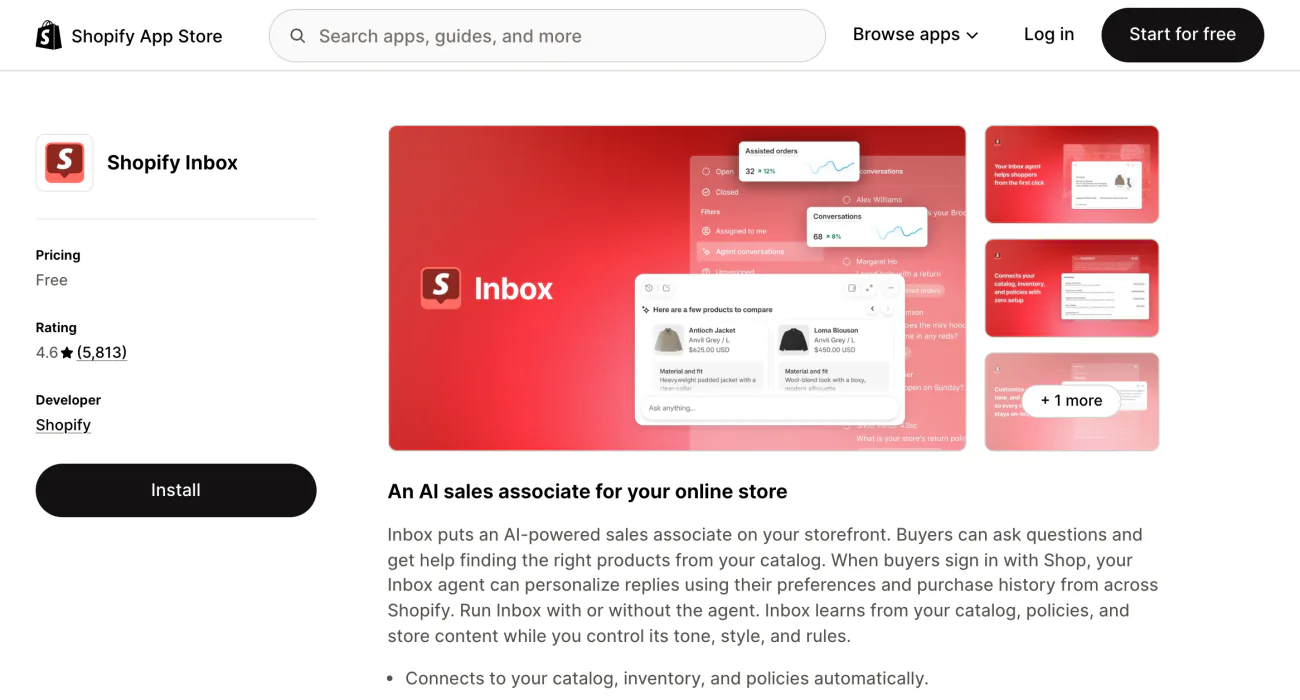
A question lands while you're out, and the shopper is gone before you reach a desk. Shopify Inbox costs nothing, and your team answers from the desktop app or the Inbox app on iPhone and Android.
From a chat you can send a product link, a discount code or a photo. Until you set your hours, Inbox counts you as always available. After that, chats that start outside your hours can get a first reply you wrote ahead of time.
Two more options need the Inbox agent switched on. Sidekick, Shopify's assistant in your admin, can add up to 4 question buttons to a product, collection, home or search page, and each button sends its question to the agent. The "Message bar" style replaces the chat button with a text field at the bottom center of your store.
Question buttons need a theme that supports theme blocks, which vintage themes, Shopify's older ones, don't. Inbox itself needs Shopify's Basic plan or higher. What the agent reads and when it answers is in the best Shopify AI tools.
Best for: a small team answering from their phones.
2 · tawk.to
tawk.to: is free live chat really free for a whole team?
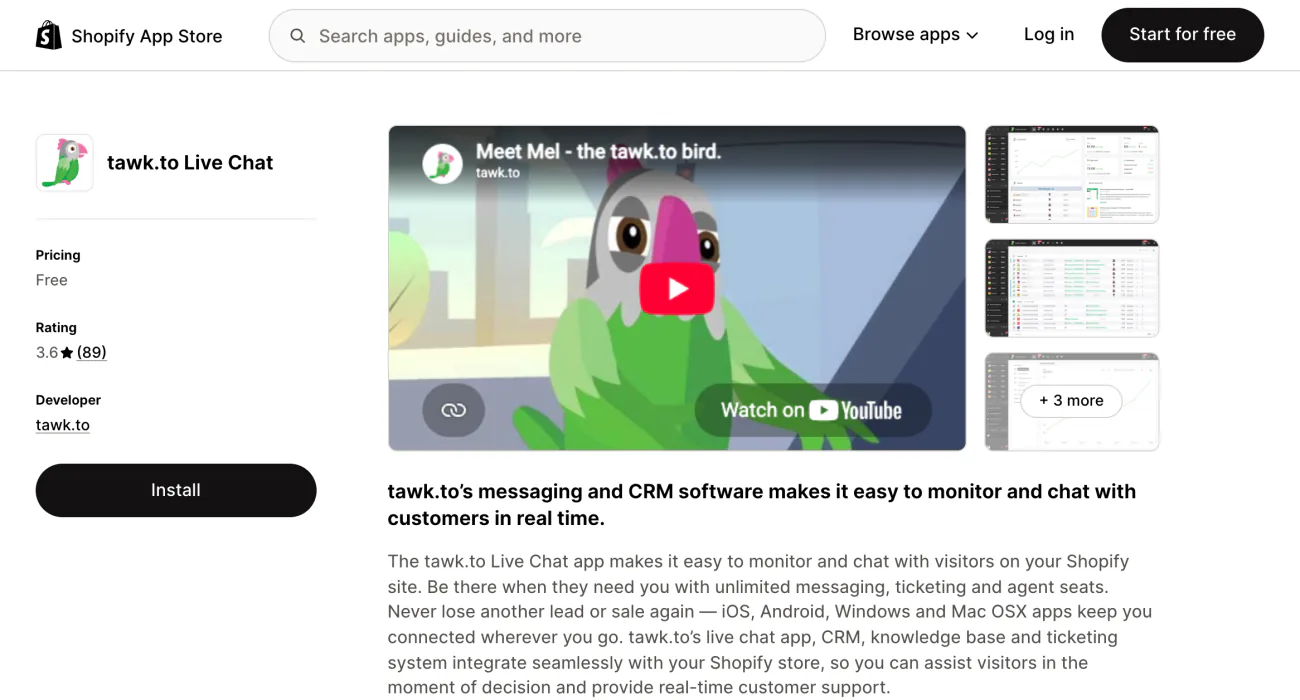
You want three people on chat. Every quote you get charges per seat. The tawk.to listing is free, with unlimited messages, tickets and seats.
Your team can view and manage Shopify orders from inside a chat or a ticket. Apps for iPhone, Android, Windows and Mac let anyone answer from wherever they are, and saved shortcut replies cover the questions that repeat. Greetings can go out based on a visitor's location or past visits.
The chat shows a "Powered by tawk.to" line until you pay $29 a month to remove it. The AI Assist add-on starts at $29 a month, with a forever-free tier for low chat volume. You can also hire trained chat agents through tawk.to at $1 an hour.
Best for: a team of several people on a $0 budget.
3 · Tidio
Tidio: which chats count toward your plan?
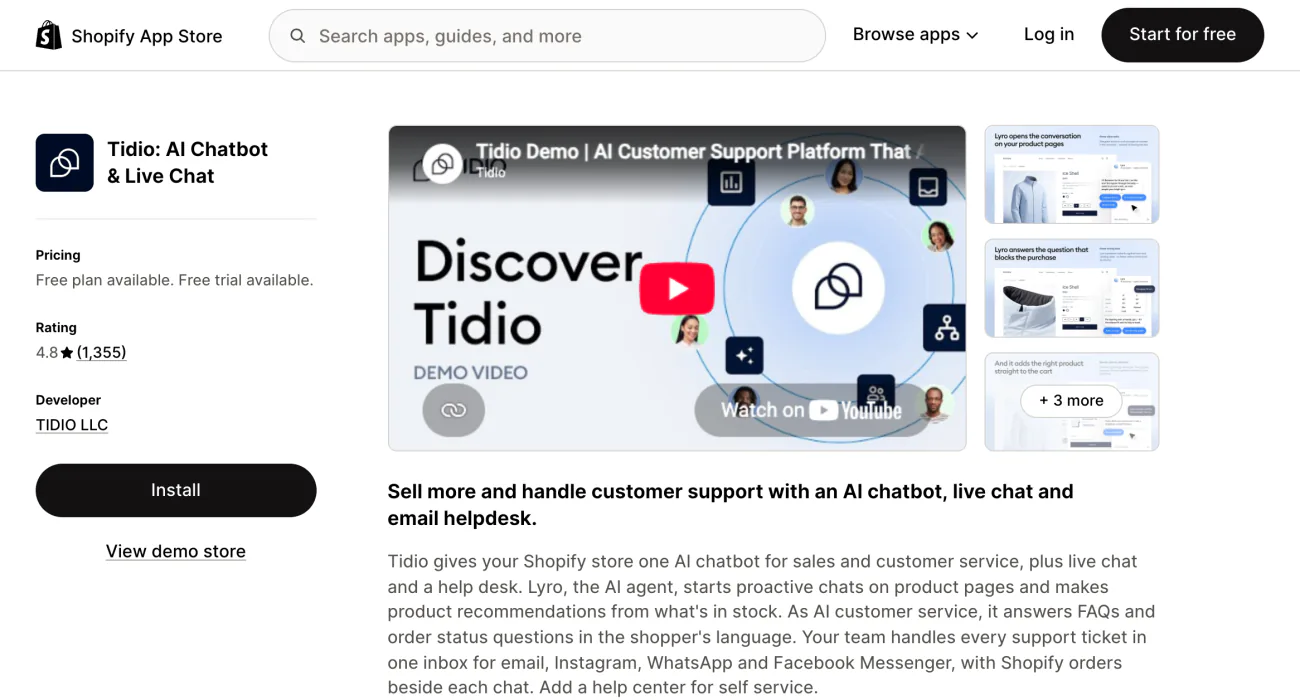
Questions keep arriving after you close, and you don't want to pay for chats nobody answered. Tidio counts a conversation only once someone on your team replies, and its Lyro AI agent runs on an allowance of its own.
The free plan covers 50 conversations, plus Flows, Tidio's automated chats, for up to 100 visitors a month. On the Customer Service plan, $29 covers 100 conversations and $59 covers 250 to 1,000. Tidio's pricing page says up to 10 people can answer on its self-serve plans.
Tidio's website lists different plan names and prices from its Shopify listing. The prices here are the listing's, the plans Shopify bills you for.
Best for: paying only for the chats your team answers, with AI on the rest.
4 · Willdesk
Willdesk: can the chat answer "where is my order?" without you?
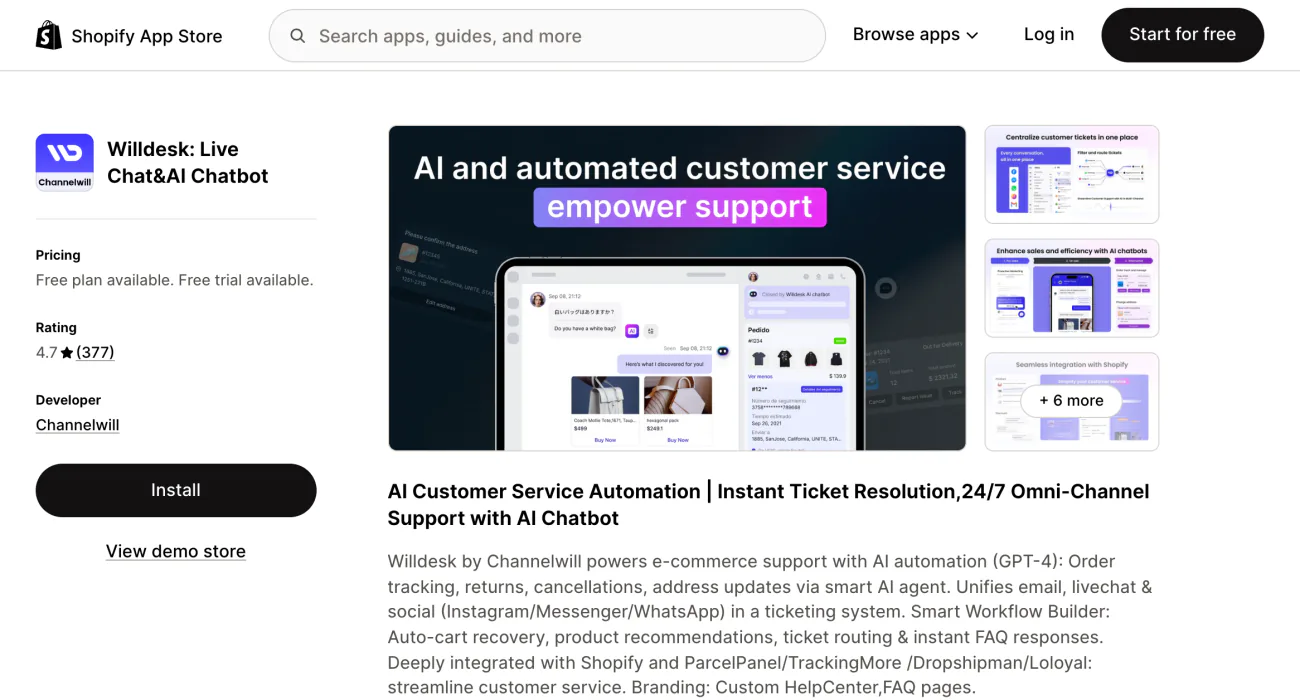
Most of your chats ask where a parcel is. Each one sends you into your admin to look. Willdesk puts order tracking inside its chat window, so shoppers check for themselves without a separate tracking app.
Its AI agent also handles returns, cancellations and address changes. Email, Instagram, Messenger and WhatsApp messages arrive as tickets beside the chat, and Willdesk adds a help center with FAQ pages.
The free plan covers 20 conversations, unlimited team members and one store. Basic, at $16.90 a month, raises that to 100 conversations, 100 tracked orders and 3 stores, after a 7-day free trial. Past Basic's allowance, extra conversations cost $12 per 100 and tracked orders $4 per 100. AI conversations are billed apart, at $20 per 100.
Best for: stores where most chats are about delivery.
5 · Chatty
Chatty: can a chat apply a discount and send the checkout link?
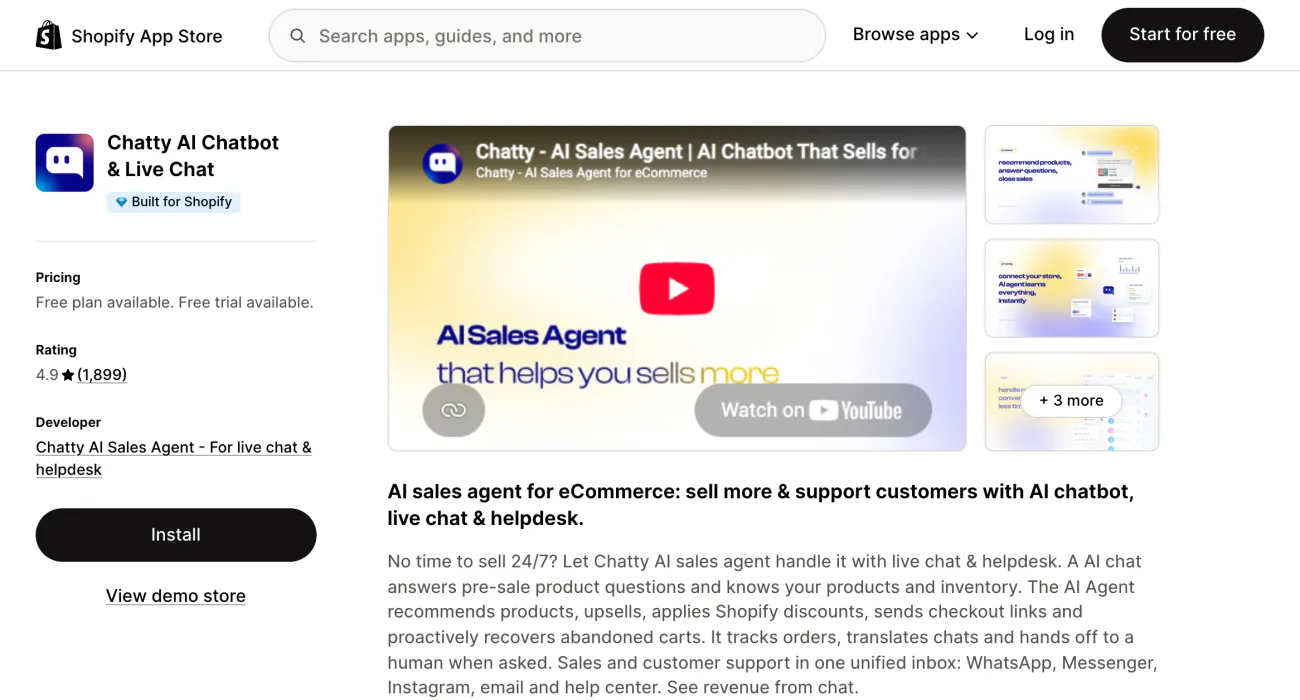
A shopper weighs two products and leaves to think it over. Chatty's AI agent recommends one, applies a Shopify discount and sends a checkout link in the same chat.
Chatty carries the Built for Shopify badge, Shopify's mark for apps that meet its highest standards for performance, design and integration. The agent also tracks orders, translates chats and hands a chat to a person when needed. WhatsApp, Messenger, Instagram and email arrive in the same Chatty inbox.
The free plan covers 50 AI conversations a month with unlimited replies from your team, who carry on by hand once those 50 are used. Basic costs $19.99 a month for 100 AI conversations and 5 team members. Pro, at $68.99 for 500, adds abandoned-cart recovery and chats the agent starts on its own, and Plus covers 1,000 for $199.
On a paid plan, each AI conversation past the allowance costs $0.40. Chatty counts one per customer issue, however many messages it takes, and doesn't count the same customer twice in 24 hours. For shoppers who leave a cart anyway, write the follow-up from 24 abandoned cart subject lines and 3 templates.
Best for: turning pre-sale questions into orders.
6 · LiveChat
LiveChat: can you see what's in the shopper's cart while you chat?
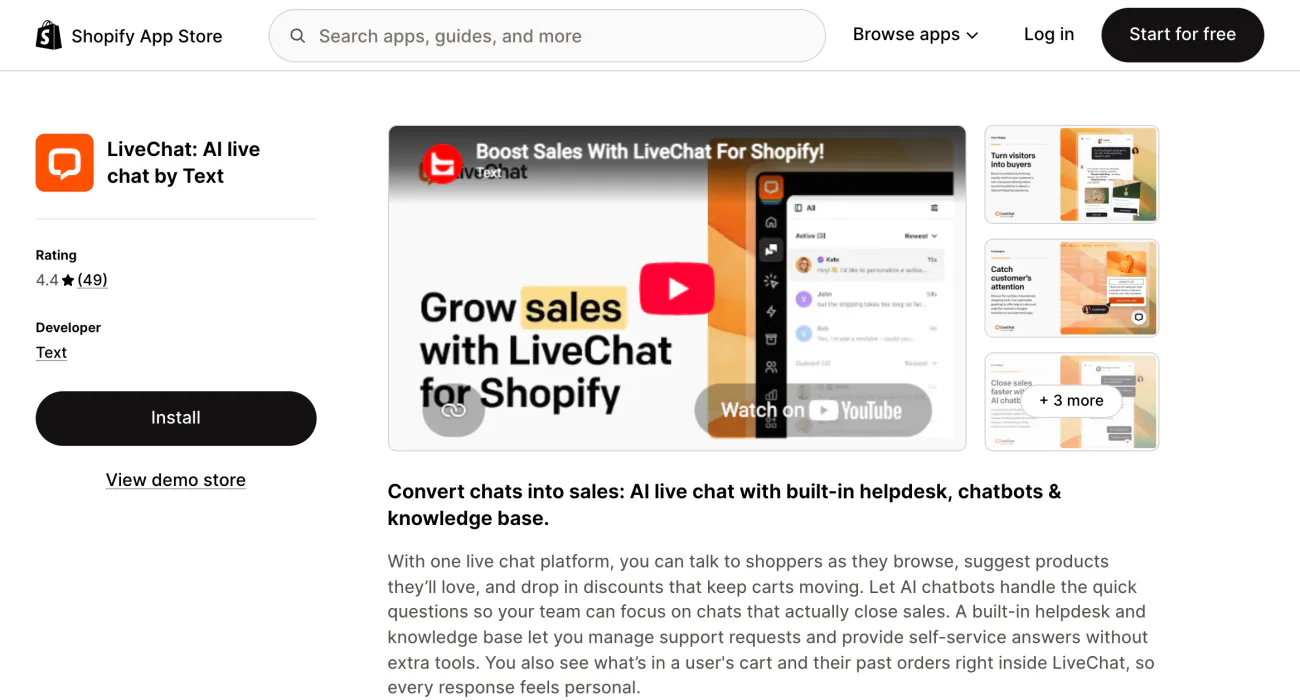
You answer a question without knowing what the shopper is about to buy. LiveChat shows the cart and past orders beside the chat, and lets you send product cards and discounts.
There's no free plan, only a 14-day free trial. Starter costs $25 a month, with product cards and 60 days of chat history. The live cart preview, order details and sales tracked back to chats start on the Team plan, and Business adds a work scheduler and performance reports for each team member.
LiveChat's own site prices each person who answers chats, so count your team before you compare.
Best for: a sales team chatting with shoppers about to buy.
7 · Re:amaze
Re:amaze: can email, Instagram, texts and calls share one inbox?
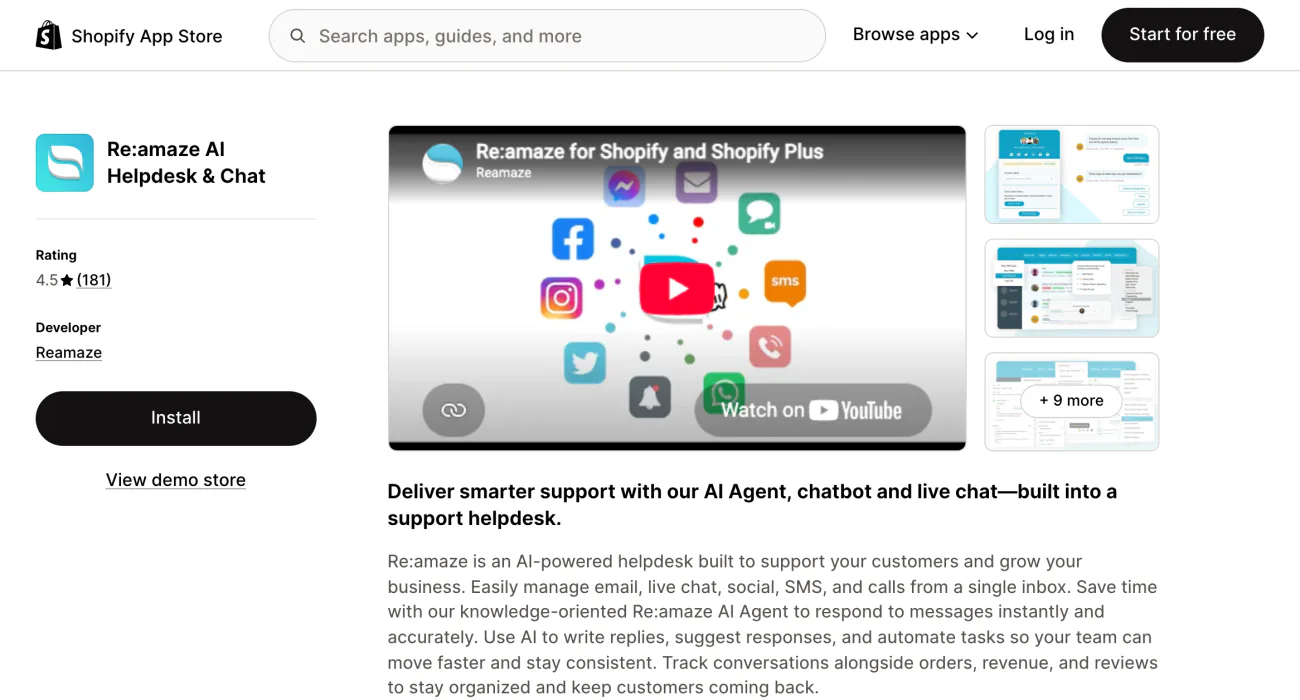
The same customer emails, then messages you on Instagram, then calls, and three people answer the same question. Re:amaze puts email, chat, social messages, texts and calls in one inbox, and you can edit or create a Shopify order from the conversation.
Basic costs $29 a month per team member and covers email, social messages, live chat and chatbots. Texts and calls start on Pro, at $49 per team member. Starter is $59 a month for any number of people and 500 answered conversations, then $15 for each 100 more.
Basic includes 5 AI Agent resolutions per person a month, and each one past that costs $0.85. Every plan starts with a 14-day free trial. The chat window doesn't switch to your store's language on its own, Re:amaze says.
Best for: a team answering the same customers on several channels.
8 · Richpanel
Richpanel: can AI settle returns and refunds within limits you set?
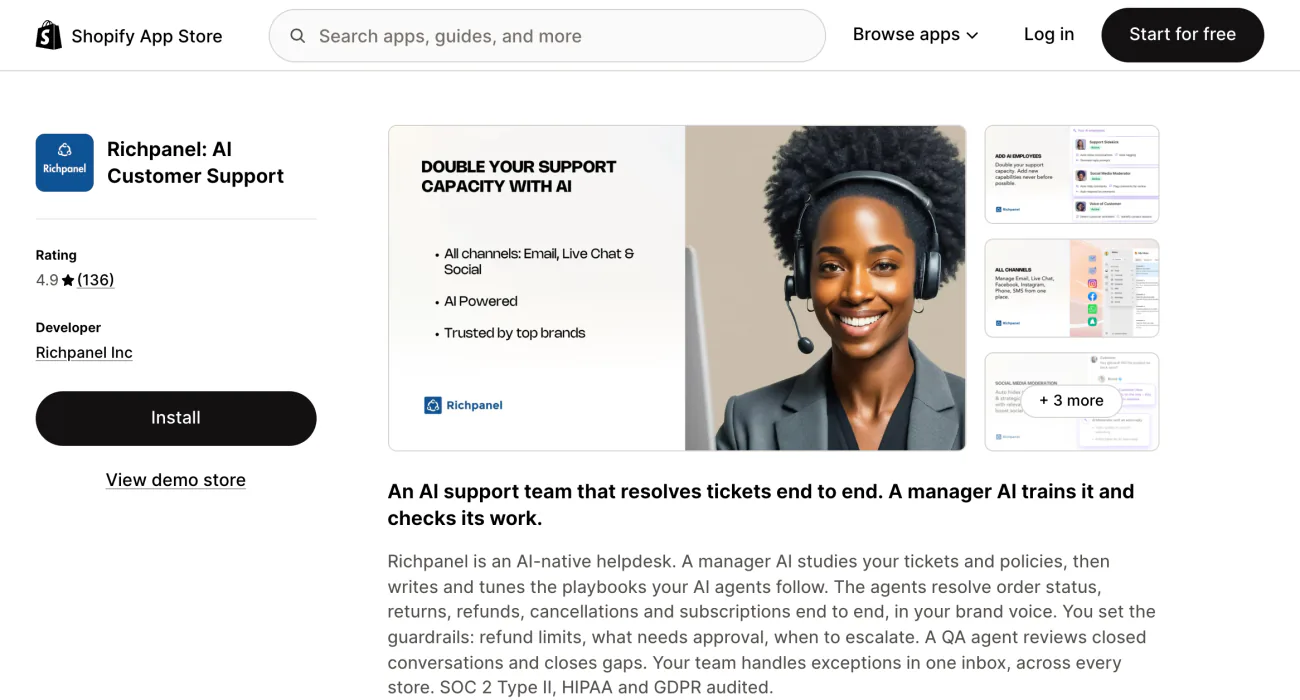
Return and refund requests fill your morning, and each one takes the same clicks. Richpanel's AI agents handle order-status questions, returns, refunds, cancellations and subscription changes from start to finish, inside the refund limits and approval rules you set.
A review agent checks closed conversations. PRO costs $89 a month for email, phone, chat, Facebook and Instagram across up to 2 stores, and texts join on PRO MAX, at $119.
Each extra team member costs $89 on PRO, and AI conversations start at $0.20 each on top. Richpanel starts with a 14-day free trial and has no free plan. For the return flow itself, see the best Shopify returns apps.
Best for: stores whose tickets are mostly orders and returns.
Setup
How do you add live chat to your Shopify store?
Four steps, and none of them needs code.
- Install the chat app from the Shopify App Store.
- In your admin, open Online Store and click Edit theme. Select "App embeds", the theme editor's list of app switches, turn on the app's chat and click Save. For Shopify Inbox, the switch reads Online store chat.
- Set the hours you answer and a message for the rest of the day. In Shopify Inbox, that's under Sales channels, then Inbox, then Chat settings, then Availability.
- Open your store on a phone, send a test message and check where the chat button sits on a product page.
Also on the App Store
Which other chat apps work with Shopify?
- Zendesk. A helpdesk first, for a support team already on it. Its listing says it can add live chat to your store. Plans are priced per team member and billed yearly, and Zendesk can charge you outside your Shopify invoice.
- eDesk. For stores that also sell on marketplaces: it connects your Shopify store with more than 300 marketplaces and channels, and you can adjust Shopify orders from inside it. Its Starter plan on the listing covers 300 tickets a month for one store or marketplace.
Where to start
Which live chat app should you install first?
If you answer every chat yourself, Shopify Inbox costs nothing and runs from your phone. Once questions pile up after hours, add an AI agent. When the same customers start writing by email, Instagram and text, move to one shared inbox. If that inbox is Gorgias today, see 7 Gorgias alternatives and how to move your tickets.
Before an AI answers alone, send it your five most common questions and read each reply. For AI that takes on other jobs in your store, see the best Shopify AI tools by job.
FAQ
Questions, answered
-

14-day free trial
Explore Sledge on your store before you decide to commit.
-

No credit card required
Start improving your store with no upfront commitment.
-

Setup in minutes
Get Sledge running without a lengthy setup process.
-

Built to grow sales
Turn shopper behavior into actions that help you sell more.
Does Shopify have live chat?
Yes. Shopify Inbox is Shopify's own chat app, free on the Basic, Grow, Advanced and Plus plans. Install it, then switch on Online store chat under App embeds in the theme editor. Your team replies from the desktop app or the Inbox app on iPhone and Android, and an optional Inbox agent can answer when nobody is available.
What is a Shopify live chat extension, and how do you add one?
It's a chat app from the Shopify App Store that adds a chat button to your store, with no code to write. Install one, then open Online Store, click Edit theme, select App embeds, switch on the app's chat and click Save. Last, open your store on a phone and send yourself a test message.
What is the best free live chat app for Shopify?
Shopify Inbox and tawk.to are free, and neither has a paid chat plan. tawk.to lets any number of people answer, and charges $29 a month to remove its branding. Tidio's free plan covers 50 conversations, Chatty's 50 AI conversations a month with unlimited replies from your team, and Willdesk's 20 conversations with unlimited team members.
How do I reach Shopify's own live chat support?
Go to help.shopify.com, click Chat with a human, log in and pick your store. Chat with Shopify Support runs 24/7 on every plan. Phone and email support come only with Shopify Plus and the Retail plan, and Shopify POS Pro adds phone support. More on what each plan includes is in our Shopify review.
Is Sledge a live chat app?
No. Sledge is a Shopify app for search, filters and offers, and it doesn't reply to shoppers. Its AI-Conversational Search takes a sentence typed into your search bar and turns the size, color and price in it into filters. It starts on the Pro plan at $29.99 a month and stays off until you switch it on.
A shopper who can't find a product asks in chat. See what fixing search is worth.
Sledge doesn't chat with shoppers. Growth Intelligence turns on when you pick a paid plan: it reads your orders and searches, lists fixes, and adds them up into one dollar total labeled “Est. potential”.

