
Best Shopify popup apps: 8 picks, from email sign-ups to age checks
Data as of November 2026. Prices and ratings come from each app's Shopify App Store listing or its own pricing page, read November 4, 2026.
Summarize with AI
The best Shopify popup app depends on the job. Shopify Forms is free for a sign-up popup, and Klaviyo's form starts its welcome email. Pop Convert announces a sale, OptiMonk builds the popup for you, and Poptin sends the emails after it. Wheelio runs a prize wheel, Justuno adds hands-on help for big traffic, and Blockify checks age before entry.
You added a popup, and now it greets the same shopper on every page, or it never shows on a phone at all. Prices are as of November 2026.
At a glance
What is the best Shopify popup app for your job?
Each app here fits one popup job, so start from your problem.
- First-time visitors leave without giving you an email. Shopify Forms, free.
- You send email from Klaviyo and want each sign-up to start the welcome emails. Klaviyo, free up to 250 active profiles.
- Your sale starts Friday and shoppers miss it. Pop Convert, free up to 1,000 visitors a month.
- You know the offer but not how to design it. OptiMonk, free up to 10,000 pageviews a month.
- You want the popup and the emails after it in one app. Poptin, free for popups up to 1,000 visitors a month, with emails from about $19.
- A plain 10% off no longer gets a second look. Wheelio, from about $14.92 a month.
- Traffic is high and nobody on your team owns the popups. Justuno, from $59 a month, with onboarding help from about $99.
- You sell to adults only and need a check at the door. Blockify, free for one popup.
Then compare what each free plan covers and what the first paid plan costs.
| App | Best for | Free plan | Paid from | Where it stops | Rating (reviews) |
|---|---|---|---|---|---|
| Shopify Forms | A free sign-up popup with a discount | The whole app | No paid plan | Every form needs an email or phone field; the exit trigger is desktop only; 25 forms | 4.5 (766) |
| Klaviyo | Stores already emailing from Klaviyo | 250 active profiles and 500 emails a month | About $20 a month for 251 to 500 email contacts | Klaviyo may bill you outside your Shopify invoice | 4.7 (3,432) |
| Pop Convert | Announcing a sale in a bar or a popup | 1,000 visitors and 50 subscribers a month | About $15 a month on Shopify Basic, $129 on Plus, after a 90-day free trial | The price follows your Shopify plan | 4.9 (8,682) |
| OptiMonk | Describing a popup and letting AI build it | 10,000 pageviews a month on 1 domain | $29 a month, or $19 a month billed yearly | A pageview cap on every plan | 4.8 (452) |
| Poptin | Popups and follow-up emails on a small budget | 1,000 visitors a month on 1 domain, with Poptin's branding | About $19 a month for 5,000 visitors and 500 contacts | Emails start on the paid plans; a visitor cap on every plan | 4.9 (348) |
| Wheelio | A prize wheel, scratch card or slot machine | None; a 7-day free trial | About $14.92 a month for 30,000 impressions | The price climbs with impressions | 4.7 (246) |
| Justuno | High-traffic stores that want help running popups | None; a 14-day free trial | $59 a month for 10,000 monthly visitors | Onboarding help from about $99 a month; full service is $299 on Justuno's site | 4.6 (669) |
| Blockify | An age gate before anyone shops | 1 popup with a basic look | About $3.99 a month | An age check at checkout from about $8.99, or about $16.99 on Shopify Plus | 4.9 (311) |
On a phone
Do popups work on a phone, and how often do they come back?
Your exit offer waits for a mouse to head for the address bar, and the shopper on a phone never sees it. Exit triggers differ by app. In Shopify Forms the exit trigger works on desktop only. Klaviyo's fires on a phone when the shopper scrolls quickly back up, and Wheelio lists leave intent among its phone triggers.
A shopper closes your popup, and it greets them again on the next page. Shopify Forms remembers a closed popup on that phone or computer, so it stays away unless the shopper clears cookies or browses in a private window. In Klaviyo you set how many days pass before a closed form returns, and it can stop showing after a sign-up. In Wheelio, "App Visibility Delay" sets when the wheel comes back after a shopper engages with it.
Google's guidance says intrusive popups "may lead to poor search performance". It suggests a banner that takes up only a small part of the screen instead of one that covers the page. For what apps do to your load time, read do too many apps slow your Shopify store?
1 · Shopify Forms
Shopify Forms: how do you add a free popup on Shopify?
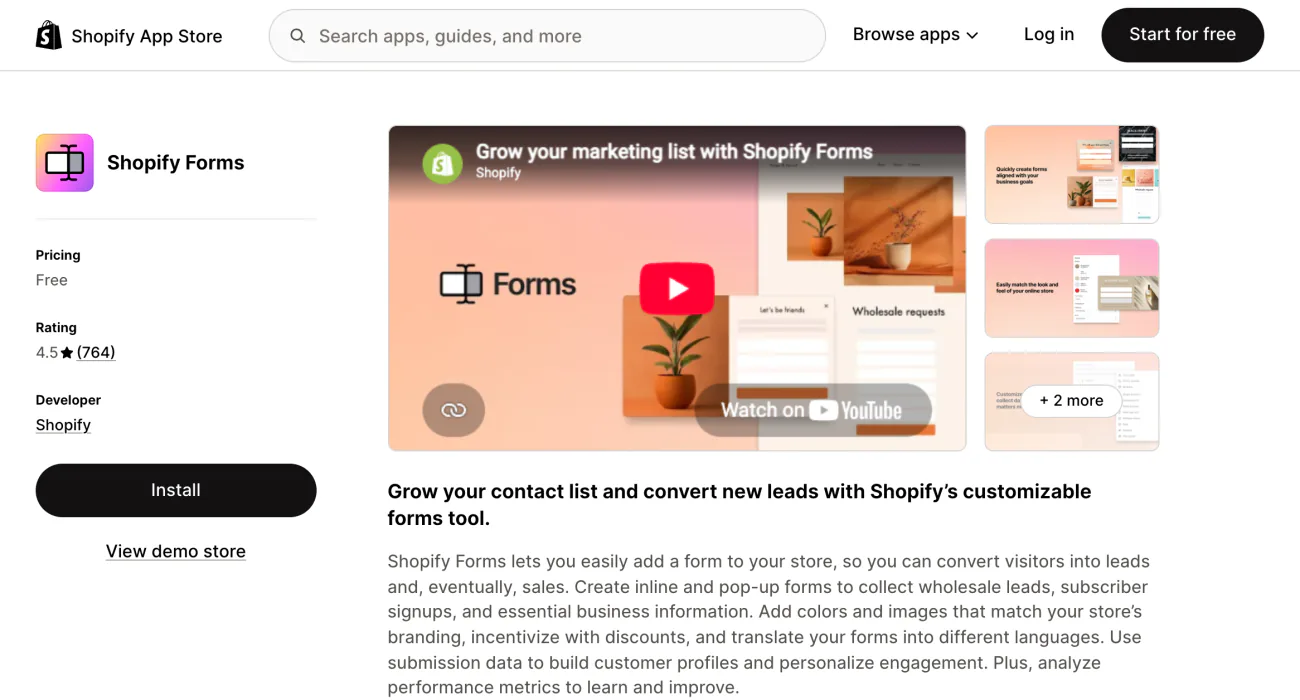
Visitors read your product pages and go, and you have no way to email them later. Shopify Forms is Shopify's free app for sign-up popups, and it has no paid plan.
To set one up, install Shopify Forms, then switch it on under App embeds in the theme editor. Next, go to Apps, then Forms, click Create form and pick Popup form. Click "Turn form on" when it's ready. For its place among Shopify's other free apps, see 8 free Shopify apps and where each one stops.
You pick the moment the popup appears: the first, second or third page view, at once or after a delay. It can show on every device, on desktop only or on phones only, and on every page or only on product or collection pages. After a sign-up, the popup can show a discount code.
The exit trigger is a checkbox, "Show form when visitors attempt to leave page (Desktop only)", and it fires when the cursor heads for the address bar. Every form must ask for an email or a phone number, so a Forms popup can't only announce a sale. Its title is capped at 50 characters.
Best for: a free sign-up popup with a discount.
2 · Klaviyo
Klaviyo: can a Klaviyo popup start your welcome emails?
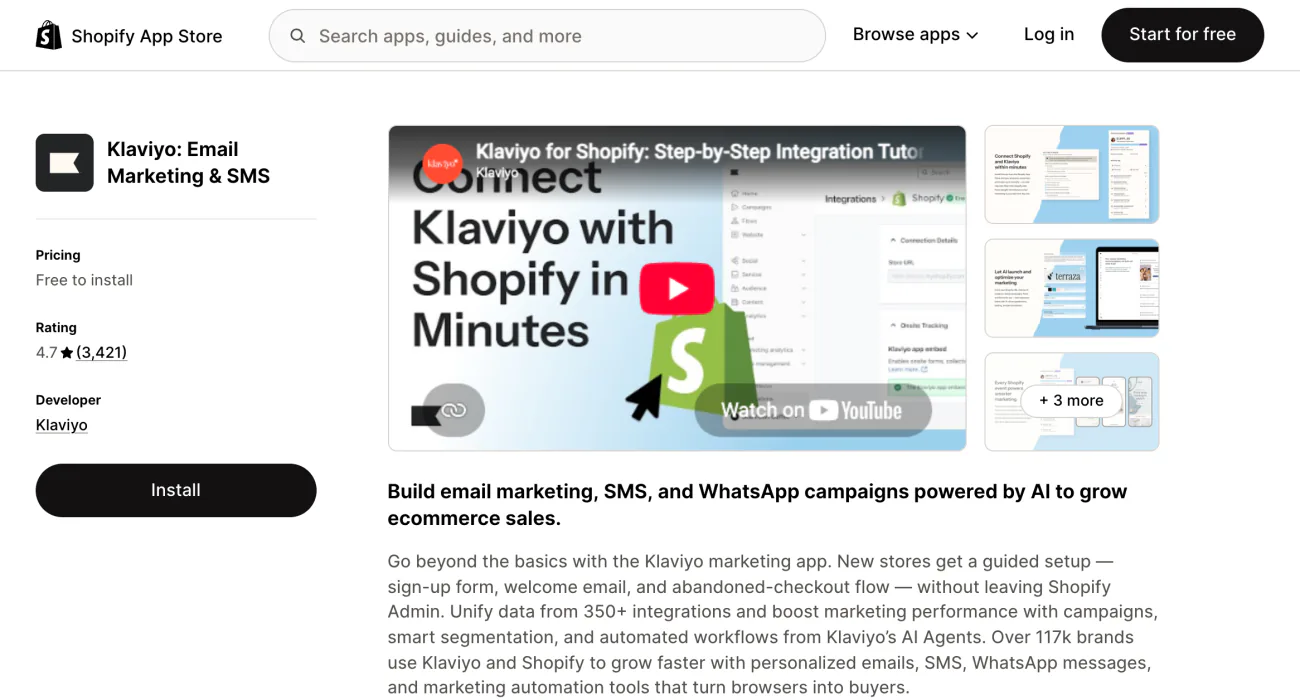
Sign-ups land in a list, and the welcome email never goes out. Klaviyo's guided setup for new stores pairs a sign-up form with a welcome email and an abandoned checkout flow.
You choose when the form appears: at once, after a delay or a scroll, after a number of pages, or on exit. You can hide it from shoppers Klaviyo already knows, and target by page, location or cart contents. The same form can collect phone numbers for text messages.
For a game, add a spin-to-win wheel of 2 to 6 slices. Unique codes need a required email field. Klaviyo's help calls the wheel a sweepstakes promotion, so check the rules where you sell.
Klaviyo's free plan stops at 250 active profiles and 500 emails a month. Paid email starts at about $20 a month for 251 to 500 contacts, and Klaviyo may bill you outside your Shopify invoice.
Best for: stores already emailing from Klaviyo.
3 · Pop Convert
Pop Convert: how do you add a popup banner for a sale?
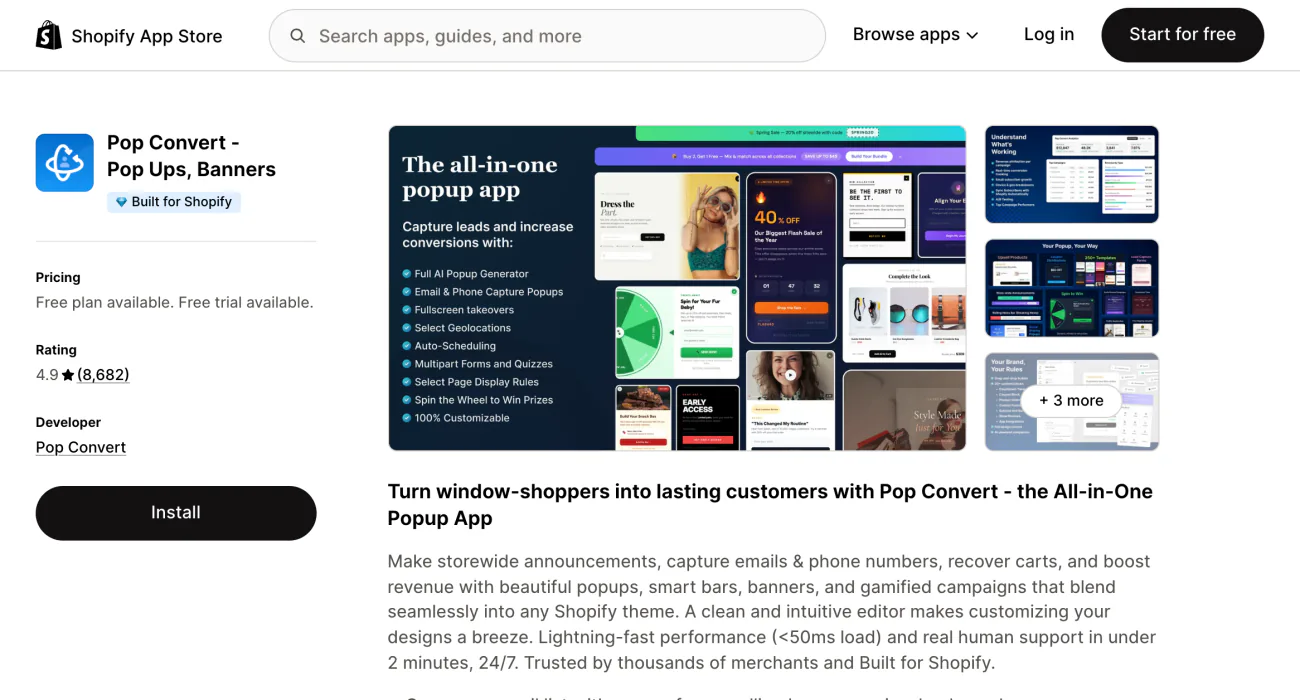
Your sale starts Friday, and returning shoppers don't notice until it's over. Pop Convert shows the news storewide, in a bar, a rolling banner or a popup.
The free plan covers 1,000 visitors and only 50 subscribers a month, with exit, scroll and timer triggers. Its listing also names spin wheels, location targeting, A/B tests and 250+ templates.
Paid plans follow your Shopify plan: about $15 a month on Basic, about $29 on Grow, about $79 on Advanced and $129 on Plus. Each one has no visitor or subscriber cap and starts with a 90-day free trial.
Best for: announcing a sale in a bar or a popup.
4 · OptiMonk
OptiMonk: can AI design the popup for you?
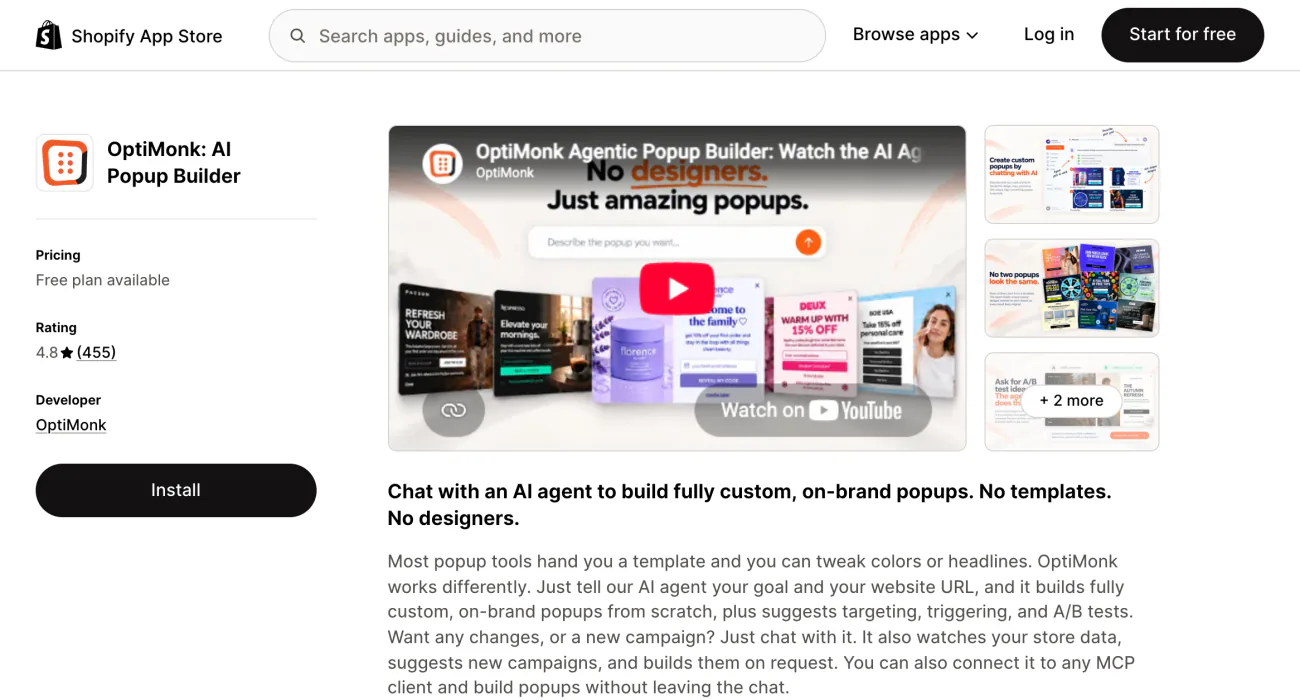
You know the offer, and you can't design the window it sits in. OptiMonk's AI agent builds the popup from your goal and your store's web address, then suggests the trigger and an A/B test.
Its popup types include exit intent and spin the wheel. Targeting and A/B testing come on every plan, the free one too, which covers 10,000 pageviews a month on one domain. Billed yearly, Essential drops from $29 to $19 a month.
For what happens at the pageview limit, see Shopify apps by where you lose the sale.
Best for: describing a popup and letting AI build it.
5 · Poptin
Poptin: can one app run the popup and the emails after it?
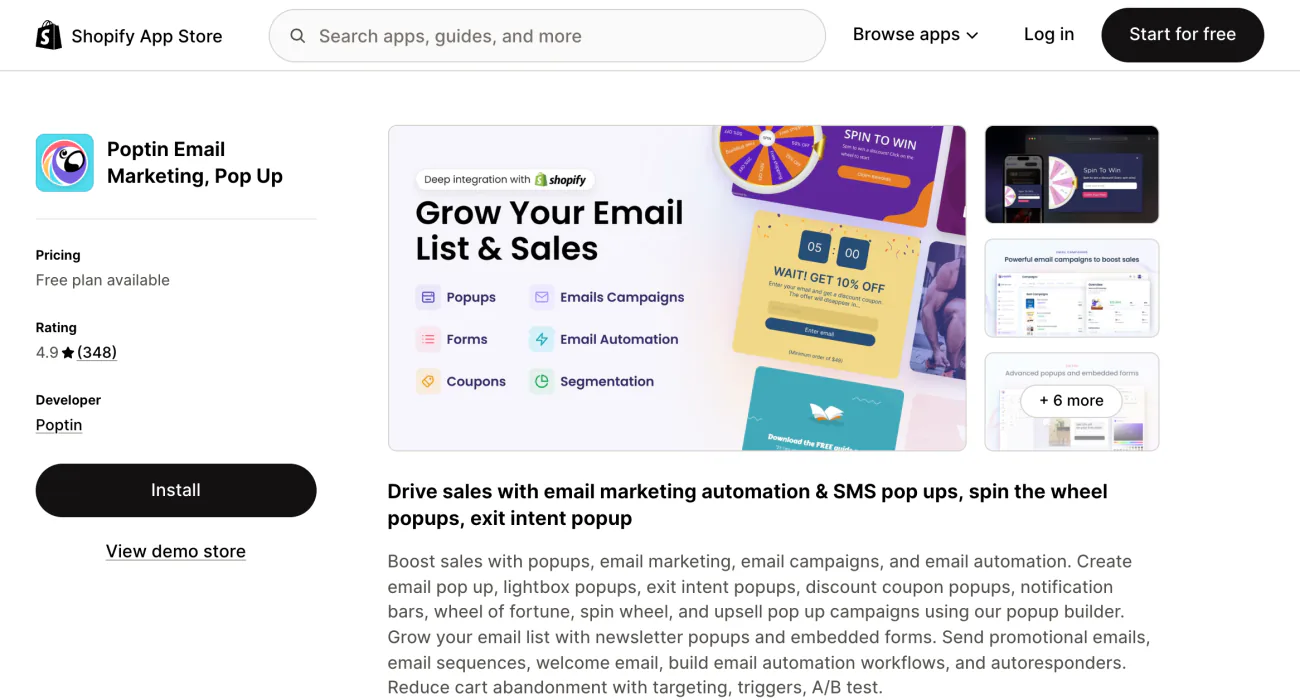
Your popup collects the email, and a second app has to send the welcome. Poptin runs both, with exit, coupon and spin-to-win popups beside email campaigns and automations.
The free plan covers popups for 1,000 visitors a month on one domain, about 3,000 pageviews, and shows Poptin's branding on the popup. Contacts and emails start on Growth 500, at about $19 a month for 5,000 visitors and 500 contacts, with unlimited emails and no branding. Its listing also names A/B testing and an age check popup.
Poptin's own website shows other plans and prices. The ones here come from its Shopify App Store listing, the plans you're billed for through Shopify.
Best for: popups and follow-up emails on a small budget.
6 · Wheelio
Wheelio: how do you add a discount popup with a prize wheel?
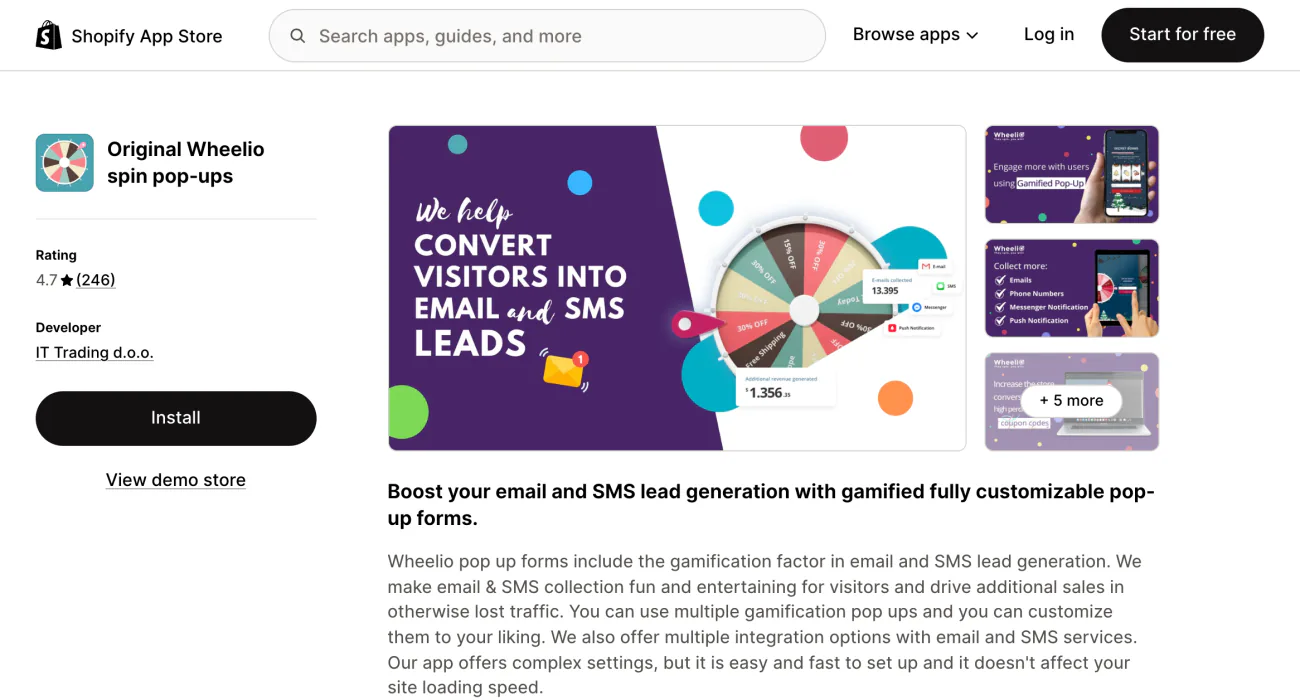
A plain 10% off no longer gets a second look. Wheelio turns the sign-up into a prize wheel, scratch card or slot machine, and Shopify has no wheel of its own.
It collects emails, plus text, push and messenger sign-ups. There is no free plan. Basic costs about $14.92 a month for up to 30,000 impressions after a 7-day free trial, and the price climbs to about $109.92 for 250,000. Every plan carries every feature.
Your wheel's 20% code turns up on a coupon site the same week. Set the coupon type to "Dynamic Coupon" so each winner gets a code of their own, and limit it to one user. Then turn off "Allow Duplicate Emails", the setting that lets one address spin again. In Shopify, any code can also be capped at one use per customer, under "Maximum discount uses". For the steps, see how to create a discount code on Shopify.
Best for: a prize wheel, scratch card or slot machine.
7 · Justuno
Justuno: how much does Justuno cost?
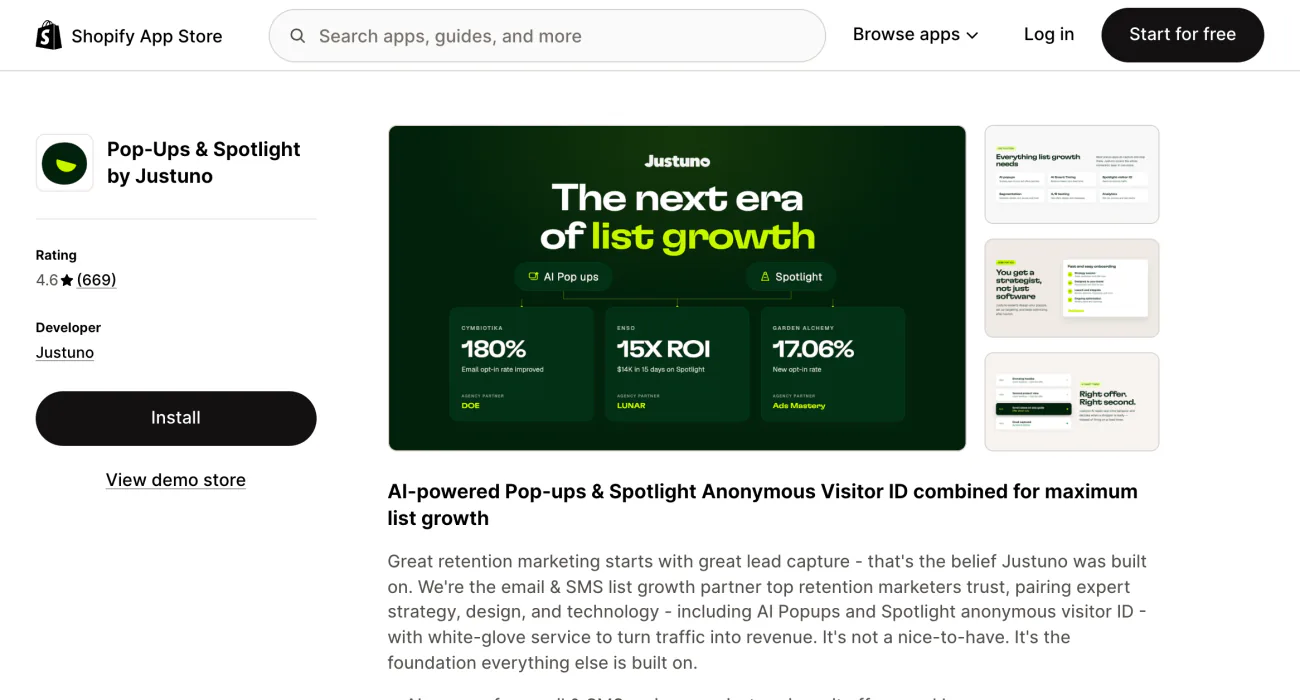
Your traffic is high, and nobody on your team owns the popups. Justuno pairs AI popups and timing with experts, who can plan them for you on its pricier plans.
For $59 a month, 10K Lite covers up to 10,000 monthly visitors after a 14-day free trial, and there is no free plan. Justuno's popups include quizzes, spin-to-win, exit offers and banners, with A/B tests. Free onboarding help starts on 20K Lite, at about $99 a month.
Justuno's own site sells a done-for-you plan at $299 a month with a dedicated account manager. Spotlight, an add-on with no price shown, "identifies anonymous visitors to power your abandonment flows", its listing says.
Best for: high-traffic stores that want help running popups.
8 · Blockify
Blockify: how do you add an age verification popup to Shopify?
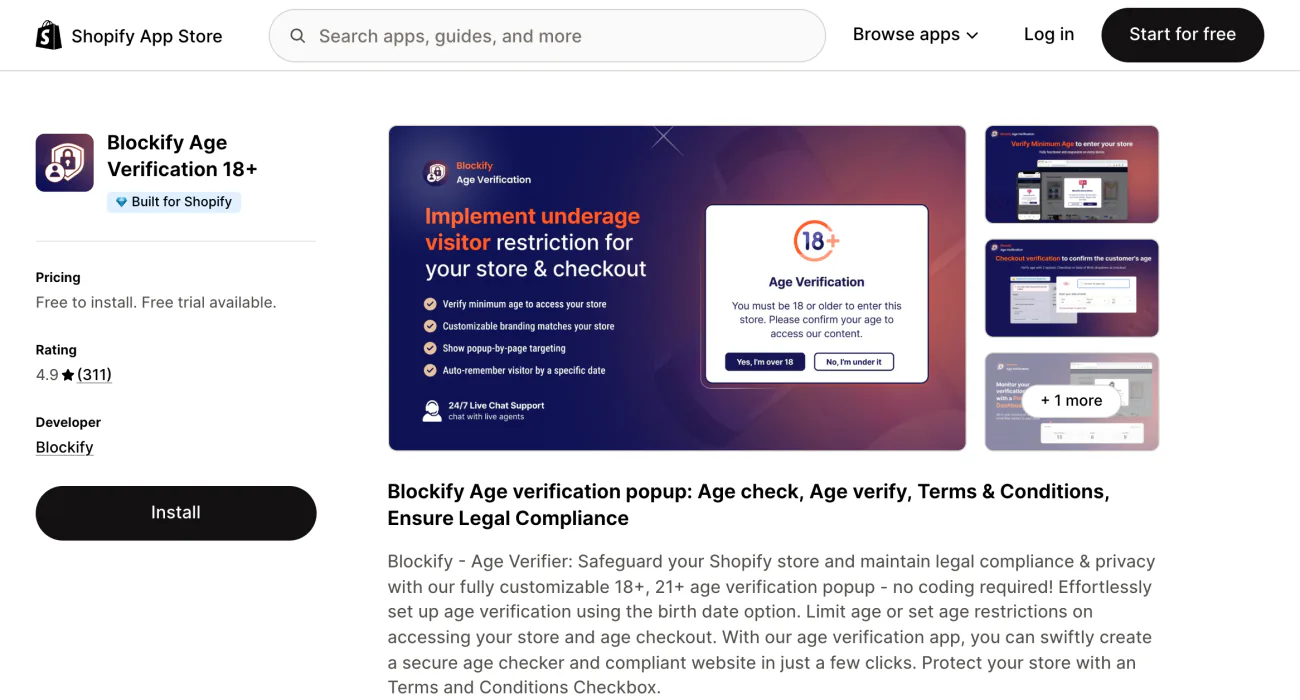
You sell to adults only, and every visitor needs a check at the door. Blockify asks each visitor for a date of birth and checks it against the minimum age you set, 18+ or 21+, before anyone can shop.
The free plan gives you one popup with a basic look. For about $3.99 a month you get more styling, one translation and a banner at checkout. Premium, at about $8.99, adds unlimited popups and an age check at checkout. On Shopify Plus, the checkout check costs about $16.99.
Google exempts an age gate the law requires from its popup guidance, and asks that it cover the page rather than send shoppers to a separate one. A popup takes the shopper's word for their date of birth, so check the age rules for your products where you sell.
Best for: an age gate before anyone shops.
More popup apps
Which other popup apps are worth a look?
- Omnisend. Its free plan has popups, forms and a prize wheel, with a "Powered by Omnisend" badge on free forms.
- Vitals. Popups come inside a bundle of 40+ tools, from about $29.99 a month for up to 200 orders. Leaving Vitals? See 4 Vitals alternatives.
- Recent sales popups. A popup that shows other shoppers' orders does a different job, called social proof.
- Quiz popups. A quiz that suggests products is its own kind of app, covered in product quiz apps for Shopify.
Where to start
Which popup should you set up first?
With no email list yet, start with a sign-up popup that offers a discount. A sale coming up needs a bar more than a window over the page. Adult products need the age check before anything else.
Keep one popup live at a time, and open your store on a phone before and after it goes up. Read the plan card before you install, because Pop Convert, OptiMonk and Poptin cap their free plans by visitors or pageviews.
FAQ
Questions, answered
-

14-day free trial
Explore Sledge on your store before you decide to commit.
-

No credit card required
Start improving your store with no upfront commitment.
-

Setup in minutes
Get Sledge running without a lengthy setup process.
-

Built to grow sales
Turn shopper behavior into actions that help you sell more.
What is the best Shopify popup app?
It depends on what the popup has to do. Shopify Forms is free for a sign-up popup, and Klaviyo's forms start its welcome emails. Pop Convert announces a sale, OptiMonk builds the popup for you, and Poptin sends the emails after it. Wheelio runs a prize wheel, Justuno adds expert help for big traffic, and Blockify checks age before entry.
Is there a free popup app for Shopify?
Yes. Shopify Forms is free with no paid plan, though every form has to ask for an email or phone number. Pop Convert is free up to 1,000 visitors and 50 subscribers a month, Poptin up to 1,000 visitors, and OptiMonk up to 10,000 pageviews. Blockify's free plan covers one age check popup.
Does Shopify have a built-in popup?
Not out of the box. Shopify Forms, Shopify's free app for sign-up popups, has to be installed first. Some paid themes, Impulse among them, list promo popups and an age verifier among their features on the Shopify Theme Store. Dawn and Horizon, two of Shopify's free themes, list neither.
How do I remove the Shop sign-in popup from my store?
It depends on Shop Pay. With Shop Pay on, shoppers with a Shop or Shop Pay account see a Sign in with Shop prompt, and only turning off Shop Pay removes it. That also ends its faster checkout and saved payment details. Without Shop Pay, open Settings, then Customer accounts, and turn it off under Authentication.
Which Shopify popup apps have A/B testing?
OptiMonk includes A/B testing on every plan, the free one too. Poptin, Pop Convert and Justuno list A/B tests on their App Store listings, and Klaviyo can A/B test a sign-up form. Shopify Forms' help pages describe no A/B test, so there you compare two offers by running one form after the other.
Do you need a popup to announce a sale?
Not always. Google suggests a banner that takes up only a small part of the screen instead of an overlay that covers the page. A bar across the top of your store carries the same news. Sledge, a Shopify app for search, filters and promotions, runs a countdown bar and promo banners between the dates you set.
The popup did its job. See the dollar total of what to fix next.
Sledge runs the search, filters, bundles and promo banners a shopper meets after the popup closes. Growth Intelligence turns on when you pick a paid plan. It reads your orders and searches, lists fixes, and totals what they could add in one dollar figure labeled “Est. potential”.

