
Wishlist
Let shoppers save products for later.
Sledge is a Shopify wishlist app that remembers saved products, with or without a customer account.
 Made for Shopify Understand your shoppers
- No credit card required
- Setup in minutes


- Canvas sneaker $64.00
- Rib beanie $22.00
- Field jacket $118.00
Added All items added to your wishlist

Shopify stores running Sledge


 Featured on Shopify




Trusted by Shopify stores
600 + Shopify stores have installed Sledge
 14-day free trial
 Built to grow sales




















Wishlist in your store
Where shoppers lose the products they liked.
A product a shopper can’t find again is a sale you may never see.
-
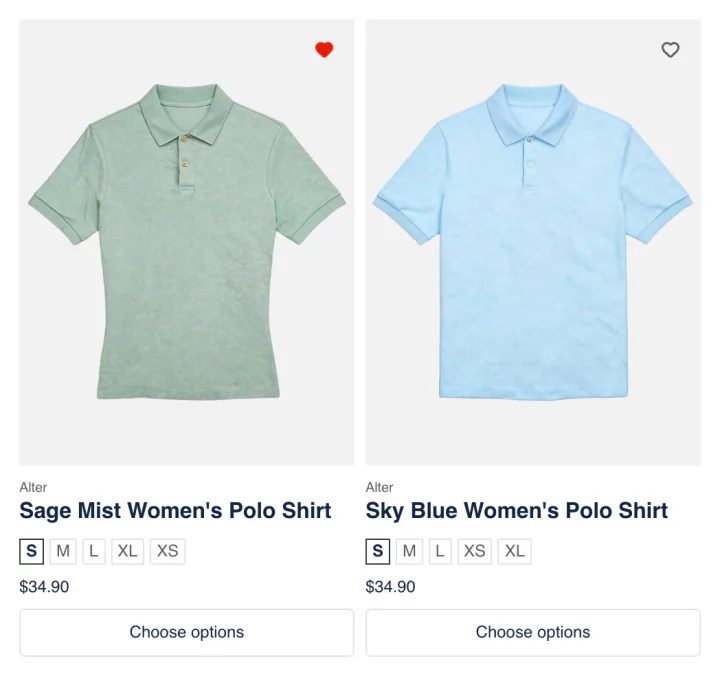
Collection Page
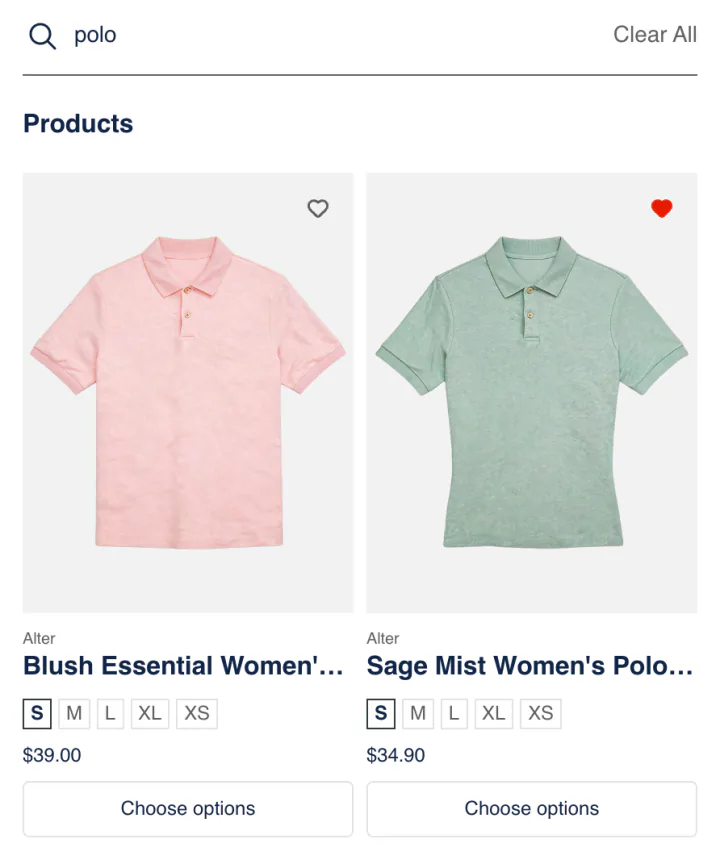
Search Page
Shoppers scroll past products they want to come back to.
Shoppers can find those products again on their wishlist once they save them in one tap, with or without an account.
-
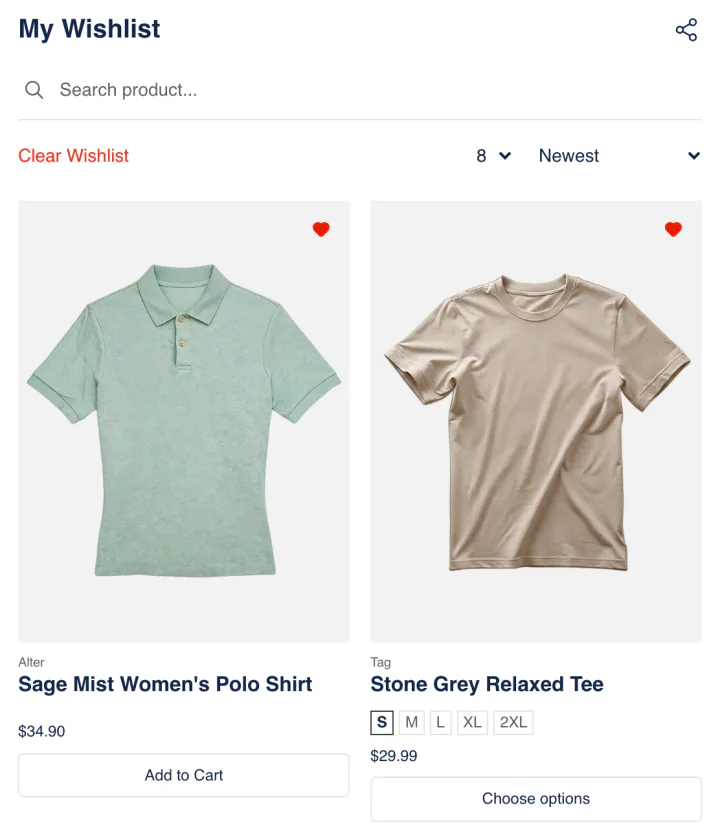
Wishlist page
Someone buying a gift has to guess what the shopper wants.
Sledge can show them what the shopper saved, in your store, through a link shared from the wishlist page.
-
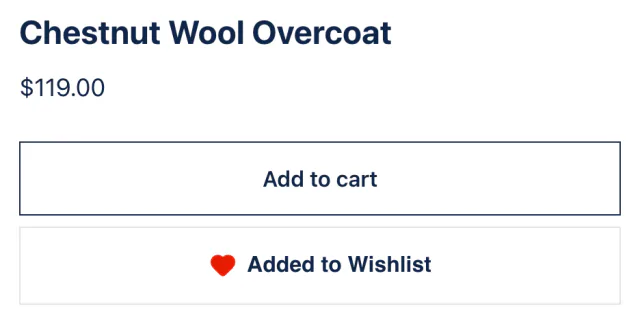
Product Page
Shoppers pick a size and color, then leave to think it over.
The size and color they saved from the product page can be waiting on their wishlist when they come back.
Growth Intelligence
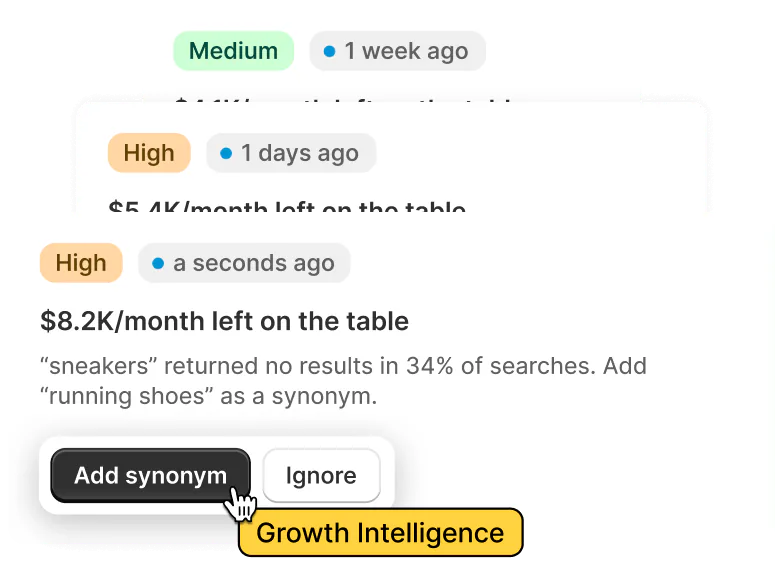
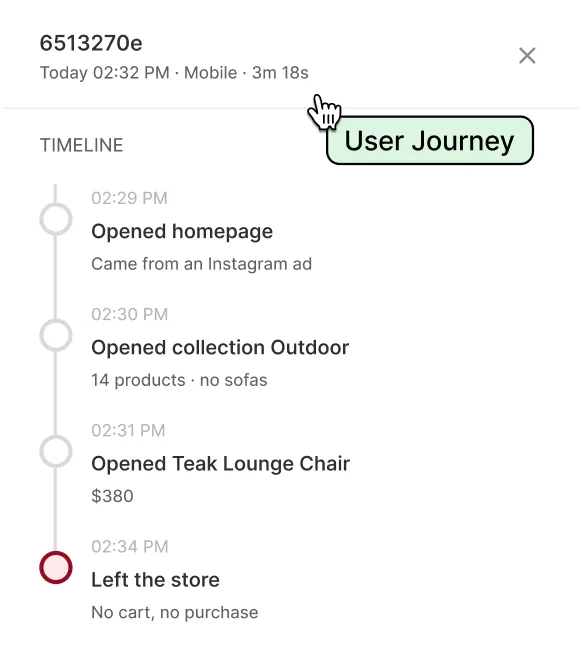
See which saved products rarely reach the cart.
-
See the problem
You can spot products shoppers save often but rarely add to cart.
-
Pick a fix
On any paid plan, each fix is marked High or Medium priority. One total estimate shows the sales the fixes could add each month.
-
See what works
Once you save the fix, Sledge Analytics shows the sales that came through the wishlist.
Why Sledge
Why choose Sledge
Know what to fix first
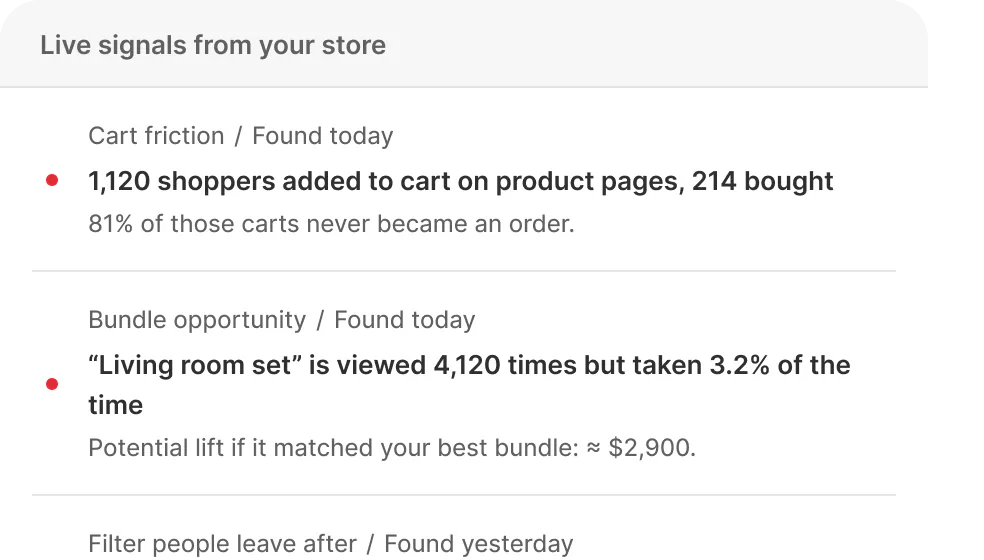
See what's
happening now




“They helped customise our filters…”
 Charming Beads
Tools are ready



See why
shoppers
didn't buy

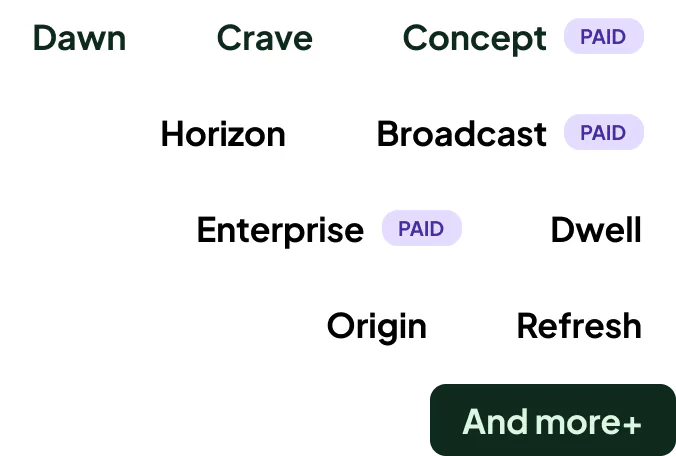
46+ Works with
any theme

FAQ
Common questions about the Sledge wishlist.
-

14-day free trial
Explore Sledge on your store before you decide to commit.
-

No credit card required
Start improving your store with no upfront commitment.
-

Setup in minutes
Get Sledge running without a lengthy setup process.
-

Built to grow sales
Turn shopper behavior into actions that help you sell more.
Does Shopify have a built-in wishlist, or do I need an app?
Sledge is a Shopify wishlist app that remembers the products shoppers save in one tap, with or without an account, so they can come back later and buy them. Your Shopify store has no wishlist of its own, so you need an app or a developer’s custom build. Signed-in shoppers keep one list on every device.
Can guests use the wishlist without signing up?
With Sledge, yes. Guests save products without making an account or installing anything, and their list stays in the browser they used. Signed-in shoppers keep one list that follows them from phone to laptop. If you want every shopper signed in first, switch on “Require login” in the wishlist settings.
Can shoppers share a wishlist?
Yes, from the Sledge wishlist page. Its share button makes a link to the whole list, so a shopper can send it as a gift hint. Whoever opens the link sees the saved products and can add all of them to their own wishlist at once.
Does the wishlist do anything besides save items?
Yes, on any paid plan. When the past week brings 20 or more saves and fewer than 1 in 10 saved products reach a cart, Growth Intelligence can flag those products. It counts the fix in “Est. potential”, the one total of what its fixes could be worth. Each fix opens the right page in Sledge, where you set it up.
Do shoppers keep the exact size and color they saved?
Yes, once you switch on the wishlist setting “Variant level”. Sledge then keeps the exact size and color a shopper picked, not just the product. A shopper who saved olive in medium comes back to olive in medium. Until you switch it on, each save keeps the product only.
Is the wishlist an extra charge?
No, the wishlist is included in every paid Sledge plan, with no add-on fee. Every new install starts with a 14-day free trial, and the wishlist works during it. Development stores use Sledge at no charge. Growth Intelligence, which reads your saves, starts once a paid plan begins.
Where does the wishlist heart appear?
Sledge can show the wishlist heart on products in collections, on the search results page, in the search drop-down and on the product page, and each place has its own switch. A counter also shows each shopper how many products they’ve saved, so their list stays easy to find.
Give shoppers a way back to what they liked.
Start a free trial, switch on the wishlist, and preview the heart before shoppers see it.

