
To migrate to Shopify, import products, then customers, then orders. Shopify's free Store Migration app moves products from eight platforms, such as WooCommerce and Wix, and customers from five. Orders and reviews need another app, and you rebuild collections, menus, pages and blog posts. Before the domain switch, point every old address at its new page with a URL redirect.
The new store looks right and the first orders come in. Three months on, visits from Google keep sliding. The old platform is closed, and with it the only full list of the addresses Google still sends people to. Each one now opens Page not found.
What does Shopify's Store Migration app move?
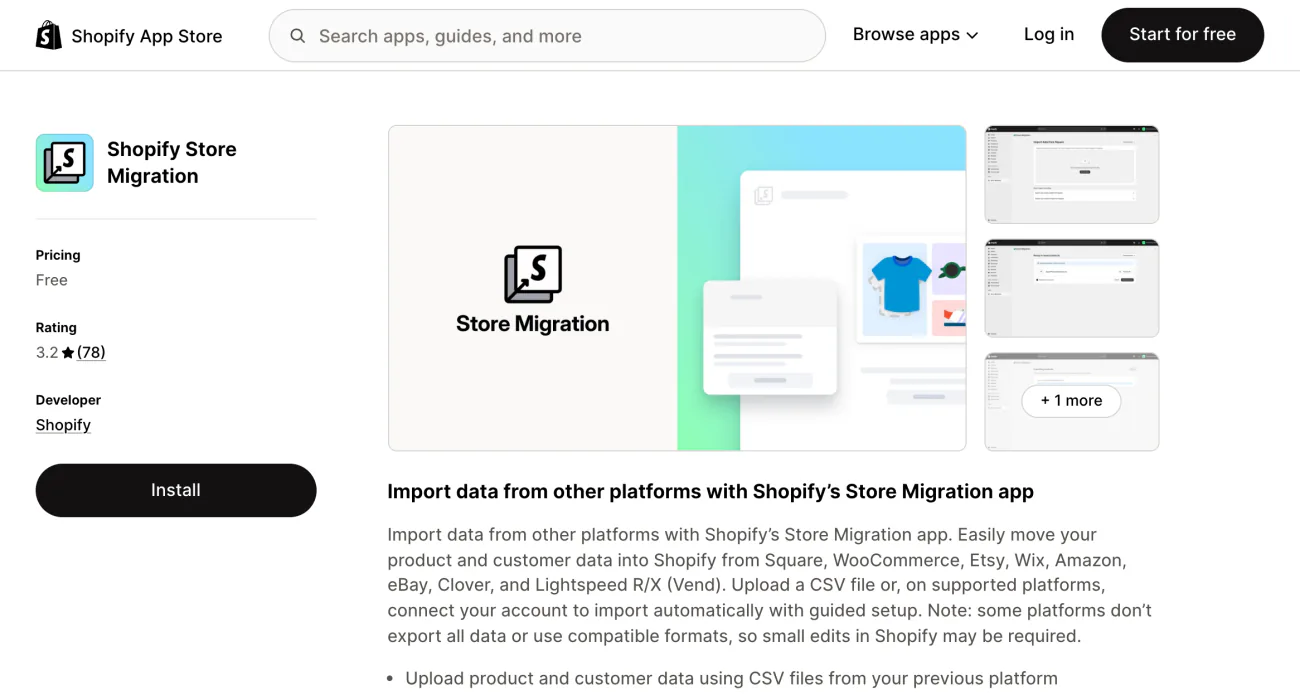
Store Migration moves your products and customers, and nothing else. It's free and made by Shopify. It takes data from Square, WooCommerce, Etsy, Wix, Amazon, eBay, Clover and Lightspeed, from a spreadsheet you export or, on some platforms, by connecting your old account. If you're leaving Etsy, Amazon or eBay, it brings your products only. On Clover and Lightspeed, it's in early access for some stores.
| Comes over | Stays behind |
|---|---|
| Product titles, descriptions and variants | Orders and order history |
| Prices, including compare-at prices | Collections |
| Product images | Navigation menus |
| Stock levels, SKUs and barcodes | Blog posts and pages |
| Customer names, emails and phone numbers | Reviews |
| Billing and shipping addresses | SEO data and URL redirects |
| Apps and integrations |
From Shopify's blog post on the app. Checked November 4, 2026, against Shopify's Help Center and the App Store.
An older Shopify app, Store Importer, now shows as not available on the App Store.
Moving from Squarespace, Magento or a WordPress site without WooCommerce? Use Shopify's product and customer spreadsheets, a third-party migration app, or a Shopify Partner. Start from Shopify's migration guide. Before you leave Squarespace, Shopify vs Squarespace lists what its export can't bring.
In what order do you migrate a store to Shopify?
Import products, then customers, then orders, so Shopify can tie each order to its products and its customer. The whole move takes eight steps.
- Save every old address before anything changes: export your old sitemap, which lists your pages for Google, and note your most visited pages.
- Import in that order. Switch off new-order emails to staff first, or they get one for every imported order.
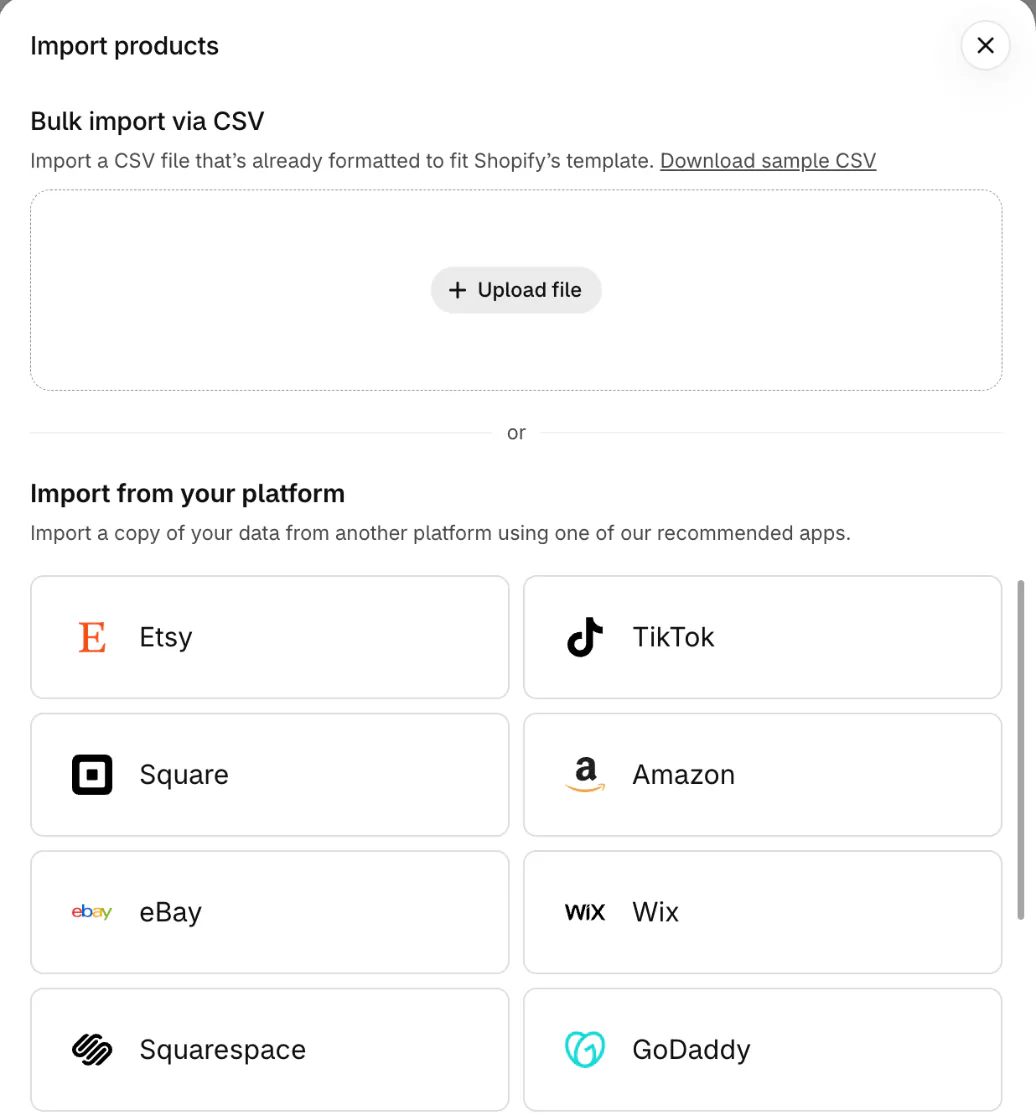
- Check the import, set the drafts to Active and fix products that lost their variants.
- Recreate what stayed behind, such as collections, menus, pages and blog posts.
- Pick a theme, then set up search and filters.
- Set up shipping, taxes and payments, then place a test order.
- Import a URL redirect for every old address.
- Switch the domain, test the old links, and submit your sitemap to Google.
What needs fixing after you import to Shopify?
Store Migration adds your products as drafts, so nothing shows in your store until you set them to Active. A draft's link opens Page not found and stays out of search.
Next, find the products that lost their variants. Shopify products can have at most 3 options, such as size and color. From WooCommerce or Wix, a product with 4 or more options comes in without its variants, and so does an Etsy listing with 101 or more combinations. A Wix product can carry up to 6 options, one of the limits Shopify vs Wix compares.
Wix collections and ribbons arrive as product tags. A Square variant with different prices at different locations comes in at the highest one.
Recreate WooCommerce coupons as discount codes. Reviews need a review app. Shopify says to move gift cards last, right before launch, because you can't edit or delete one there. A card spent on the old store after the import couldn't be updated.
How do you keep your Google rankings when you move to Shopify?
Your rankings belong to your old addresses, so each one that changes needs a URL redirect to its new page. Shopify warns that its page addresses likely differ from your old platform's, so an old link to a page such as your shipping policy probably won't load.
Save the list before you close anything. Export your old sitemap, and pull your most visited pages from your analytics or from Google Search Console, Google's free report on your search traffic. Once the old store is gone, that list is hard to rebuild, and you can only redirect an address you know.
Match each old address to its closest new page in a spreadsheet. Import the whole list into "URL redirects", Shopify's list of forwarded addresses, before you switch the domain. Our guide to Shopify URL redirects shows where that list sits, the file it takes and the addresses Shopify won't redirect.
Google's Change of Address tool matters only if your domain name changes too. After the switch, submit your sitemap in Search Console. Shopify makes one for you, but Google can't read it while your store is behind a password.
Even with every redirect in place, Google says a small to medium site can take a few weeks for most pages to move, and your visibility in search may swing while it does.
How do you set up search and filters on your new Shopify store?
Your search and filter setup starts from scratch, because collections, menus and any search app's settings stay behind. Two routes rebuild it.
Option A: Shopify Search & Discovery
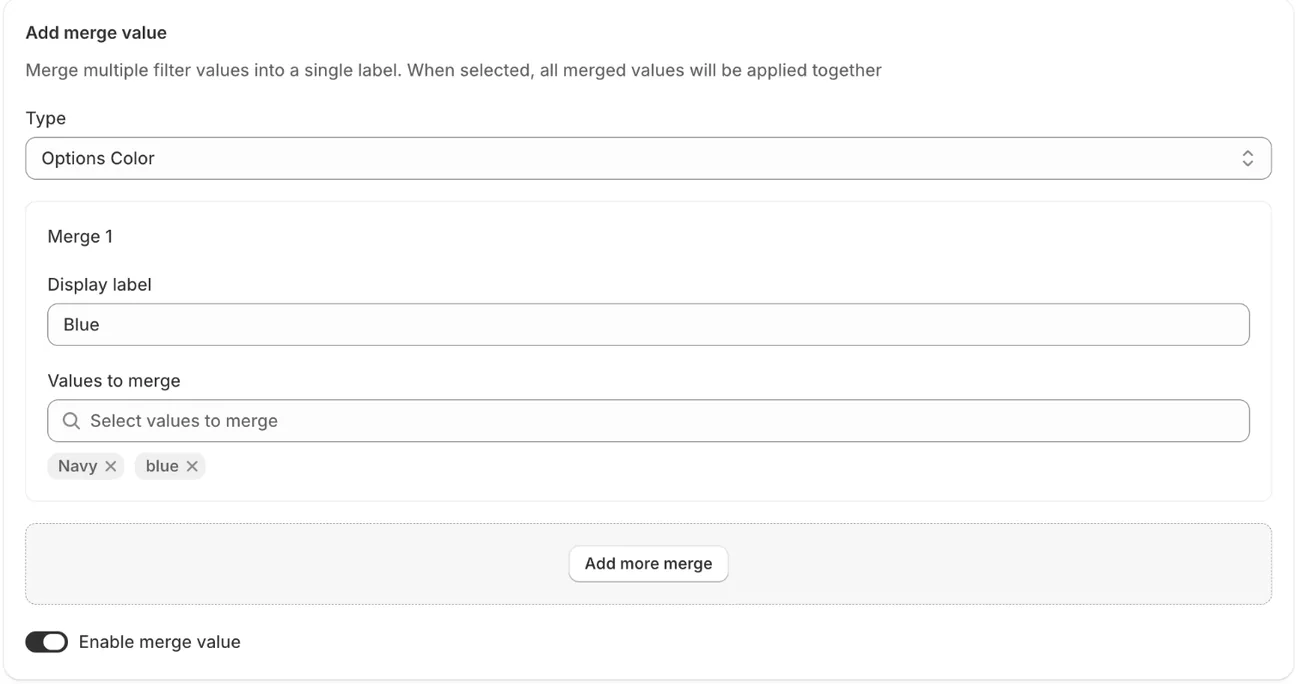
Shopify's free Search & Discovery app lets you choose the filters shoppers see: availability, category, price, product type, tags and vendor, plus your product options and custom product details. The cap is 25 filters per store, per Shopify's filter guide. You can group values, such as Onyx, Ebony and Midnight under Black. The app can also feature chosen products in search results.
Option B: Sledge
Sledge is a Shopify app that runs your store's search and filters. Install it once your products are in. Pro, at $29.99 a month, covers up to 10,000 products, and Scale up to 200,000. Its setup guide reads "Your products are synced" once it has them all. Products you add or change later sync too. Then work through its steps to "Turn on the app embed", the switch that puts Sledge on your storefront, and to turn on Instant Search and filters on collection pages.
Imported products can split one color into several values, such as Navy and a lowercase blue. In Product Filter, "Merge Value" shows them as one filter value, Blue.
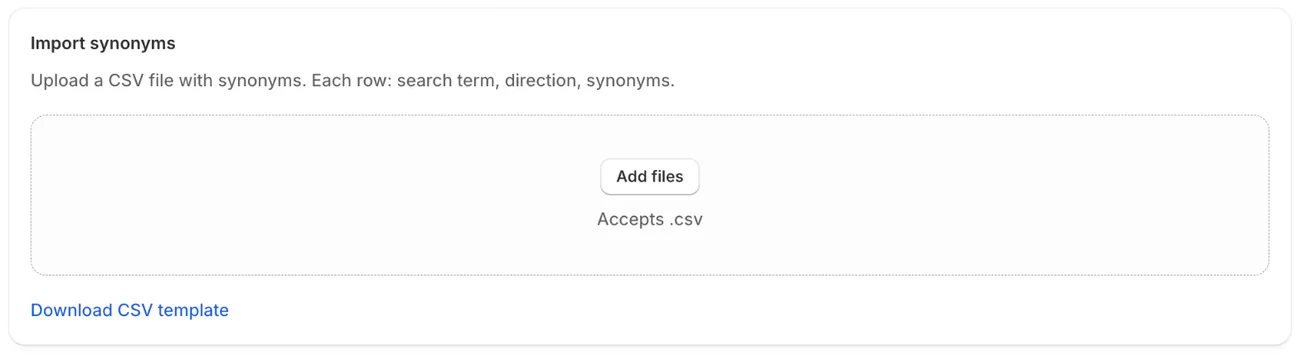
Sledge has no importer from another search app. If you kept your old synonyms in a spreadsheet, copy them into its template and import them.
After launch, Signals in Sledge's Analytics flags searches that found nothing as "Search with no results" and suggests adding a synonym or stocking the product.
What goes on a Shopify migration checklist?
Check the store as a shopper would, once before you switch the domain and once after. Before the switch, check five things.
- Products are Active, with their variants and photos.
- A test order goes through Shopify's test mode or a test payment gateway.
- Every old address is in your redirect list.
- Your old platform's settings no longer hold the domain, or you may hit security certificate errors.
- Your top searches find the right products.
After the switch, type your most visited old addresses into a browser and check where each one lands. Then submit the sitemap and watch Search Console for old addresses Google can't find.
FAQ
Questions, answered
-

14-day free trial
Explore Sledge on your store before you decide to commit.
-

No credit card required
Start improving your store with no upfront commitment.
-

Setup in minutes
Get Sledge running without a lengthy setup process.
-

Built to grow sales
Turn shopper behavior into actions that help you sell more.
How long does it take to migrate to Shopify?
Shopify puts most moves at under three months. Yours depends on your catalog and your method. A basic import through Store Migration takes minutes to hours. Google is slower: it says a small to medium site can need a few weeks before most pages show at their new addresses.
How much does it cost to migrate to Shopify?
Shopify's Store Migration app and its spreadsheet imports are free. Third-party migration apps and Shopify Partners set their own prices, and you need one of them for order history. Add your Shopify plan, a theme if you buy one, and the apps that replace your old platform's features. Our Shopify review prices a first year.
How do I migrate to Shopify Plus?
From another platform, the steps are the same, and Shopify's Plus launch checklist adds B2B companies, catalogs and gift cards. Plus costs $2,300 a month on a three-year term or $2,500 on a one-year term, in US dollars. A complex, high-volume store may also pay a variable fee based on its revenue.
Do customers need new passwords after a move to Shopify?
It depends on your customer accounts. Passwords can't move, because they're encrypted outside Shopify. With Shopify's customer accounts, imported customers sign in with their email and a one-time code, so they need no password. On legacy customer accounts, invite each customer to create a new one.
How do I migrate from WooCommerce to Shopify?
Export your products and customers from WooCommerce and upload both files, unedited, to Shopify's free Store Migration app. It adds the products as drafts. Orders need a third-party app, because Shopify can't import them from a spreadsheet. Your WordPress blog posts and pages aren't in the export. Recreate coupons as discount codes.
Moved in. Now see what shoppers can't find.
Try Sledge free for 14 days and set up search and filters on your new catalog. Growth Intelligence turns on when you pick a paid plan. It reads your searches and orders, including searches that found nothing, and totals what its fixes could add in one dollar figure, labeled "Est. potential".

