
Shopify Collabs is Shopify's own affiliate app, free to install on every plan except Starter and Retail. You set a commission, creators share a link or a code, and what you owe them goes on your Shopify bill with a 2.9% fee on top of each commission. New creators can join only through your invite or your store's application page.
A creator with 8,000 followers asks for a code. You make one by hand, track her sales in a spreadsheet and send her money at the end of the month. Collabs does the code, the tracking and the payment inside your admin. A few settings decide whether it pays the right people.
What is Shopify Collabs?
Shopify Collabs is Shopify's free app for running an affiliate program with creators: you find them, give each a link or code, and pay a commission on the sales they bring. It lives in your admin under Apps.
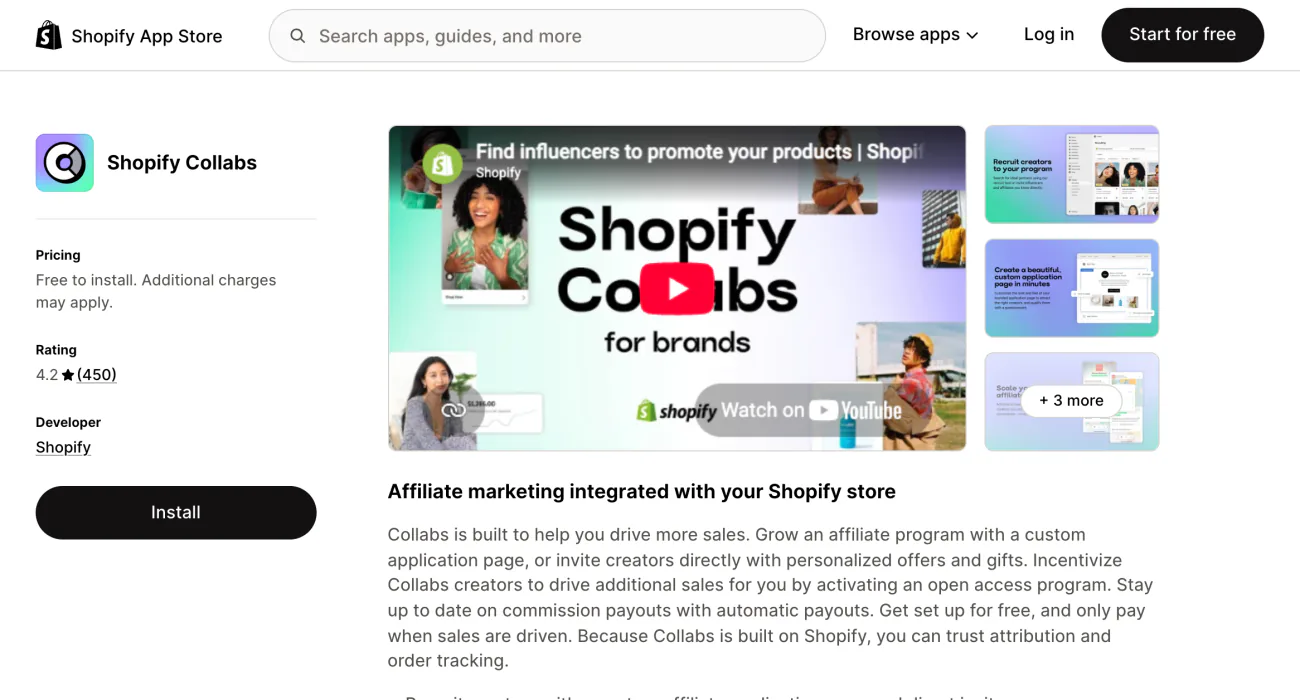
- Find creators. Invite them by email, add an application page to your store, or let eligible creators share your products with no approval.
- Send gifts. A free product, or a percentage or fixed-amount code, which the creator claims as an order you fulfill.
- Track sales. Each creator's sales, orders, visits and conversions.
- Pay commission. Shopify adds it to your bill and pays the creator.
Collabs needs Shopify Network Intelligence switched on in your privacy settings. Turn that off and Shopify uninstalls Collabs.
Who can use Shopify Collabs?
Collabs installs on the Basic, Grow, Advanced and Plus plans, and not on Starter or Retail. Shopify's help pages set no country limit for stores.
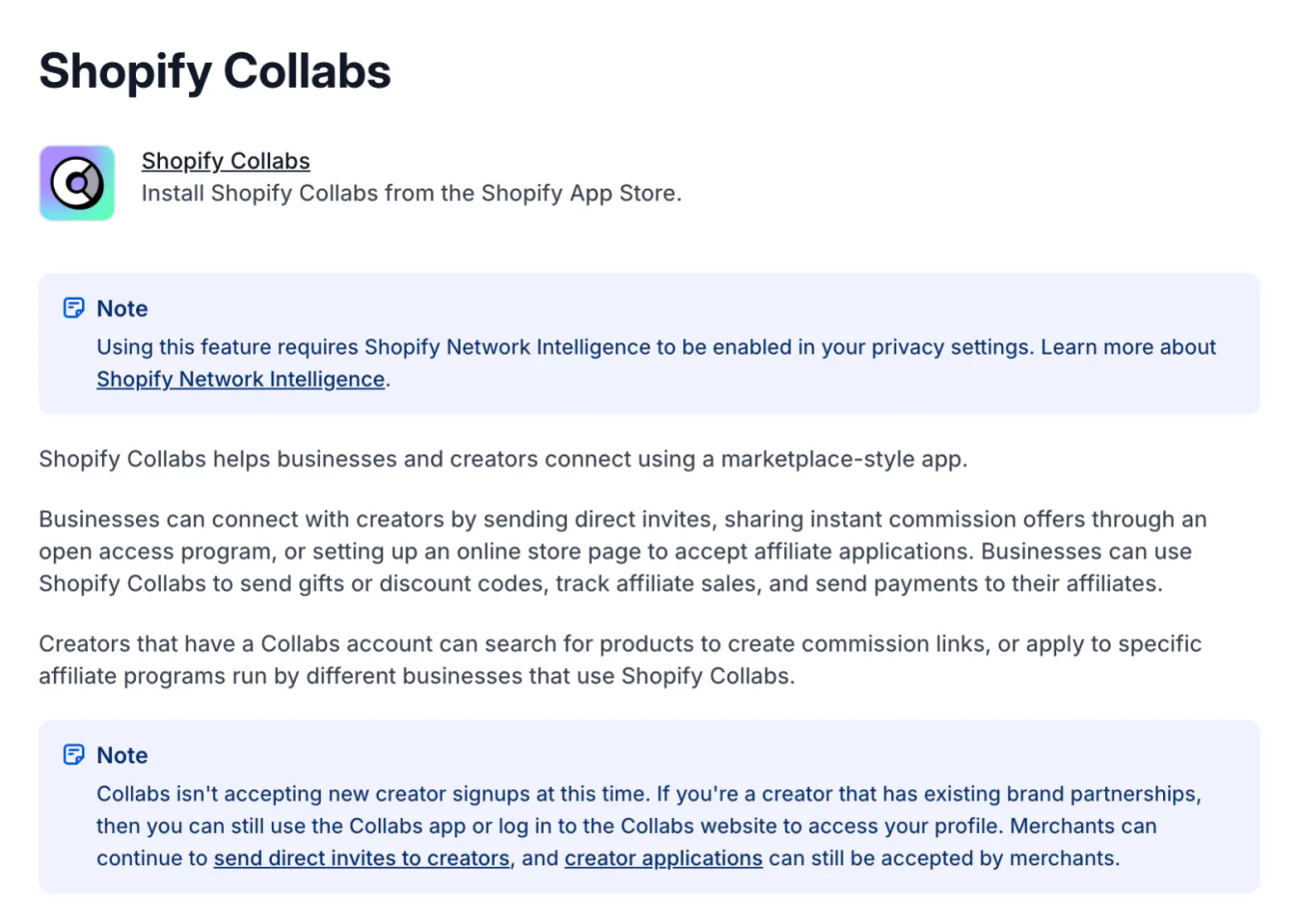
Creators are the narrow side. Shopify's help page says Collabs isn't accepting new creator sign-ups. A creator can still join through your email invite or by applying on your store's Collabs page. Only creators in the US, the UK and Canada can join an open access program or browse brands in the app. No Collabs help page sets a follower minimum, so the vetting is yours.
How much does Shopify Collabs cost?
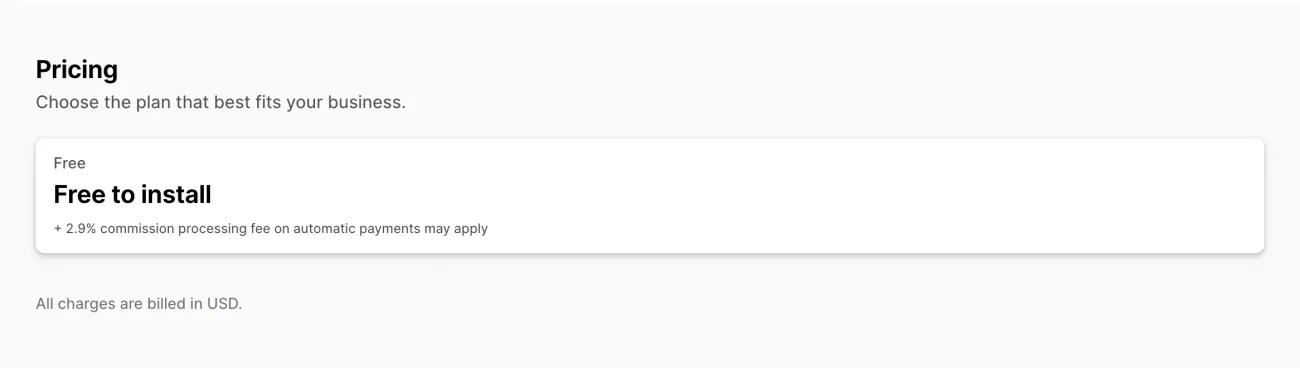
The app is free; you pay the commission you set plus a 2.9% processing fee on each commission Shopify pays out. Shopify's own example: a $100 sale at 10% commission is $10 to the creator and 29 cents in fees. The fee is 2.9% of the commission, not of the sale, so the commission costs you $10.29 on that sale.
- Your bill's currency. Collabs pays in US dollars. If your Shopify bill is in another currency, a conversion fee may apply.
- Gifts. You pay for the product and its shipping, because gift orders always ship free to the creator.
- The shopper's discount. A program can give buyers a discount through the creator's link or code, which you also pay for.
What each eligible plan costs is in our Shopify pricing guide.
How do commissions and payouts work?
A commission waits through a holding period, then goes on your Shopify bill, and Shopify pays the creator after you pay the bill.
- A shopper buys. They use the creator's link or code, and the sale counts toward that creator.
- The commission waits. The default holding period is 30 days, and you can set 1 to 90. A canceled or fully refunded order cancels its commission.
- It goes on your bill. The line reads "Shopify Collabs Commission".
- The creator gets paid. By PayPal or bank transfer, twice a month, once they are owed at least $25.
Commission for a creator who never turned on automatic payouts sits in "Waiting for creator". Don't pay them some other way: the money goes out when they turn payouts on, so you would pay twice. If your store is in the US, you can also ask creators for a W-9 tax form. Without one, a creator's payouts stop at $599.99 a year.
How do you set up Shopify Collabs?
Install the app, describe your brand, create a program with a commission, then bring creators in. The labels below are from Shopify's help pages, read November 9, 2026.
- Install Collabs. Get it from the Shopify App Store. In your admin, go to Apps, then Collabs, and click "Get started".
- Finish the account. Pick your product category, primary audience and the countries you want creators from, then click "Finish setup".
- Fill in your profile. Click "Edit profile" and add brand values, up to four images, how you work with creators and your target market.
- Create a program. Under Programs, click "Create invite program". Name it, choose the page the link opens, set a customer discount and a commission percentage.
- Bring in creators. Verify your contact email under Settings first. Then invite by email from Recruiting, or click "Create page" for an application page on your store.
You can invite up to 100 creators in any 7 days, and an invite expires after 30 days.
Open access or invite only: which should you use?
Use an invite program when you want to approve every creator; use open access when you want any eligible creator to start sharing your products today.
Open access sets one commission on all your products, or a rate per collection. Any Collabs creator in the US, the UK or Canada can then make a link and start sharing, with no approval. An invite program is for creators you pick, and you can run several with different perks. A creator sits in one of your programs at a time.
After you install, open Programs and check whether "Open access" shows. If you want to approve each creator, click it, then "Deactivate".
How do you stop leaked codes and fake sales?
Set a holding period longer than your return window, and dispute any commission that looks wrong before it reaches your bill. Find it under Payments, then Settings, as "Payment holding period".
A creator's code can end up on a coupon site. Then shoppers who never saw the creator's post get the discount, and the creator gets the commission.
- Dispute it. Under Payments, open the "Holding period" tab, pick the creator and click "Open dispute". You can pay part, all or none.
- Pause the creator. "Pause connection" cancels unclaimed gifts and switches off their links and codes.
- Let Shopify flag them. Leaked codes, paid ads and suspicious sites break Shopify's Community Guidelines. When Shopify catches a breach, it marks the creator high risk, and you can filter Connections by Risk.
- Watch partial refunds. Shopify's help pages say commission cancels by itself on canceled and fully refunded orders. Check a mostly returned order, and dispute its commission by hand if it looks too high.
If your store runs automatic discounts too, a creator's code works with them only where both are set to combine. Our discount stacking guide walks through it.
What are the limits of Shopify Collabs?
- Creator sign-ups are closed. New creators join only through you.
- Three countries of creators. Open access and brand browsing are for creators in the US, the UK and Canada.
- Reports are basic. The Sales report filters by date, program and tier, and it exports.
- Emails are fixed in places. You can't preview or test an invite, gift emails can't be changed, and the welcome email carries no link or code.
- English only. The listing names English as its one language.
- Uninstalling ends your programs. Links and codes stop, tracking stops, and commission still on hold goes on your next bill.
FAQ
Questions, answered
-

14-day free trial
Explore Sledge on your store before you decide to commit.
-

No credit card required
Start improving your store with no upfront commitment.
-

Setup in minutes
Get Sledge running without a lengthy setup process.
-

Built to grow sales
Turn shopper behavior into actions that help you sell more.
Is Shopify Collabs free?
It is free to install on every Shopify plan except Starter and Retail. You pay the commission you set on each sale a creator brings in, plus a 2.9% processing fee on that commission, both on your Shopify bill. On a $100 sale at 10%, that is $10 to the creator and 29 cents to Shopify.
How do creators get paid on Shopify Collabs?
Automatically. Each commission waits through a holding period you set, 30 days by default. Then it goes on your Shopify bill, and once you pay the bill, Shopify pays the creator by PayPal or bank transfer. Creators must turn on automatic payouts, and Shopify pays them twice a month once they are owed at least $25.
Can new creators sign up for Shopify Collabs?
Not on their own. Shopify's help page says Collabs isn't accepting new creator sign-ups. A creator can still join through your email invite or by applying on your store's Collabs page for you to approve. Shopify's help pages set no follower minimum, so you decide who fits your brand.
Is Shopify Collabs the same as the Shopify Affiliate Program?
No. The Shopify Affiliate Program pays people who send new stores to Shopify, with a commission for each store that signs up to a Basic, Grow or Advanced plan. Collabs runs your own program: you pay creators a commission when their followers buy your products from your store. One brings Shopify customers, the other brings yours.
Can I use Shopify Collabs outside the US?
Your store can, on an eligible plan; Shopify's help pages set no country limit for stores. Creators are narrower. Only creators in the US, the UK and Canada can join an open access program or browse brands. Payouts are made in US dollars, and a bill in another currency may add a conversion fee.
What happens if I uninstall Shopify Collabs?
Your programs end. Creators get an email, their links and codes stop working, and Shopify stops tracking their sales. Commission still in its holding period goes on your next bill, and disputed commission is canceled. Reinstall within 30 days and your programs and gifts come back, but you reconnect each creator.
Creators send the visit. Find what stops the sale.
Sledge doesn't find creators, make affiliate codes or pay commissions. It works on what their followers do once they land, through search, filters, bundles and a cart drawer, and it comes with a 14-day free trial. Growth Intelligence turns on when you pick a paid plan. It reads your orders and searches, suggests what to fix next, and sums those fixes up as one dollar total, labeled Est. potential.

