
How to offer quantity-break pricing to all your Shopify shoppers
Shopify's native quantity pricing only applies to B2B company profiles, so a regular storefront visitor never sees it. To show buy-more-save-more breaks to every shopper, you run the tiers through a volume-discount bundle that displays on the product page and applies the discount at checkout for anyone. The native limit, and the route around it, below.
You want a simple thing: "buy 3, save 10%," right on the product page, for everyone who lands there. You set up Shopify's quantity pricing, then read the fine print: it only works for B2B company profiles. The shoppers actually on your storefront never see it. Here is how to put a quantity break in front of every shopper, not just your wholesale accounts.
Why doesn't Shopify's native quantity pricing show to regular shoppers?
Because it is a B2B feature, not a storefront one. Native quantity pricing lives inside Shopify's B2B tools and applies only to customers attached to a company profile.
The split is documented by commerce publishers: Shopify's native quantity pricing "only applies to B2B company profiles and does not work for general visitors." A wholesale buyer you set up as a company sees the tiered prices. A first-time retail shopper does not, and there is no native way to make them one for this purpose.
So the lever every store wants, "the more you buy, the cheaper each one gets," is locked away from the general public, your largest group of buyers.
What is a quantity break, and why does it lift the order?
A quantity break is a price tier that gets cheaper per unit as the shopper buys more: one at full price, three at 10% off, six at 15%. It rewards a bigger basket with a better unit price.
It lifts the order because it changes the question the shopper is asking. Without tiers, the decision is "do I want one of these?" With tiers on the page, it becomes "is three the better deal?" A shopper who came for one consumable, a coffee or a candle, sees that three costs less each and reaches for the larger pack.
The math has to stay honest. A quantity break is a discount, and it comes out of the per-unit margin. The deepest tier has to stay inside the margin of the extra units it sells, or the bulk order quietly loses money. Tiers that deepen as quantity climbs, say 10, 15, 20 percent, move behavior without crossing that line.
How do you show a quantity break to every shopper?
You run the tiers through a volume discount bundle that renders on the public product page and applies at checkout for any visitor, not just B2B accounts.
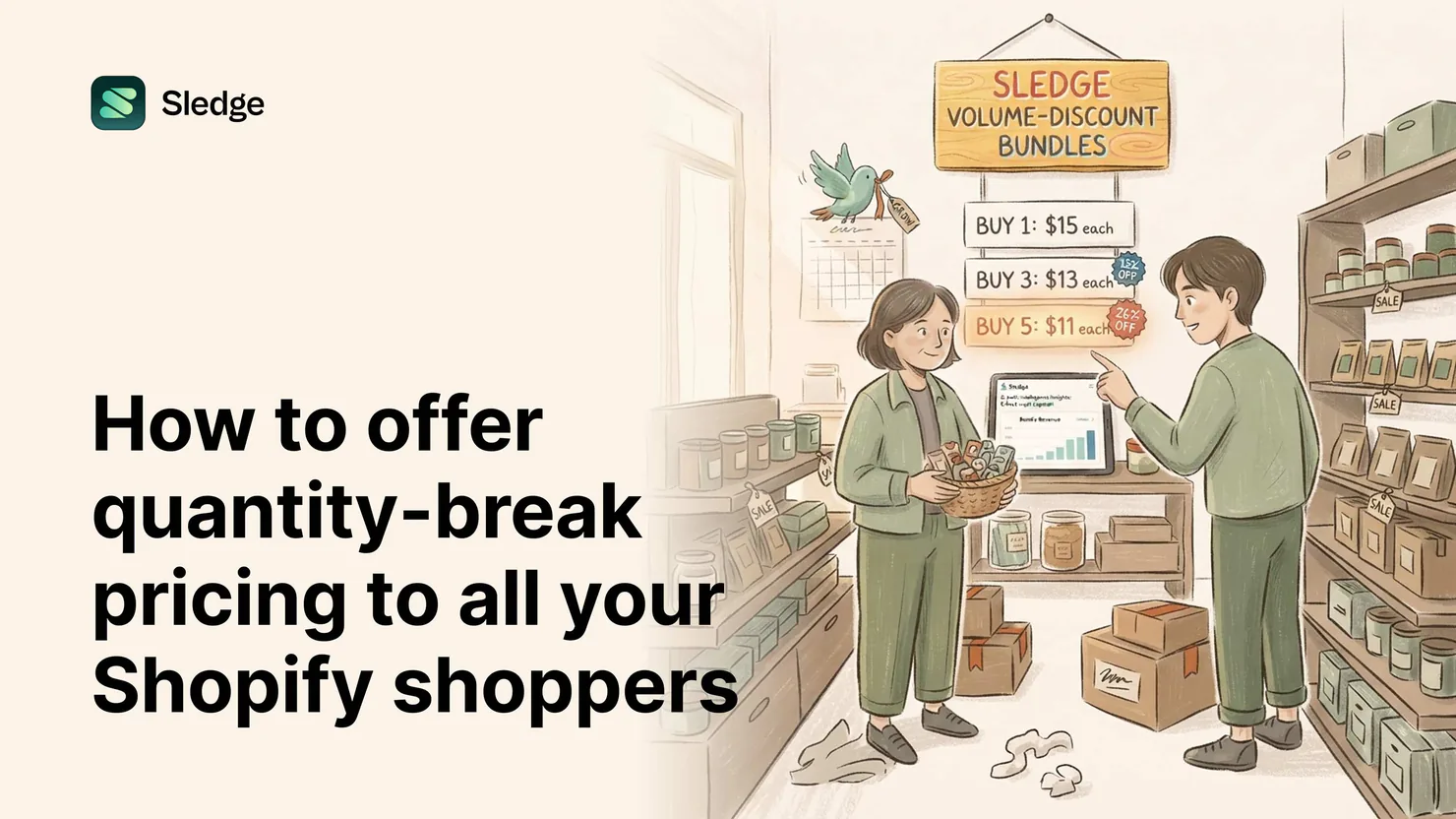
A volume-discount bundle treats "buy more, save more" as an offer on the product, shown to everyone, instead of a price book tied to a company profile. Sledge does exactly this:
- Install the bundle app and create a volume-discount bundle on the product or collection.
- Set the tiers: the quantities and the saving at each, "buy 1, buy 3 save 10%, buy 6 save 15%."
- Choose where the tier card shows. The product page is the primary seat, where the shopper is deciding how many to buy.
- Publish. The tier card renders for every shopper, and the discount syncs to a Shopify discount so checkout charges the right price automatically.
Sledge volume-discount bundles show buy-more-save-more quantity breaks to all shoppers on the product page, not only B2B company profiles. The retail shopper finally sees the deal the wholesale buyer always could.
Where should the quantity break appear?
On the product page first, because that is where the "how many" decision happens. The shopper is studying the item, and the tiers sit beside the add-to-cart, turning "one" into "three" before they commit. From there you can extend the same logic, an add-on offer or a free-shipping nudge in the cart, but the quantity break earns its keep where the quantity is chosen.
Keep the card readable. Three or four tiers, each showing the quantity, the per-unit or total price, and the saving. A shopper should grasp the best deal in a glance, not solve a pricing puzzle.
How do you know the tiers are set right?
Is "buy 3, save 10%" better than "buy 2, save 8%"? Should the deepest tier be at six units or four? Argument will not settle it, and the wrong tiers either leave the lift on the table or give away margin for orders you would have won anyway. Sledge reports per-bundle revenue and can A/B-test the tiers: half your shoppers see one structure, half the other, split evenly per session, and you keep the one that earns more. Test everything. Keep what wins.
And you do not have to guess which products want breaks at all. Built-in Growth Intelligence reads your real orders, names the products that already sell in multiples, and attaches a dollar estimate to the move, so you put quantity breaks where shoppers are already buying more than one.
The quantity-break checklist
- Tiers are shown to every shopper on the product page, not only B2B company profiles.
- The deepest tier stays inside the per-unit margin of the extra units it sells.
- The tier card is readable at a glance: three or four tiers, each with quantity and saving.
- The discount syncs to a Shopify discount, so checkout matches the card.
- Tier structures get A/B tested, with per-bundle revenue as the scoreboard.
- Products that already sell in multiples are the first ones to get breaks.
Questions, answered
Why can't my regular customers see Shopify's quantity pricing?
Native quantity pricing is a B2B feature that applies only to customers on a company profile, so general storefront visitors never see it. Sledge volume-discount bundles show quantity breaks to every shopper on the product page instead.
How do I show "buy 3, save 10%" to all my Shopify shoppers?
Run the tiers through a volume-discount bundle that renders on the public product page. With Sledge you set the quantities and savings, the tier card shows for every visitor, and the discount applies automatically at checkout.
How deep should quantity-break discounts go?
Deep enough to move the larger pack, never past the per-unit margin of the extra units. Tiers that deepen as quantity climbs, like 10, 15, 20 percent, change behavior while staying profitable.
Where should the quantity-break tiers appear?
On the product page, beside the add-to-cart, where the shopper decides how many to buy. Sledge renders the tier card there for every shopper and applies the matching discount at checkout.
Buy-more-save-more, for everyone. Not just wholesale.
Install free. Set your tiers, show them to every shopper on the product page, and let the deal turn one into three at the moment of choice.
14-day free trial · No code · Works with any theme · Uninstalls clean