
Horizon theme review: use Shopify's new flagship?
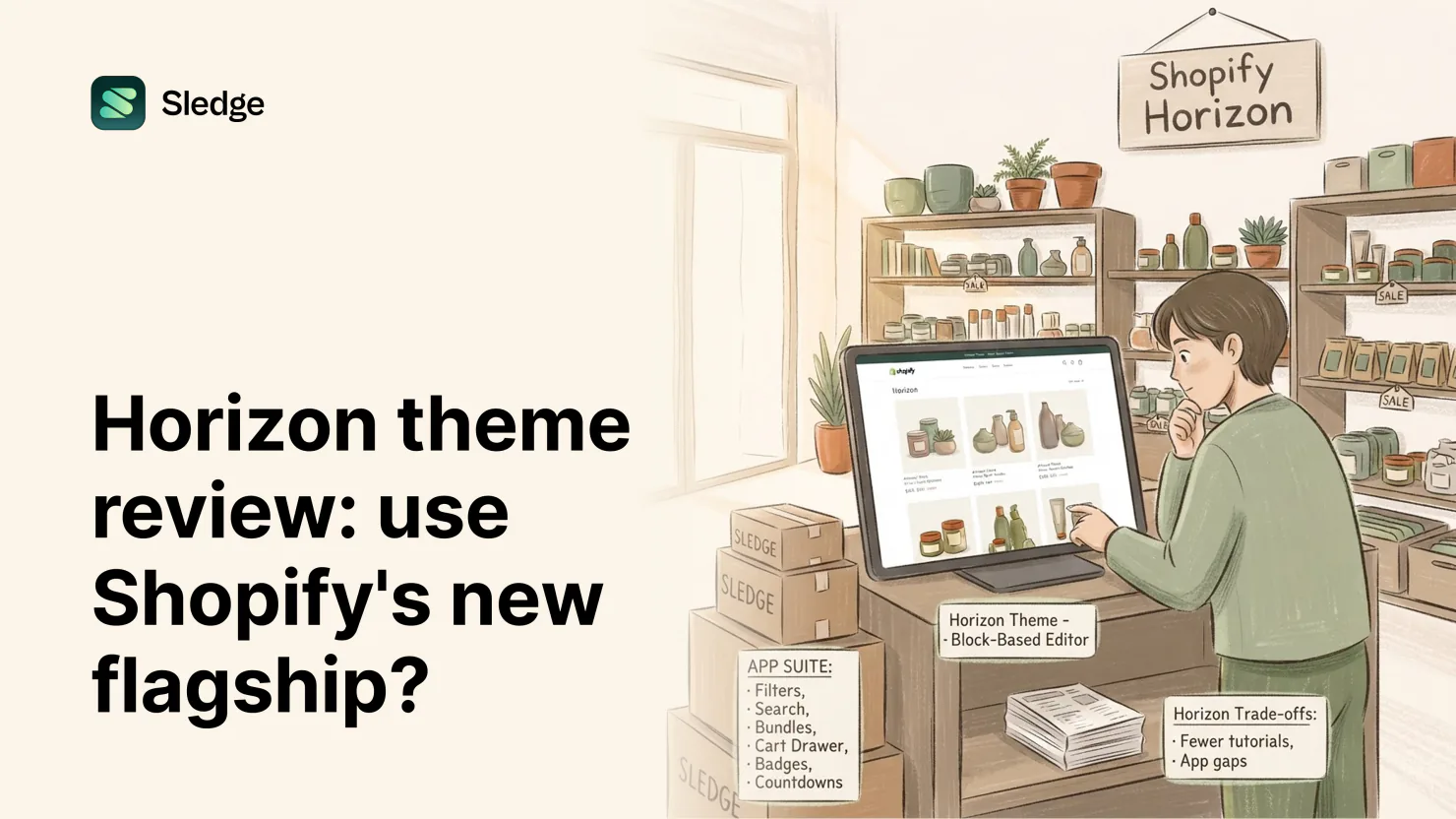
Yes, for most new stores. Horizon is Shopify's free flagship theme, with a block-based editor that nests layouts Dawn never could. The catch is youth: fewer tutorials, fewer apps tuned for it. Sledge fills the gaps Horizon leaves in filters, search, bundles, and badges.
Horizon costs nothing, and neither does Dawn. The real question is whether Horizon helps your store sell or gets in the way.
What Horizon is
Shopify launched Horizon on May 21, 2025, as the flagship of a new generation of its own themes. Horizon uses blocks that nest inside each other, edited by drag in the theme editor. Shopify launched it as a family of themes with different styling. Savor, Tinker, Vessel, Atelier, Dwell, Fabric, Heritage, Pitch, and Ritual share the same foundation, so a store can change clothes without changing skeletons.
Out of the box, Horizon's cart is a full page, with a drawer one setting away. It also ships a related products section, storefront search with separate buttons for desktop and mobile, and collection filters managed through Shopify's free Search & Discovery app.
What Horizon gets right
The editor is the headline. Blocks nest deep: columns inside groups inside sections, rearranged without code. Layouts that older free themes send to a developer, Horizon handles in the editor. If you care how your store looks, this is the most editing power a free theme has offered.
Flagship status is a feature. Shopify's Winter '26 Edition listed over 250 Horizon theme improvements. That matters if you are building a new store. It matters less if Dawn already does the job.
The family is a quiet advantage. Learn Horizon once and you have learned nine other themes. A rebrand becomes a restyle, not a rebuild.
The selling basics are present. Cart drawer, related products, filters, search. Nothing missing that a free theme is expected to carry.
The honest tradeoffs
Horizon is young. Dawn collected years of tutorials, forum threads, and video fixes. Horizon has not. When something behaves oddly late on a Sunday, the search results are thinner.
App tuning varies. Apps were built and tested against the Dawn generation for years. Some have caught up to Horizon's block architecture; some render widgets that look bolted on. Worth testing any app on a preview before trusting it.
Deep nesting cuts both ways. The editor's power means more decisions per page. If you want to set things up once and move on, Dawn's flatter editor may feel calmer. The full comparison: Dawn vs Horizon.
The selling basics stay basic. Switch the cart drawer on and it lists items and totals the order, with no free-shipping bar and no offers. Filters carry the standard Search & Discovery set: availability, price, variant options, product type, with limited swatches. A collection over 5,000 products shows no filters. Native search matches the words, but it does not read "under $50" as a price, and you type every synonym by hand. And Horizon has no countdown timer built in at all. None of this is unusual for a free theme. It is where the theme ends.
Who Horizon suits
Take Horizon if you are starting a new store, redesigning anyway, or you want layout control without paying for a developer. The editor rewards a point of view about design, and the family means the look can evolve with the brand.
Stay where you are if your current theme already works and your time is short. Switching themes means redoing customizations, and the feature gaps Horizon fills are cosmetic, not commercial. A working Dawn store does not become a better business on Horizon by itself.
How Sledge fills Horizon's gaps
Sledge ships a configuration tuned for Horizon and its whole family, injected through the app embed. No blocks occupied, no theme files edited, and the layout you built stays yours. Each gap above has a guide written for this exact theme:
- Filters. Full filter groups, real color and image swatches, price sliders, and product counts on Horizon's collection pages. Turn it on through Filters, or follow the walkthrough: How to add product filters to Horizon.
- Search. An instant overlay on Horizon's search triggers, desktop and mobile both: typos forgiven, synonyms understood, and on any paid plan, sentences like "running shoes under $50" read as category plus budget. See it explained in Improve search on the Horizon theme, or jump straight to AI Search.
- Bundles. Nine types, quantity breaks to build-your-own, rendered as Horizon-styled cards in search results, collections, product pages, and the cart. Configure it under Bundles. For step-by-step Horizon setup, see How to add bundles to Horizon.
- The cart drawer. A replacement that sells: free-shipping bar, countdown, your offers once more before checkout. Full walkthrough at Horizon cart drawer upgrade; the feature lives at Cart Drawer.
- Badges. Placed where Horizon's product cards expect them, no positioning by trial and error. Merchandising handles placement automatically, and Product badges on Horizon shows the setup.
- Countdowns. Store-wide bars or product-page timers, scheduled to the minute, on a theme that ships none. Read Countdown timers on Horizon for the setup. Promotions is the feature behind it.
And underneath all of it, on Pro and up, Growth Intelligence watches what shoppers search, filter, and abandon on your Horizon store, then tells you what to fix with a dollar figure attached.
Verdict: should your store use Horizon?
New store: yes. You get the editor, the family, and the theme Shopify builds toward, and the tutorial gap matters least when you have no habits to unlearn.
Established store on Dawn or another free theme: only if you are redesigning anyway. The move is real work, and Horizon's gains are design gains.
Either way, the features that move revenue come from apps, not the theme. Deeper filters, smarter search, bundles, a cart drawer that sells: you add that layer on any theme. Sledge provides it tuned for Horizon, its nine siblings, and every other free theme besides. The detailed setup lives on Sledge on Horizon.
Questions, answered
Is the Horizon theme free?
Yes. Horizon is one of Shopify's free themes, launched in May 2025. The nine family themes, Savor through Ritual, are free as well.
What is the Horizon theme family?
Nine sibling themes built on Horizon's foundation with different styling: Savor, Tinker, Vessel, Atelier, Dwell, Fabric, Heritage, Pitch, and Ritual. What you learn on Horizon, and the apps that work on it, carry across the family.
Does Sledge work with Horizon's block editor?
Yes. Sledge injects at runtime through the app embed, so it occupies no blocks and never edits theme files. Your nested layouts stay exactly as you built them, and uninstalling leaves Horizon as it was.
Should I switch from Dawn to Horizon?
If Dawn works for you, switching is a design decision, not a feature one. Check the cart after the move: Dawn defaults to a pop-up notification, Horizon to a full cart page. Sledge re-detects the theme on load and re-fits itself, so filters, search, bundles, and badges survive without a re-setup.
New flagship theme. No new gaps.
Install free. Sledge detects Horizon, or any of its nine siblings, and fits itself on the first load. On a paid plan, Growth Intelligence then shows what your store is leaking, with dollar amounts attached.
14-day free trial · No code · Works with any theme · Uninstalls clean