
Afterpay vs Klarna depends on where your store is based. Both take a fee on each sale and pay you the rest while the shopper pays later or in parts, and neither charges every store the same rate. Klarna runs through Shopify Payments in the UK and the European countries Shopify lists, and Afterpay has an app for US stores.
You want to offer pay later, so you open Settings, then Payments, and the option you read about isn't there. Or it is, and nothing tells you what it costs. We read Afterpay's, Klarna's and Shopify's own pages on November 6, 2026.
Afterpay or Klarna on Shopify: which fits your store?
Where your store sits decides this first, because Klarna runs through Shopify Payments in the UK and the European countries Shopify lists, and Afterpay has an app for US stores.
| If your store | Look at | Why |
|---|---|---|
| Is in the UK or a listed European country | Klarna through Shopify Payments | Shopify lists 26 countries, and Klarna pays out with your Shopify payout |
| Is in the US and wants Afterpay | The Afterpay US app | It needs an approved Afterpay account and US dollars |
| Is in the US and wants Klarna | The Klarna app, or a payment provider that lists Klarna | Shopify's Klarna page doesn't list the US, and the Klarna app is for stores with a direct Klarna agreement |
| Is in Canada | Shop Pay Installments (Shopify's own option, explained under Affirm below), or ask Afterpay | Shopify says Afterpay is for US stores, and its Klarna country list leaves Canada out |
| Is in Australia or New Zealand | Ask Afterpay, and look under Settings, Payments for Klarna | Shopify's Klarna page leaves both out, while Klarna's own guide says it can be switched on there |
| Is in a listed Klarna country and sells in several currencies | Klarna through Shopify Payments | Shoppers pay in their local currency from a list of 9, and the Afterpay US app runs in US dollars only |
| Wants a method Shopify lists as skipping its third-party fee | Shop Pay Installments | It sits on that list beside Shopify Payments, Shop Pay and manual payments |
Read on Shopify's, Klarna's and Afterpay's own pages, November 6, 2026.
Klarna's own Shopify guide says support for US stores through Shopify Payments is expected in 2026. Shopify's help page doesn't list the US, so plan as if it isn't there yet. Afterpay's guide sends UK stores to Clearpay's pages.
Afterpay US: what does its app need from your store?
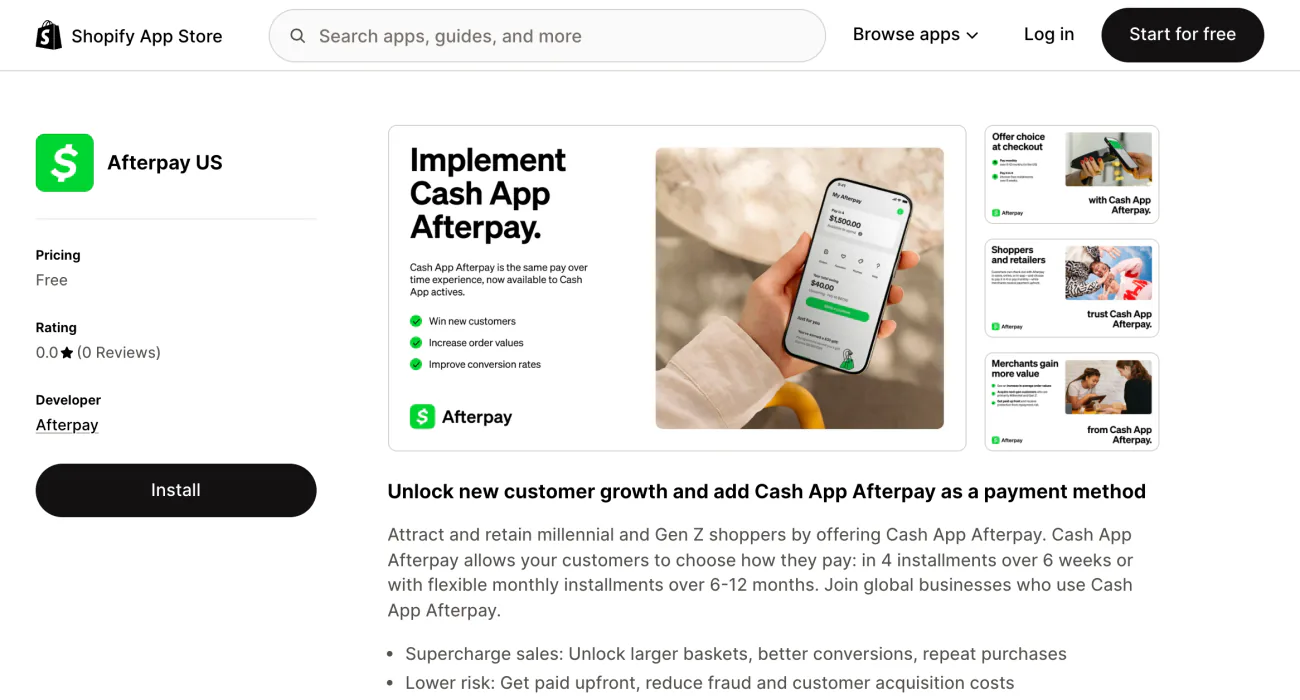
A shopper hesitates at the total. Afterpay's listing says they can split it into 4 installments over 6 weeks, or into monthly installments over 6 to 12 months.
The Afterpay US app needs an approved Afterpay account, a store that sells in US dollars and a login to Afterpay's portal, called Business Hub.
You apply to Afterpay first, because the app connects an approved account. Install Afterpay US from the Shopify App Store and sign in to Business Hub to link the account. Back in Shopify, click Activate and leave Test mode off. It is meant for dedicated test sites, and Afterpay's guide says turning it on makes the connection fail.
Afterpay's guides disagree at the edges. One says a store address in the USA only. Another also lists stores based in Australia, Canada, Hong Kong, New Zealand and the UK that ship to the US and take US dollars. Shopify's guide to Klarna says Afterpay is only for stores in the United States, so outside the US, ask Afterpay first.
Afterpay's US agreement template says it pays you up to five business days after the sale, with its fee taken from the payout. Shopify's payouts report leaves out third-party methods such as Afterpay, which Shopify describes as processed outside Shopify Payments. That money arrives apart from your Shopify Payments payout. Our Xero guide covers matching payouts that arrive outside Shopify's own.
A second free app, Afterpay On-Site Messaging, adds customized messaging to your product and cart pages.
Klarna: what does it need from your store?
A shopper wants to spread the cost, or to pay in 30 days. Through Shopify Payments, Klarna offers pay in 30 days, pay in full from a bank account, pay in 3 and monthly financing.
In the UK and the European countries Shopify lists, Klarna runs inside Shopify Payments and decides whether your store qualifies.
Shopify's Klarna page lists 26 countries where a store can switch it on, from Austria to the United Kingdom. The US, Canada and Australia aren't among them.
Klarna pays out with your next Shopify Payments payout, and Shopify's guide to Klarna says it carries the risk that a shopper doesn't pay. Klarna is on by default for new eligible Shopify Payments accounts. If it isn't on, Klarna reviews your business details before you can use it.
Shopify says your storefront must show seven things: your business tax ID, contact details, delivery methods and times, return instructions, your right-of-withdrawal policy, accurate product descriptions and genuine customer reviews. Klarna can decline or deactivate a store for reasons such as high dispute rates, prohibited goods or incomplete storefront information.
You don't pick which Klarna options a shopper sees. Klarna decides from factors such as your store's location and the shopper's order history, and shows them only to shoppers who check out with an email address. Shoppers pay in their local currency only, so each market needs its own currency. Our Shopify multi currency guide covers setting that up.
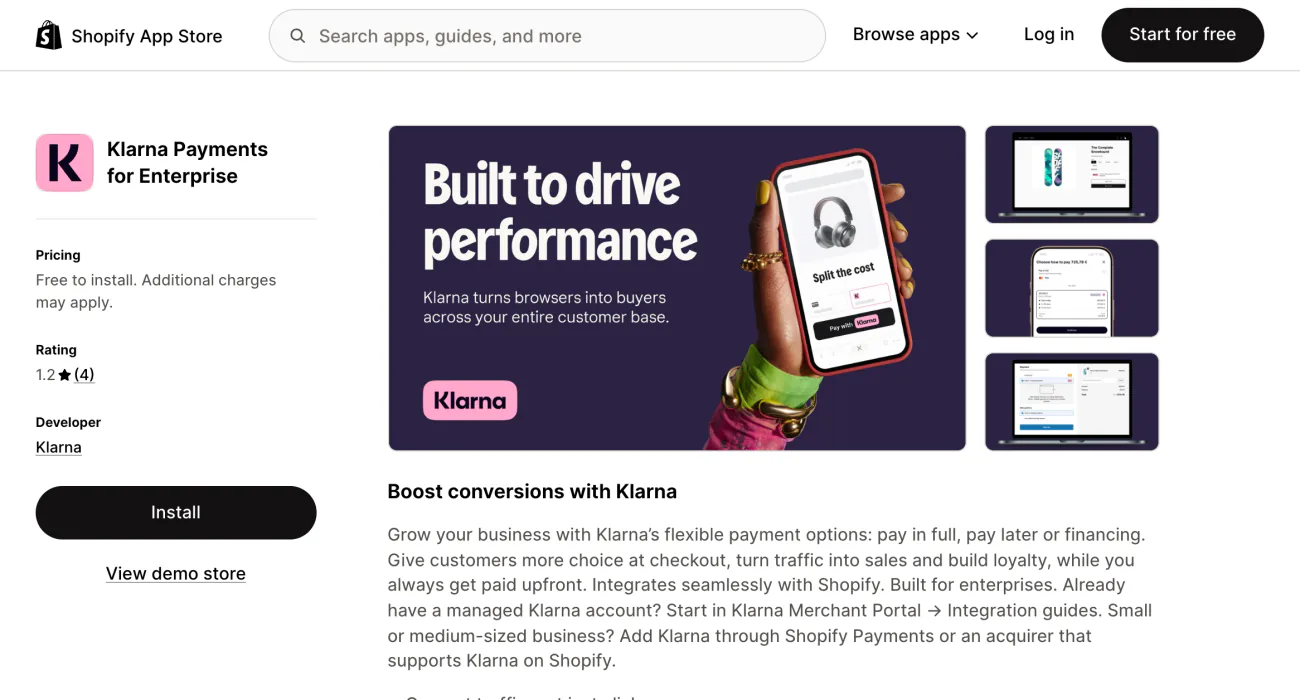
The Klarna app on the App Store is called Klarna Payments for Enterprise, and its listing sends smaller stores to Shopify Payments or to an acquirer, meaning a payment provider, that supports Klarna on Shopify. Klarna's guide says the app is only for stores Klarna has approved and signed directly.
Afterpay vs Klarna fees: what does each charge your store?
Afterpay sets your fee in your agreement. Klarna sets it in your contract or, through Shopify Payments, at the rate Shopify lists for your plan.
| Charge | Afterpay | Klarna |
|---|---|---|
| Per sale | A percentage you agree with Afterpay, plus 30¢ | A percentage and a fixed fee in your Klarna contract, or the rate Shopify lists for that method and your plan |
| Paid out | Up to five business days after the sale, fee taken from the payout | Through Shopify Payments, with your next payout |
| Refund | The fee isn't refunded unless it was charged by mistake | Through Shopify Payments, its processing fee isn't refunded |
From Afterpay's US agreement template and Klarna's and Shopify's pages, read November 6, 2026.
Shopify's pay-later guide says the same: Afterpay's fee is a fixed fee plus a percentage, and Klarna's varies with your business and market. Rates quoted on other sites differ from page to page, and we could not trace them to a page from Afterpay or Klarna. Even Shopify's guide to Klarna credits the range it prints to third parties. We print none, so ask each for a written quote at your average order size.
Klarna's own guide lists a $15 fee when a dispute is closed against a US store with a direct agreement, rising to $30 for a store with over 100 orders when more than 1.5% are disputed three months running. Stores that reach Klarna through a payment provider may have the fee passed on.
Does Shopify add its own fee on top?
Shopify's third-party fee is 2% on Basic in the US, and whether it lands on a pay-later method depends on how you switch that method on. Your bill shows what you paid.
Shopify's Help Center says Shopify charges the fee on payments taken by third-party providers. With Shopify Payments on, the payments that skip it are Shopify Payments itself, Shop Pay, Shop Pay Installments and manual payments such as cash on delivery, plus PayPal when Shopify Payments is your main provider. Klarna through Shopify Payments is processed by Shopify Payments, whose fee Shopify says varies by method and plan. The Help Center calls Afterpay a third-party payment method. It says methods you switch on separately can carry Shopify's third-party fee, the provider's fee or Shopify Payments fees, depending on the method and your contract.
| On a $100 order, products, tax and shipping together | Basic | Grow | Advanced |
|---|---|---|---|
| Shopify's third-party fee | 2%, or $2.00 | 1%, or $1.00 | 0.6%, or $0.60 |
US rates from Shopify's pricing page, archived November 4, 2026. The dollar amounts are ours.
Open Settings, then Billing, then a bill under Past bills, and read its Transaction fees section. For Klarna through Shopify Payments, open Settings, then Payments, and click View payment rates, the link in the Payment methods section that lists each method's rate. Our Shopify review lists the third-party fee for every plan.
Afterpay vs Klarna vs Affirm: where does Affirm fit?
Affirm is the lender behind Shop Pay Installments, which Shopify runs for stores in the US, Canada and the UK.
Once Shopify Payments and Shop Pay are both on, open Settings, then Payments, click Manage in the Shopify Payments section and select Shop Pay Installments in the Shop Pay section. Affirm collects from the shopper, and you receive the full order amount, less the fee, within 1 to 3 business days after you capture the payment. Orders from $35 to $30,000 qualify in the US, and Australia is in early access.
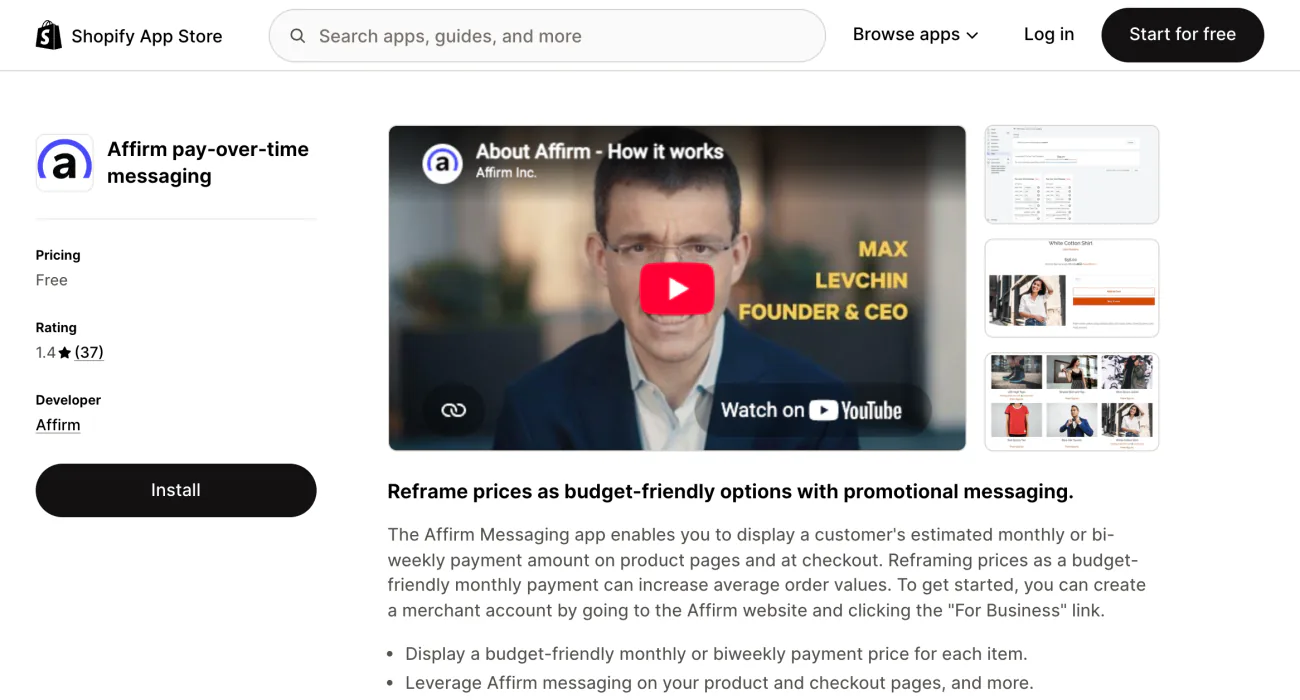
Your rate is listed under View payment rates too. Affirm's own Shopify app is a separate product. It shows an estimated monthly or bi-weekly payment on product pages and at checkout, and it starts from an Affirm account made on Affirm's site. Our Shop Pay Installments guide covers eligibility, fees and setup.
FAQ
Questions, answered
-

14-day free trial
Explore Sledge on your store before you decide to commit.
-

No credit card required
Start improving your store with no upfront commitment.
-

Setup in minutes
Get Sledge running without a lengthy setup process.
-

Built to grow sales
Turn shopper behavior into actions that help you sell more.
Is Afterpay or Klarna cheaper for a store?
Neither has one flat rate for every store. Afterpay's US agreement template sets the fee as a percentage you agree with Afterpay plus 30¢, and Klarna's Shopify listing says the exact fee depends on your Klarna contract. Ask both for a quote at your average order size, then add Shopify's third-party fee where it applies.
Can I use Klarna on a US Shopify store?
Not through Shopify Payments yet. Shopify's Klarna page lists European countries and the UK, and Klarna's own Shopify guide says US support is expected in 2026. Today a US store can use the Klarna app with a direct Klarna agreement, or go through a payment provider that supports Klarna on Shopify.
Does Shopify charge extra for Afterpay?
It can. Shopify's Help Center calls Afterpay a third-party payment method, and says such methods can carry Shopify's third-party fee, the provider's fee or Shopify Payments fees, depending on the method and your contract. Shopify's third-party fee is 2% on Basic in the US. Under Settings, then Billing, a bill's Transaction fees section shows what you paid.
Is Afterpay or Klarna better for a small business?
It depends on where you sell. In the UK and other countries on Shopify's Klarna list, you can use Klarna inside Shopify Payments. US stores can add Afterpay through its app, and Klarna only by direct agreement or a payment provider. In Canada, you are off Shopify's Klarna list, and Shopify says Afterpay is for US stores, so ask Afterpay.
Is Shop Pay Installments the same as Affirm?
No. Shopify runs Shop Pay Installments, and Affirm is the lender: it lends the shopper the money and collects the payments, and you receive the full order amount, less the fee, within 1 to 3 business days after you capture the payment. It needs Shopify Payments and Shop Pay, and runs for stores in the US, Canada and the UK.
Will pay later make my orders bigger?
Providers and blogs quote lifts in order size, and none of those figures was measured in your store. Compare your average order value over equal stretches of time before and after you switch one on. Our average order value page lists other ways to grow each order.
Want bigger orders before the shopper reaches checkout?
Sledge does not take payments or offer pay later. It works on the basket, with bundles, volume discounts and a cart drawer goal toward free shipping. You pay from $29.99 a month after a 14-day free trial, never a percentage of your sales. Growth Intelligence turns on when you pick a paid plan, and the fixes it suggests add up to one estimated dollar total, labeled "Est. potential".

