
The seven Shopify themes for clothing below are Fabric, which is free, then Impulse, Pipeline, Motion, Stiletto, Envy and Blum, from $170 to $500, paid once. All seven list color swatches, a size chart, quick view and lookbooks on their Theme Store pages, so those features won't separate them. Pick by the job your store needs done.
Your product page shows five color dots. The collection page shows one photo per product and no sign it comes in five colors. A shopper asks which size to order, and the size chart sits on a page nobody finds. So we read the clothing listings on Shopify's Theme Store, priced seven themes in November 2026, and matched each one to a job.
Which Shopify theme fits your clothing store?
Find your job under Best for. Every number comes from the theme's Theme Store page.
| Theme | Best for | Price, paid once | Developer | Positive reviews | Latest version |
|---|---|---|---|---|---|
| 1. Fabric | Starting out on a free theme | Free | Shopify | 30% of 67 | 4.3.0, Oct 9, 2026 |
| 2. Impulse | A shoppable first photo, with sale tools | $500 | Archetype Themes | 94% of 1,304 | 10.0.0, Oct 9, 2026 |
| 3. Pipeline | Cards that simplify picking color and size | $360 | Groupthought | 97% of 209 | 8.2.0, Aug 10, 2026 |
| 4. Motion | Brands that sell with video | $420 | Archetype Themes | 97% of 557 | 12.0.0, Jul 6, 2026 |
| 5. Stiletto | Selling tools built into the theme | $380 | Fluorescent | 92% of 154 | 6.4.0, Oct 29, 2026 |
| 6. Envy | Basics sold by fit and color | $320 | Eight Themes | 91% of 274 | 36.1.0, Oct 7, 2026 |
| 7. Blum | A lookbook on a smaller budget | $170 | eComX | 99% of 266 | 3.10.1, Nov 2, 2026 |
Prices are as of November 2026.
What does a clothing store need from a theme?
- Colors you can see from the collection. "Color swatches" are the color dots a shopper clicks instead of reading color names. A swatch shown only on the product page leaves the collection page with one color per product.
- A size chart on the product page. Shoppers should open it without leaving the product.
- A size picked without opening the product. Quick view lets a shopper see whether M exists before clicking through.
- The clothes on a body. Lookbooks, a second photo when a shopper points at the card (listings call it "Image rollover"), and "Image hotspot", or shop the look, where tapping a piece in a photo opens that product. A product photo shot in 4:5 portrait keeps the whole outfit in frame.
- A filter by size. A shopper picks M, and the collection narrows to clothes in M.
All seven list color swatches, a size chart, quick view and lookbooks, so the differences sit in the last three columns.
| Theme | Color swatches | Size chart | Quick view | Lookbooks | Swatches in the filter | Shop the look (hotspots) | Combined listings (Plus) |
|---|---|---|---|---|---|---|---|
| Fabric | Listed | Listed | Listed | Listed | Listed | Not listed | Listed |
| Impulse | Listed | Listed | Listed | Listed | Not listed | Listed | Listed |
| Pipeline | Listed | Listed | Listed | Listed | Listed | Listed | Not listed |
| Motion | Listed | Listed | Listed | Listed | Not listed | Listed | Listed |
| Stiletto | Listed | Listed | Listed | Listed | Listed | Listed | Not listed |
| Envy | Listed | Listed | Listed | Listed | Listed | Listed | Listed |
| Blum | Listed | Listed | Listed | Listed | Listed | Listed | Listed |
Each row is what the theme's Theme Store page listed on November 3, 2026. "Not listed" means the page doesn't show it, not that the theme can't do it.
Combined listings show separate products, such as one per color, as one product with choices. They need Shopify's Combined Listings app, on Plus and enterprise plans only. No listing promises color dots under each card on a collection, so check one in the theme's demo before you buy.
The size filter comes from Shopify, not from the theme. Shopify's free Search & Discovery app builds your filters, and they show on any theme that supports them, so all seven get the same size filter. Your Size option can become a Size filter, and it sorts XS before S. Color dots inside a filter, listed as "Swatch filters", need a theme that supports them. That size filter can still offer sizes that have sold out, and our sold-out size guide covers the fixes.
1. Fabric: free, with edge-to-edge grids and large swatches
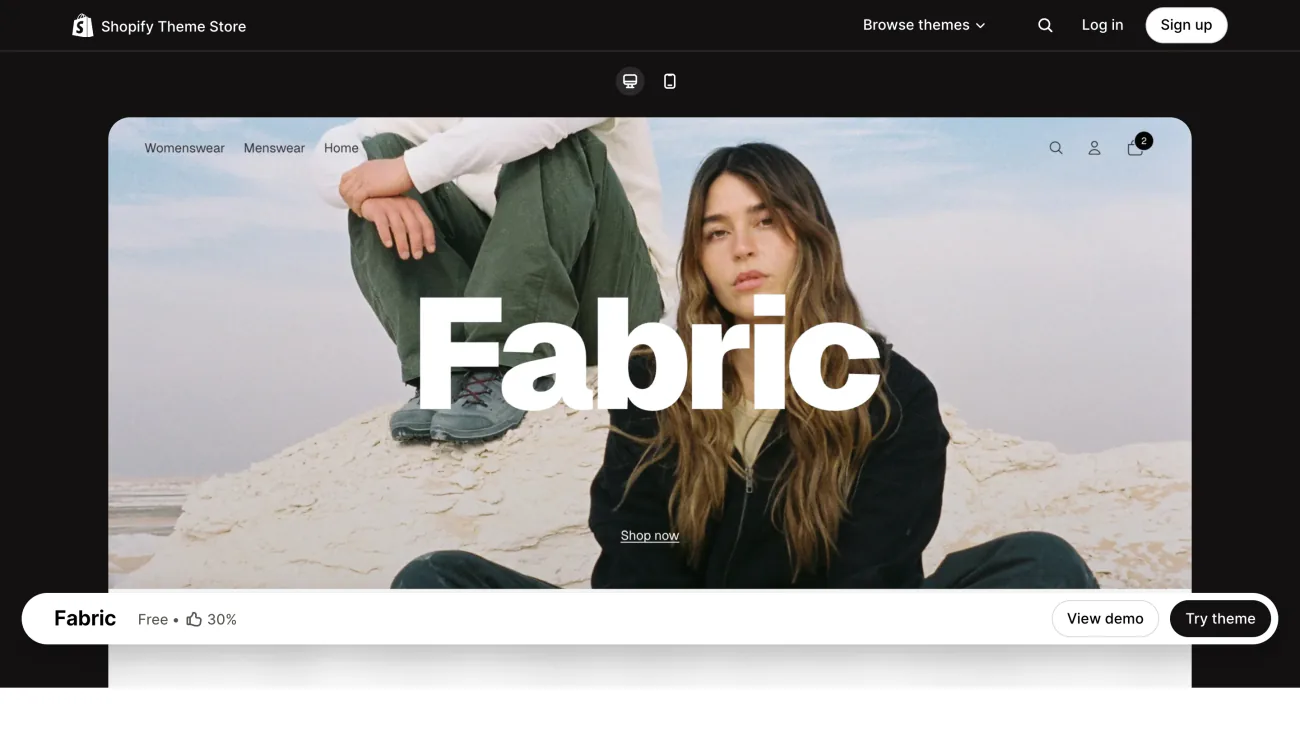
You're launching, and every dollar goes to stock. Fabric is free, from Shopify's Horizon collection, and its Theme Store page promises edge-to-edge grids, large swatches and lifestyle media blocks.
It lists swatches in the filter, but no image hotspots. Its latest version came out on October 9, 2026. A new version you add lands in your draft themes first, so you can review it before you publish. Shopify Support may help with some changes, and on Basic or higher you get up to 60 minutes of free design support.
Best for: starting out on a free theme.
Try it on the Theme Store, or read Sledge on Fabric.
2. Impulse: a shoppable first photo, plus sale tools
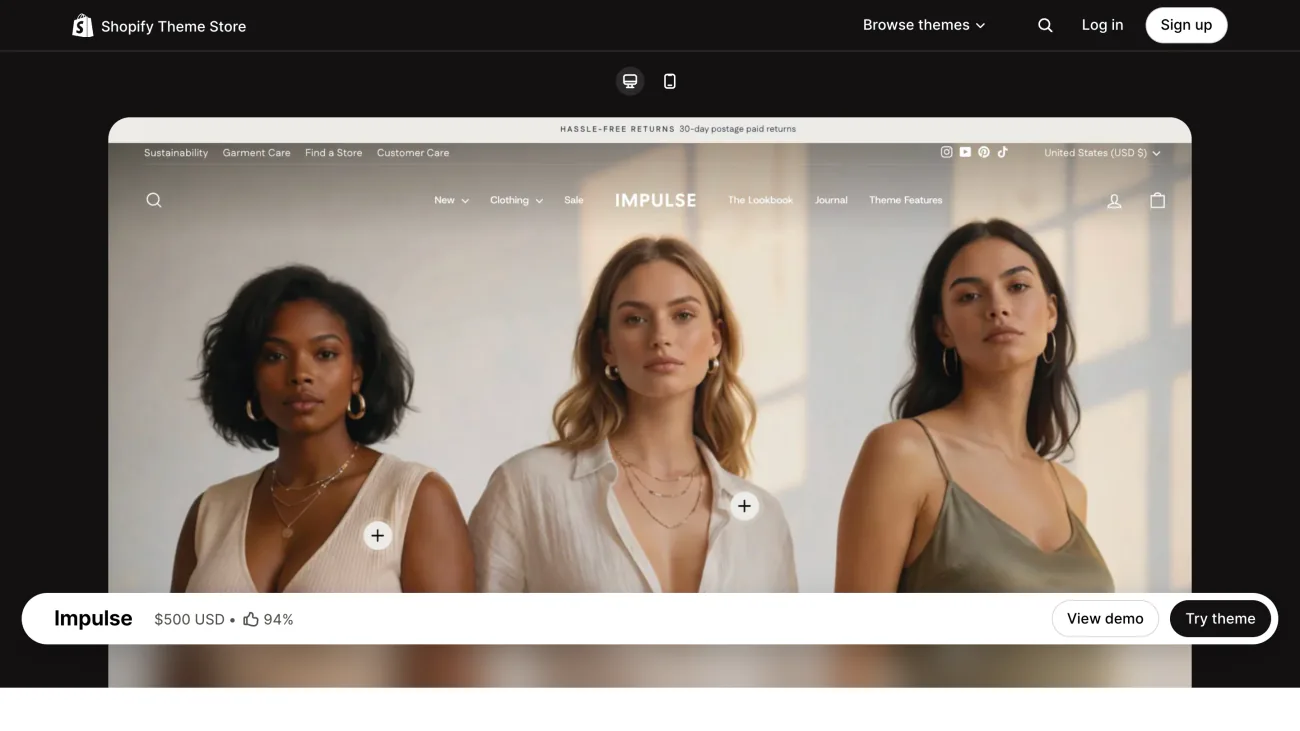
Your home page opens on a photo, and nobody can buy from it. Impulse, by Archetype Themes, opens on a hero image whose products are shoppable.
For your sales it lists promo tiles and a countdown timer. Hotspots are on its list too, but not swatches in the filter or pre-order. It costs $500.
Best for: a shoppable first photo, with sale tools.
Try it on the Theme Store, or read Sledge on Impulse.
3. Pipeline: cards that simplify picking color and size
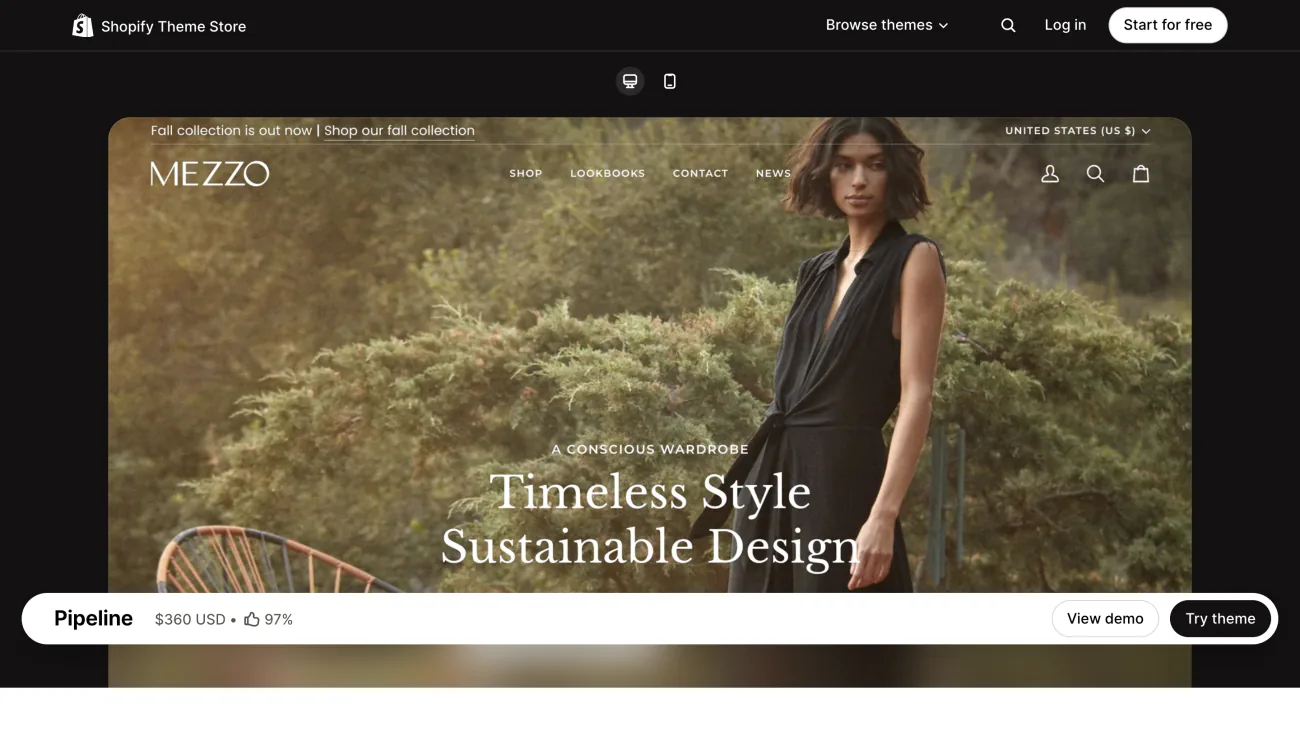
Shoppers open three products just to see which colors and sizes exist. Pipeline, by Groupthought, calls itself a theme for luxury brands and promises product cards that simplify color and size selection.
It lists swatches in the filter, hotspots and pre-order, but not combined listings. It costs $360, and its latest version came out on August 10, 2026.
Best for: cards that simplify picking color and size.
4. Motion: video, and a size picked from the collection
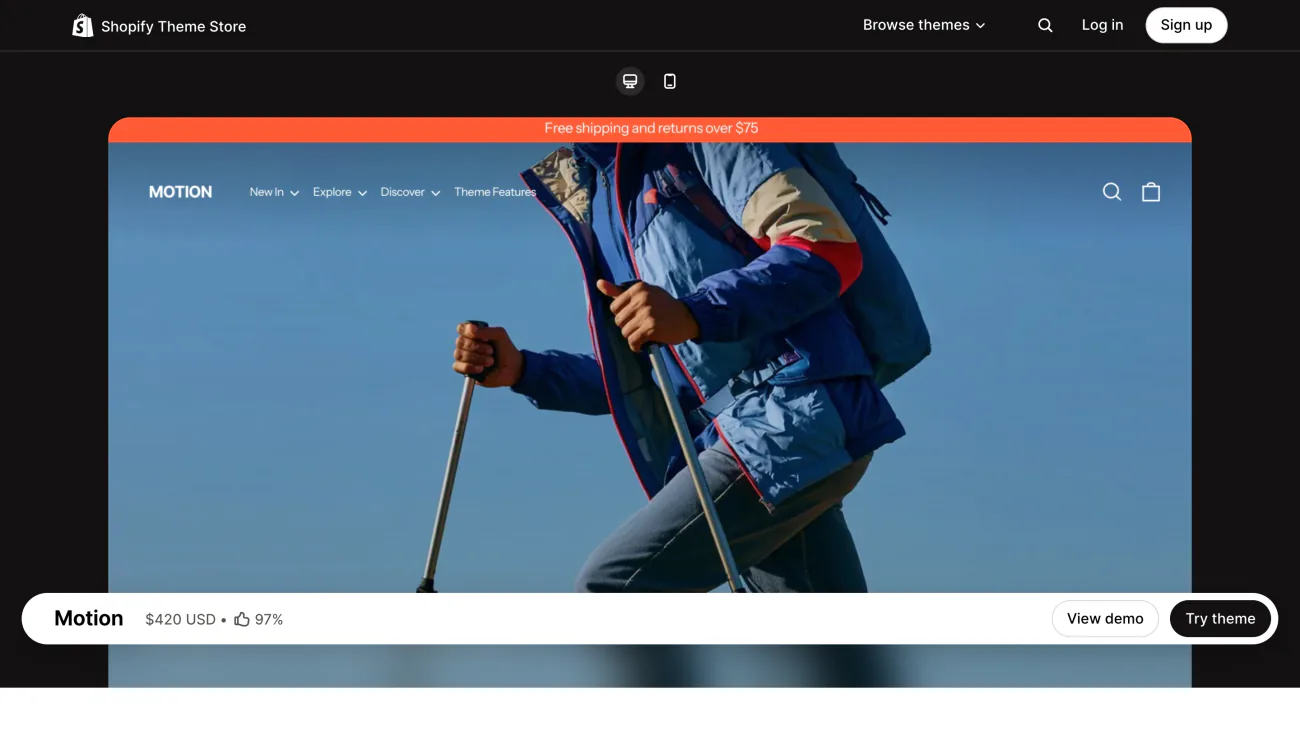
Your brand sells on film, not flat lays. Motion, by Archetype Themes, is built around animation and video, and its quick add lets a shopper pick a size and add to cart without leaving the collection page.
It doesn't list swatches in the filter or pre-order. It costs $420.
Best for: brands that sell with video.
Try it on the Theme Store, or read Sledge on Motion.
5. Stiletto: selling tools inside the theme
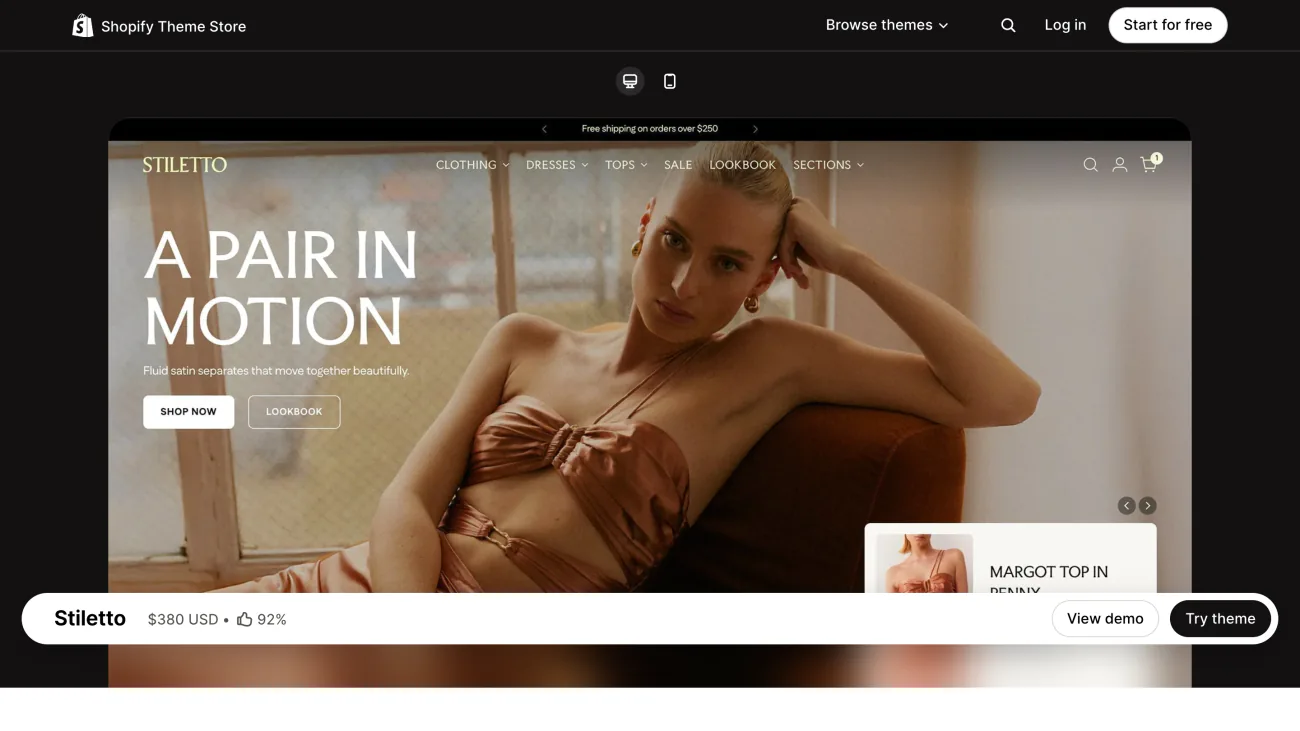
You'd rather the theme carry the selling tools. Stiletto, by Fluorescent, promises cart upsells, hotspots, sticky buy buttons, free shipping bars and countdowns, and says new features come at no extra cost.
Pre-order and swatches in the filter are on its list, but combined listings aren't. It costs $380, and its latest version came out on October 29, 2026.
Best for: selling tools built into the theme.
6. Envy: a core range laid out fit by fit
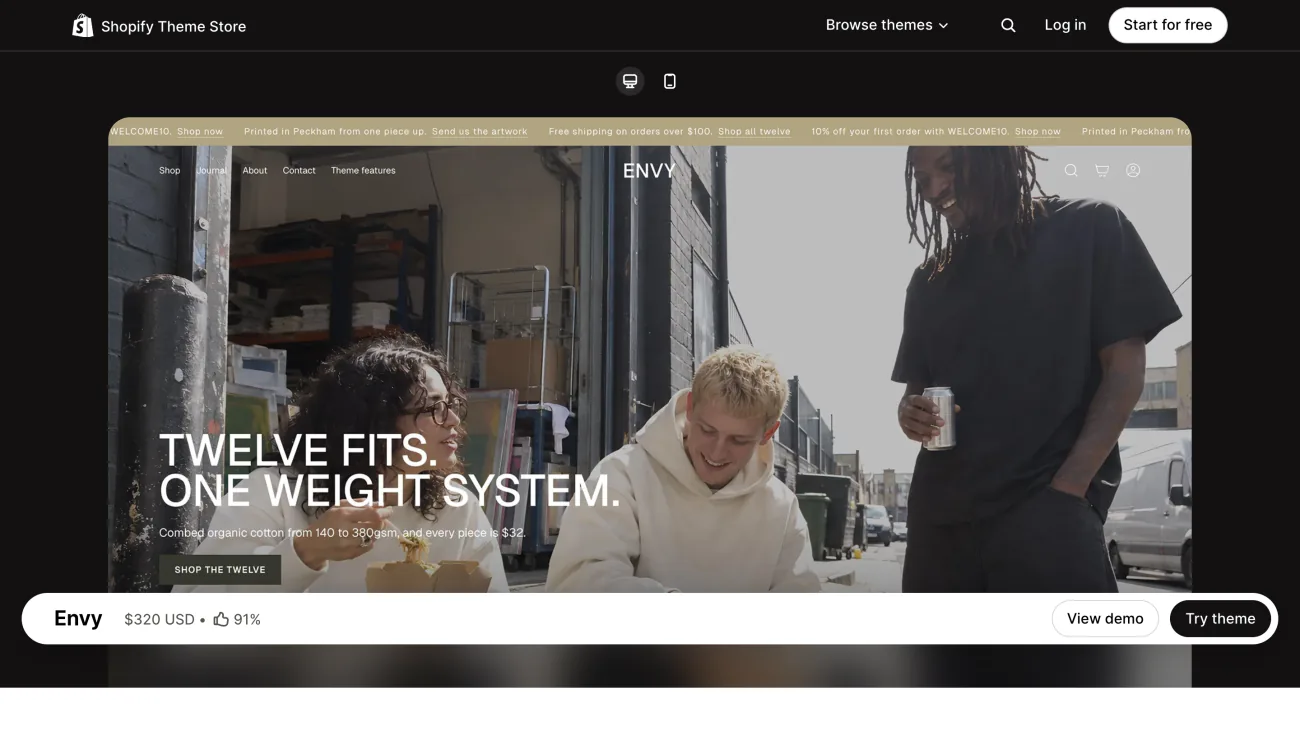
You sell basics: the same tee in four fits and nine colors. Envy, by Eight Themes, lays out a core range by fit, weight and color in collage grids, and turns outfits into shoppable looks with hotspots.
It is the only theme here that lists a back-in-stock alert. Swatches in the filter, pre-order and combined listings are on its list too. It costs $320.
Best for: basics sold by fit and color.
7. Blum: a lookbook first, for $170
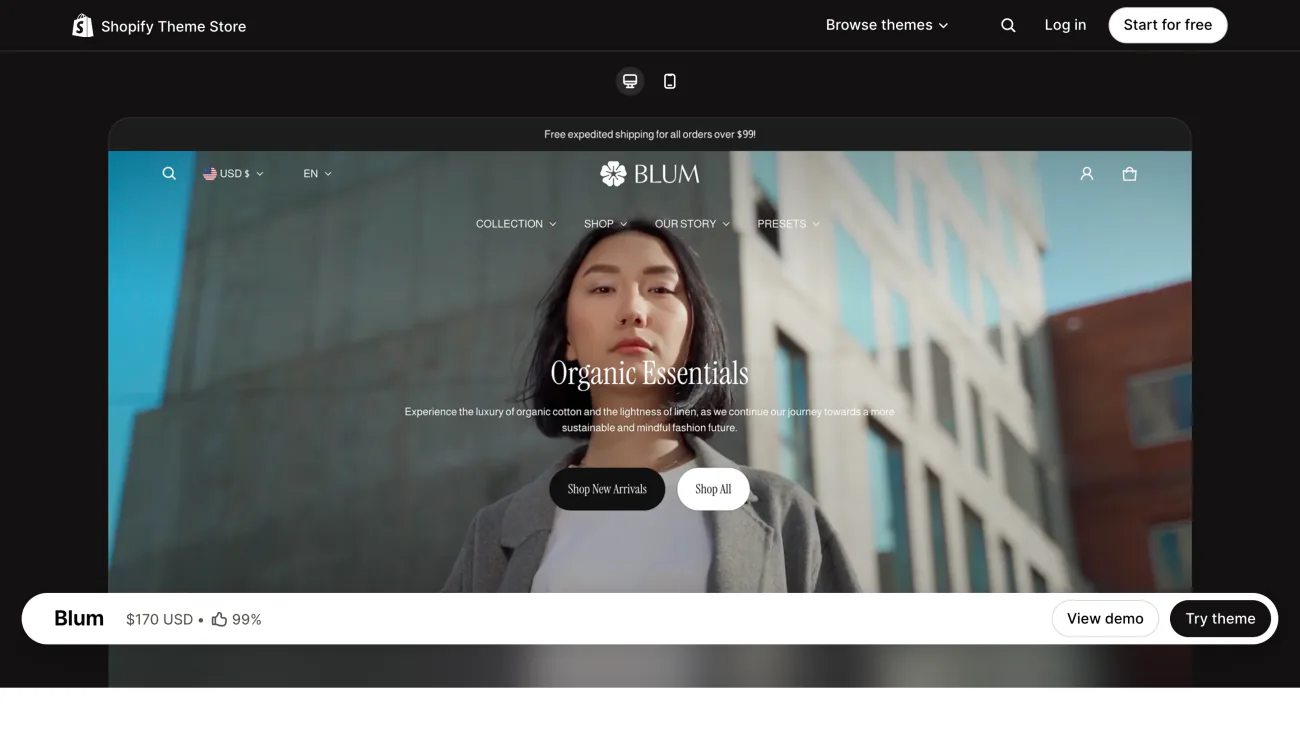
Your shoppers buy the outfit, not the piece. Blum, by eComX, is lookbook-first, with hotspot sections, outfit-building collections and shop the look.
It costs $170 and lists swatches in the filter, but not pre-order. Its latest version came out on November 2, 2026.
Best for: a lookbook on a smaller budget.
How do you test a clothing theme before you pay?
Click "Try theme" on the theme's Theme Store page. In your admin, open Online Store, find the theme under "Draft themes", the ones you've added but not published, open the menu beside it and click Preview. Shopify lets you try up to 19 paid themes at once, each marked "Theme trial".
Then open your collection with the most colors and run five checks:
- Color dots show under each product card.
- A product page opens its size chart.
- Quick view lets you pick a size without opening the product.
- A lookbook or shop-the-look section works with your own photos.
- The size filter, set to a size you know is sold out, shows whether sold-out clothes still appear.
Settings you change in the theme editor on trial stay if you buy. Edits beyond those settings have to wait until you own the theme. Buying a paid theme is final sale, so the developer can't refund you. You pay once, for a license to one store, and the 10 best Shopify themes covers what that license allows. New versions are free to add to your draft themes. The developer supports and updates a paid theme but won't customize it, so bigger changes mean hiring a Shopify Partner.
What does Sledge add to a clothing theme?
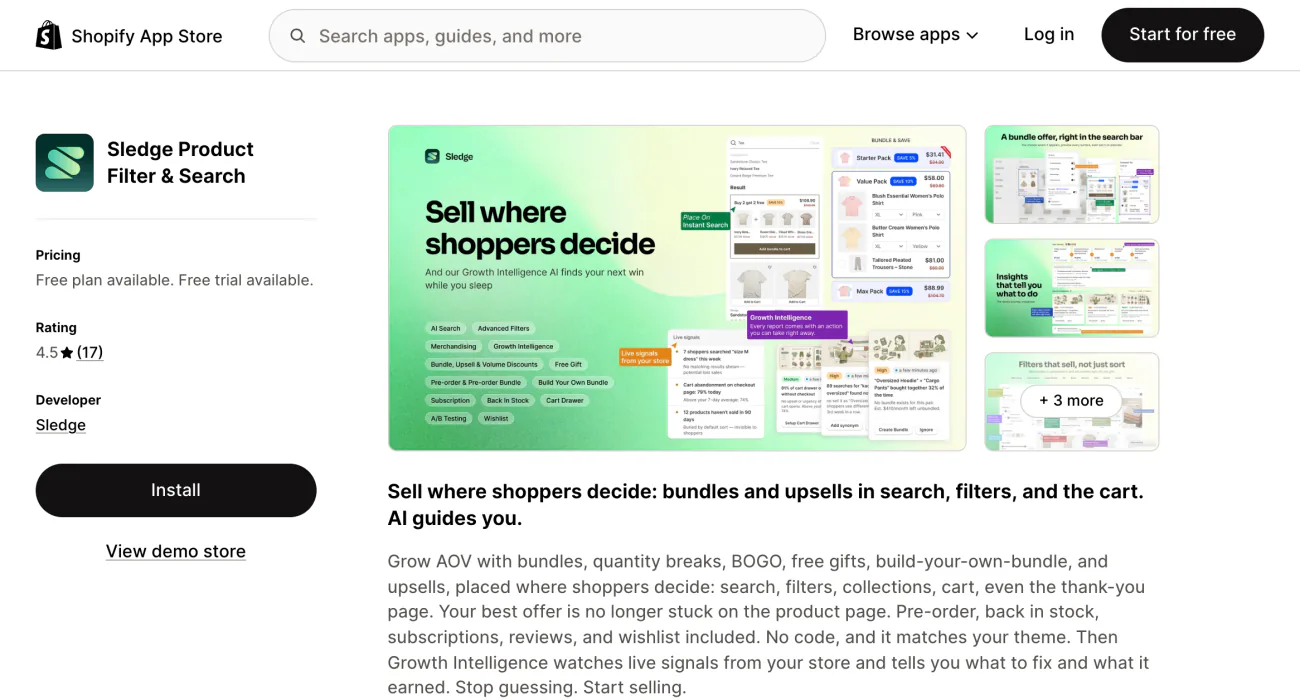
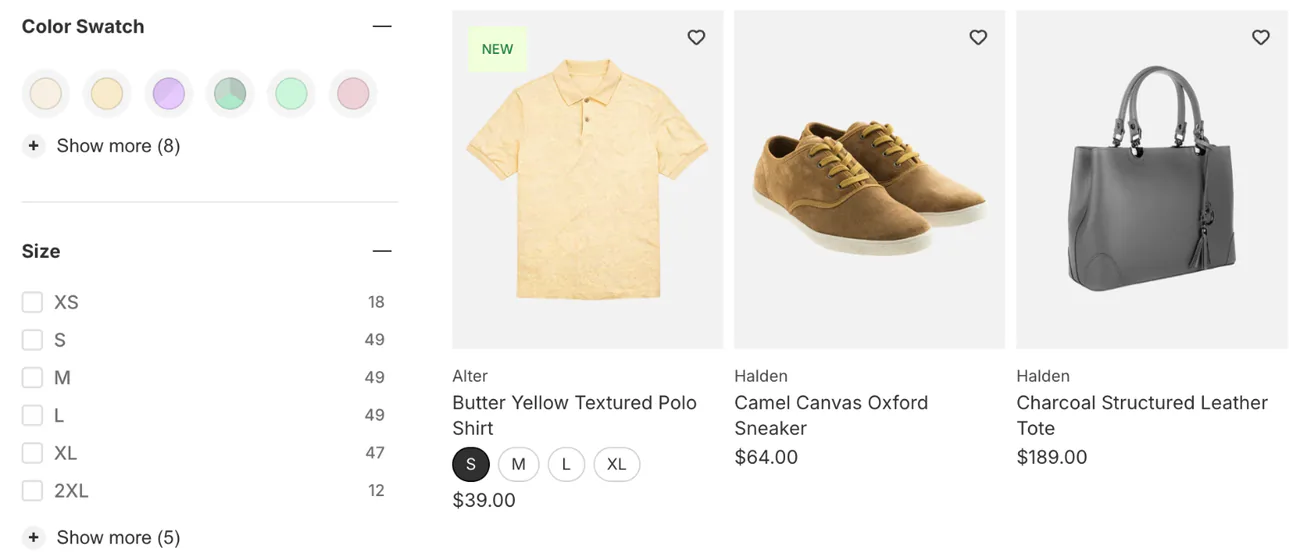
Whatever theme you pick, the color filter can list Navy and Midnight as two colors until you group them. The size filter can still offer a size that sold out.
Sledge is a Shopify search and filter app that adds to your theme rather than replacing it. Its filters can use your sizes and colors, tags, vendor, product type, collections, price, stock, or a custom product detail like fabric. Its "Color Swatch" tool turns your color names into dots in the filter, and "Merge Value" folds Navy and Midnight into one choice.
"Show out of stock variant filter items", the switch that keeps sold-out sizes in the size list, starts switched on. Turn it off, and a size pick shows only clothes with that size in stock. Each color can also get its own card on the collection. Back in Stock starts on the Accelerate plan, and its form doesn't ask which size the shopper wants.
The themes Sledge knows by name include Fabric, Impulse, Pipeline and Envy, so its search, filters and product cards take on their look. On Motion, Stiletto and Blum it runs in its standard look.
More on color filters for clothing, sold-out sizes and the apps a clothing store adds.
FAQ
Questions, answered
-

14-day free trial
Explore Sledge on your store before you decide to commit.
-

No credit card required
Start improving your store with no upfront commitment.
-

Setup in minutes
Get Sledge running without a lengthy setup process.
-

Built to grow sales
Turn shopper behavior into actions that help you sell more.
What is the best Shopify theme for clothing?
It depends on the job. Fabric is free, with edge-to-edge grids and large swatches. Impulse makes the first photo on your home page shoppable. Pipeline promises product cards that simplify picking a color and size. Motion leads with video. Stiletto adds hotspots and sticky buy buttons. Envy lays out a core range by fit. Blum leads with lookbooks for $170.
Is there a free Shopify theme for clothing?
Yes. Fabric is free, listed for clothing on Shopify's Theme Store, and its page lists color swatches, a size chart, quick view and lookbooks. Colorblock and Heritage are free clothing themes too, though Colorblock doesn't list quick view. For more free themes, judged on their selling tools, see our list of free themes.
Can you customize a Shopify theme before you buy it?
Yes, in the theme editor. Click “Try theme” on the Theme Store and change its settings with your own products, and those settings stay if you buy. Edits beyond those settings have to wait until you own it. A paid theme's developer supports and updates it but doesn't customize it, so bigger changes mean hiring a Shopify Partner.
Do clothing themes show color swatches on collection pages?
The listings don't say. All seven themes here list color swatches, but none promises color dots under each card on a collection. Open the theme's demo, go to a collection, and look for color dots under the products before you buy. Our swatch guide covers the rest.
Can a theme stop the size filter showing sold-out sizes?
No. The size filter comes from Shopify's Search & Discovery app, not from the theme, so a new theme won't change which sizes it shows. Whether sold-out sizes appear depends on how your filters are set up. Our sold-out size guide walks through four fixes and what each one costs.
How many Shopify themes can you try at once?
Up to 19 paid themes at once, each marked “Theme trial” in your draft themes. Trying one costs nothing, because the Theme Store asks you to pay only when you publish. On the Basic, Grow and Advanced plans a store holds up to 20 themes in total. On Plus, it holds up to 100.
Picked your theme? Now fix the size filter.
Try Sledge free for 14 days: color swatches in the filter, a size filter that can skip sold-out sizes, and each color as its own card. Growth Intelligence turns on when you pick a paid plan. It can flag a store with no color swatches, and it shows one dollar total, labeled "Est. potential", for what its fixes could add.

