
Shopify search analytics: what to track and what to do about it
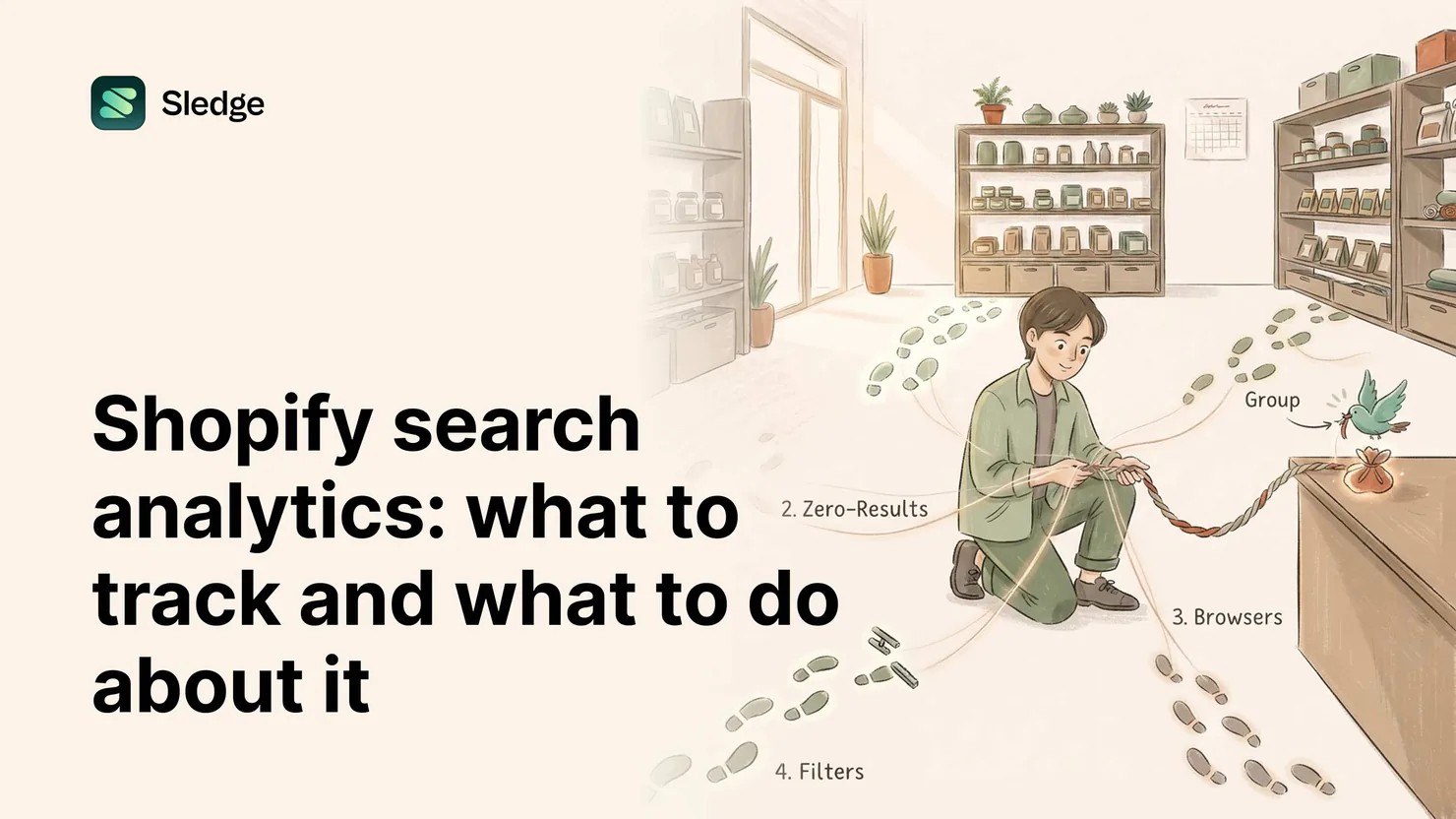
Track four things: top searches, zero-result terms, searches that get results but no sales, and which filters shoppers use. Each reading maps to an action: merchandise the winners, fix the misses with synonyms and redirects, repair the meaning gaps, and reorder the filters. Growth Intelligence reads the same data and hands you the move.
Search analytics are the rare report where every line implies an action. A shopper who types into the bar writes down what they want, in their own words, at the moment they want it. Below: the four readings worth your time, and what each one asks you to do.
What do your top searches tell you?
Top searches are demand, ranked by your own shoppers. The action: run each top term yourself and judge the first row of results like a merchandiser.
The list reorders your assumptions. The product you feature may not be the one shoppers type. When a term you would never have picked sits at number three, that is the store telling you what to do: stock it deeper, give it the homepage, shoot the better photo.
Does that first row show what a buyer would want? Top terms carry your most certain shoppers, so a mediocre results page on a top term is a leak at the widest pipe. Sledge Analytics keeps the list current.
How do you find zero-result searches, and what fixes them?
The zero-result list sits beside top searches in Sledge Analytics: every term that returned nothing. The fix is vocabulary work: synonyms, redirects, and the suggestion dictionary.
A zero-result search usually fails on words, not stock. The shopper typed "trainers," your catalog says sneakers. A synonym closes that gap, and AI-suggested synonyms in Sledge AI Search draft the mappings for you to approve. Service queries like "returns" get a redirect to the right page instead. The suggestion dictionary steers the next shopper toward terms that work, before the empty page happens.
The full repair manual is its own post: how to find and fix zero-result searches.
What about searches that get results but never sell?
This is the quietest leak in the report: a term shoppers keep typing, a results page that renders fine, and nothing sold. Find them by walking your top terms one at a time, asking whether the page that comes back would convince you.
The usual cause is a meaning gap. To your catalog, "minimal" is a collection name; to the shopper, a style. The results are technically correct and commercially wrong.
Three fixes, in order of effort. Retitle and retag so the products shoppers mean carry the words shoppers use. Add a synonym that points the term at the right products. And when a big term keeps underperforming, give it a home: a collection built for that word, with the products a buyer expects on arrival.
What does filter usage tell you?
Which filters shoppers reach for is how shoppers shop, written down. The action: make the filter bar match the behavior.
Watch which filters get used and which sit untouched. If size does the work and brand never gets a click, the order should say so: size first. Messy values cost you too: "Navy" and "navy blue" filtering as two colors split one preference into two weak rows. Merge them and the filter gets stronger.
Heavily used filter values are collection candidates. When shoppers keep narrowing to vegan, "vegan" has earned its own collection, landing page and all. Sledge Filters handles the storefront side: swatches, ranges, and values that match how your shoppers narrow.
How do you turn the readings into a routine?
Block thirty minutes a month and walk the same loop every time. Search analytics reward rhythm, not heroics.
The monthly search review
- Read top searches; run the top ten terms yourself and grade each first row.
- Feature or restock anything ranking higher in search than in your plans.
- Read the zero-result list by frequency; add synonyms for the vocabulary gaps.
- Redirect service terms ("returns," "tracking") to their pages.
- Add suggestion entries for high-traffic terms that misfire.
- Check filters: reorder by use, merge duplicate values, promote a heavy value to a collection.
- Note the unfixable terms: repeated demand for a product you do not stock is a stocking signal.
How does Growth Intelligence close the loop?
Built-in Growth Intelligence runs that routine continuously and brings you the conclusions, each with a dollar estimate. You review findings instead of spreadsheets.
It reads orders, searches, and behavior together, so each suggestion arrives specific: shoppers keep searching a term that returns nothing, here is the synonym, worth about this much a month. One click opens the move pre-filled; you save it. Then Growth Intelligence measures the result against real sales and shows the estimate beside what the move earned. Every suggestion is checked against real sales, so you always know what's working. And why.
Insights that tell you what to do. Not just what happened.
Questions, answered
What search metrics matter most for a Shopify store?
Four: top searches for ranked demand, zero-result terms for fixable misses, searched-but-never-sells terms for meaning gaps, and filter usage for how shoppers narrow. Each maps to a specific fix, which is what makes the report worth reading.
How do I see what shoppers search for on my Shopify store?
Install search analytics. Sledge Analytics records top searches and zero-result terms from your storefront search, side by side, so demand and misses sit in one view.
What is a good zero-result rate?
Lower than last month's. A universal benchmark would mislead, because a niche store fields different queries than a generalist. Track your own list by frequency and shrink it monthly; the trend is the metric.
Can search data tell me which products to add?
Yes. Zero-result terms no synonym can fix are recorded demand for things you do not carry. When the same term keeps appearing, shoppers are requesting a product in writing.
What to track. What to do.
Install free. By tomorrow, built-in Growth Intelligence reads your searches and orders and hands you the first move, with a dollar estimate attached.
14-day free trial · No code · Works with any theme · Uninstalls clean