What is inventory shrinkage?
Inventory shrinkage is the gap between the stock your records show and the stock you count. Shrinkage in retail is the same gap, also called shrink. In a Shopify store your records are the numbers Shopify holds, so shrinkage is stock that is on screen but not on the shelf: broken, given away, shipped by mistake, mistyped or stolen.
Inventory shrinkage formula and example
Shrinkage is recorded stock minus counted stock, valued at what it cost you. Say Shopify shows 100 candles that cost you $50 each, so $5,000 on record. A count finds 96, worth $4,800. The 4 missing candles are $200 of shrinkage. Divide that by the $5,000 for a 4% shrinkage rate. Books usually record the loss inside cost of goods sold.
What causes inventory shrinkage in an online store?
Each cause has a matching reason in Shopify, picked when you fix the number.
| Cause | Reason to pick |
|---|---|
| Jars crack in storage | Damaged |
| Samples and gifts never taken off the count | Promotion or donation |
| A delivery counted wrong, or the wrong size packed | Count |
| A refund that restocked an item that never came back | Count |
| Stock stolen off the shelf | Theft or loss |
A parcel lost in the post costs you a refund or a reshipment, not a gap: Shopify took its units off your count when you fulfilled the order.
How do you find shrinkage in Shopify?
Under Products, then Inventory, click "Stock counts", where Shopify keeps your shelf counts. Start one for a location, enter what you find, and send it for review. Shopify sets expected against counted for each product, and any shortfall is your shrinkage. Approving a count can't be undone, so reject any line you doubt and recount it.
How do you prevent shrinkage in retail?
In a shop, locked cases and cameras deter theft. Online, check each delivery against its purchase order before receiving it, and cycle count a few products weekly. Untick the restock box on a refund for an item that shipped and won't come back. Pick a reason on every manual change. The "Inventory adjustments by count" report, under Analytics then Reports, tallies your stock changes by person, location, app or reason.
Once the count is right, with Sledge
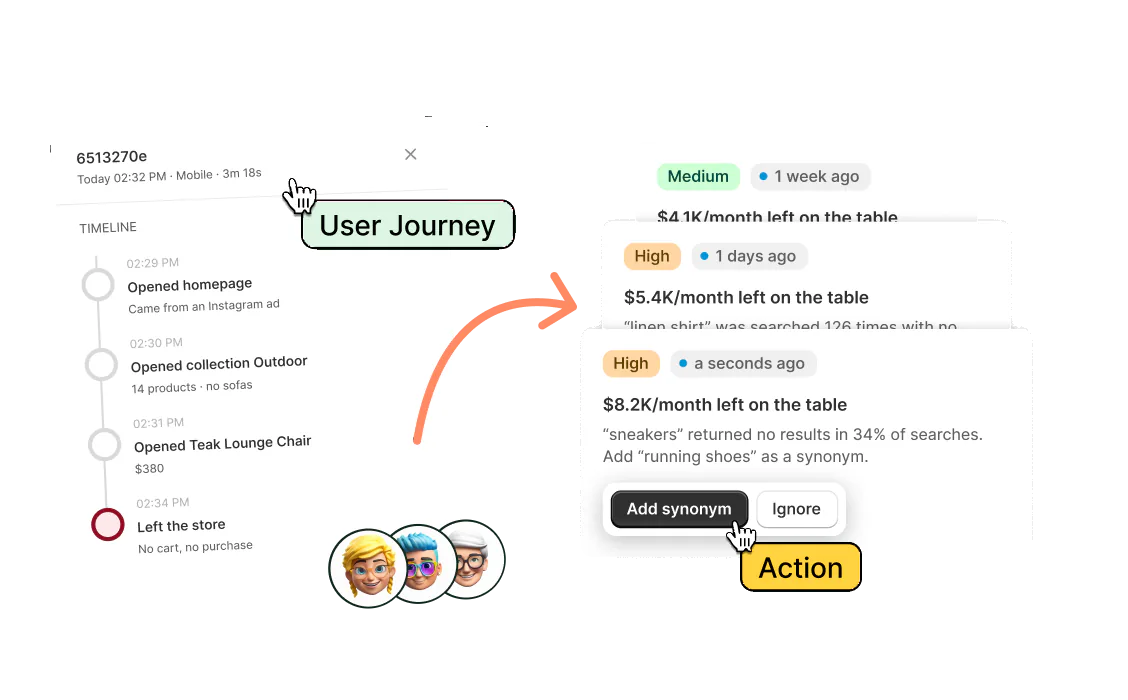
Sledge does not find, track or reduce shrinkage. A Sledge badge can be set to show only while a product's stock is at or below a number you pick. It reads the number Shopify holds, so a wrong count shows a wrong badge. Growth Intelligence turns on when you pick a paid plan. Its suggested fixes roll up into one sales estimate, labeled "Est. potential". That estimate does not measure lost stock.